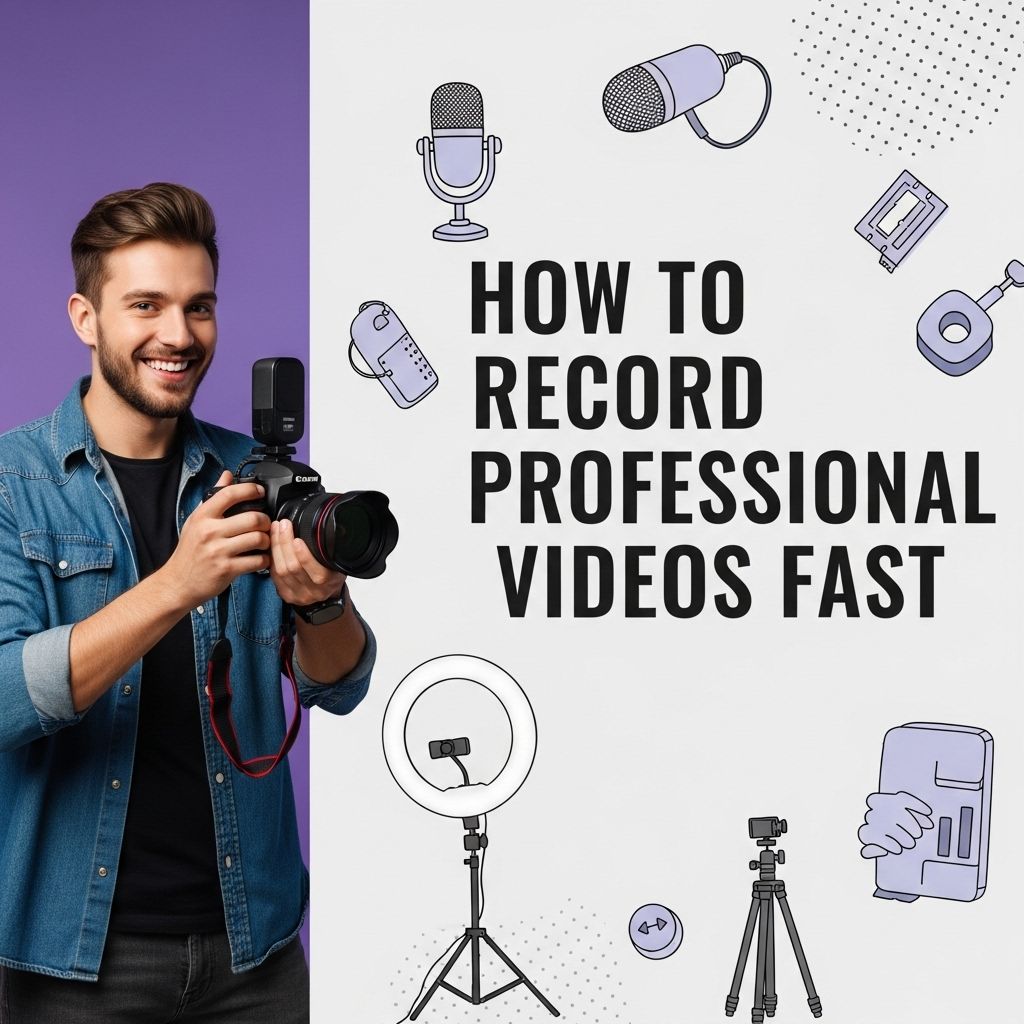
Creating professional-quality videos can seem daunting, especially when time is of the essence. Whether you’re a content creator, a marketer, or a business owner, knowing how to record videos quickly yet effectively is crucial. In this article, we will explore essential tips, tools, and techniques that will help you capture high-quality videos without spending hours in the production phase.
Creating professional videos quickly doesn’t have to be daunting. By utilizing simple techniques and the right tools, you can streamline your process and enhance the quality of your content. For those looking to elevate their video production, consider exploring resources like tube graphics to find useful templates and designs.
Table of Contents
Choosing the Right Equipment
The foundation of any professional video lies in the equipment you choose. Here’s a breakdown of essential gear you should consider:
- Camera: A DSLR or mirrorless camera provides superior quality compared to smartphones.
- Microphone: Quality audio is crucial; consider lavalier mics for interviews or shotgun mics for general recording.
- Tripod: Stabilize your shots to avoid shaky footage.
- Lighting: Softbox lights or ring lights enhance video quality by providing even lighting.
Planning Your Content
Effective planning is key to recording videos quickly. Devote time to outline your video’s structure before hitting record:
1. Determine Your Objective
What is the purpose of your video? Knowing this helps you stay focused.
2. Create a Script
A script doesn’t have to be word-for-word but should outline key points to cover:
| Point | Description |
|---|---|
| Introduction | Briefly introduce the topic. |
| Main Content | Detail the main points clearly. |
| Call to Action | Encourage viewers on what to do next. |
3. Storyboard Your Shots
Visualizing each shot can save time and streamline your recording process. Sketch out your ideas or use digital tools to create a visual guide.
Setting Up the Shoot
Your shoot setup can greatly influence the efficiency of your recording session. Here’s how to streamline the process:
1. Choose Your Location
Find a location that suits your video’s purpose. Ensure it has:
- Good lighting
- Minimal background noise
- A clean and uncluttered backdrop
2. Set Up Your Gear
Once you have your location, set up your equipment:
- Position the camera at eye-level.
- Set up your lighting to avoid harsh shadows.
- Connect your microphone to the camera.
Recording Tips for Efficiency
With everything set up, it’s time to hit record. Here are some tips to make the most of your recording time:
1. Use Multiple Takes
Don’t be afraid to record multiple takes. It allows you to get the best performance without wasting time on perfectionism.
2. Keep Your Energy Up
High energy translates into better video quality. Remember to engage with your audience through your tone and body language.
3. Monitor Audio and Video
Use headphones to monitor the audio while recording. A quick check can save hours in post-production.
Editing for Quick Turnaround
Efficient editing is just as important as recording. Here are popular tools and techniques to consider:
1. Choose the Right Editing Software
Select an editing software that balances features with ease of use:
- Adobe Premiere Pro: Industry standard with extensive features.
- Final Cut Pro: Excellent for Mac users.
- iMovie: Great for beginners.
2. Use Templates and Presets
Many editing programs come with pre-designed templates that help speed up the editing process:
- Transitions
- Text overlays
- Color grading presets
3. Focus on Key Edits
When editing, prioritize key changes:
- Cut unnecessary footage.
- Add titles or graphics where necessary.
- Adjust audio levels to be consistent throughout.
Final Touches and Publishing
Once your video is edited, ensure you apply some final touches:
1. Review the Video
Watch the video from start to finish to catch any last-minute errors.
2. Optimize for Different Platforms
Consider where you will publish your video. Each platform has unique requirements:
| Platform | Recommended Format | Max Length |
|---|---|---|
| YouTube | MP4 | 12 hours |
| MP4 | 60 seconds | |
| MP4 | 240 minutes |
3. Publish and Promote
Use social media and email marketing to promote your video effectively. Encourage viewer interaction by asking for comments and shares.
Conclusion
Recording professional videos quickly hinges on preparation, the right equipment, and efficient editing. By implementing these strategies, you can create high-quality content without the stress of prolonged production times. Remember, practice makes perfect; the more videos you create, the quicker and more skilled you will become at the process.
FAQ
What equipment do I need to record professional videos quickly?
To record professional videos fast, you will need a high-quality camera, a good microphone, proper lighting, and a stable tripod or gimbal.
How can I improve video quality without spending too much time?
Use good lighting, shoot in a quiet environment, and make sure to set your camera to the highest resolution to improve video quality quickly.
What are some tips for scripting videos to save time?
Create an outline of key points, use bullet points instead of full scripts, and practice your delivery to minimize retakes.
How can I streamline the editing process for my videos?
Use editing software with templates, keep your edits simple, and utilize keyboard shortcuts to speed up the editing workflow.
What are the best practices for filming to minimize retakes?
Plan your shots in advance, rehearse your presentation, and ensure all equipment is set up correctly before recording.
How can I use teleprompters to record videos faster?
Teleprompters can help you deliver your script smoothly and confidently, reducing the time spent on multiple takes.