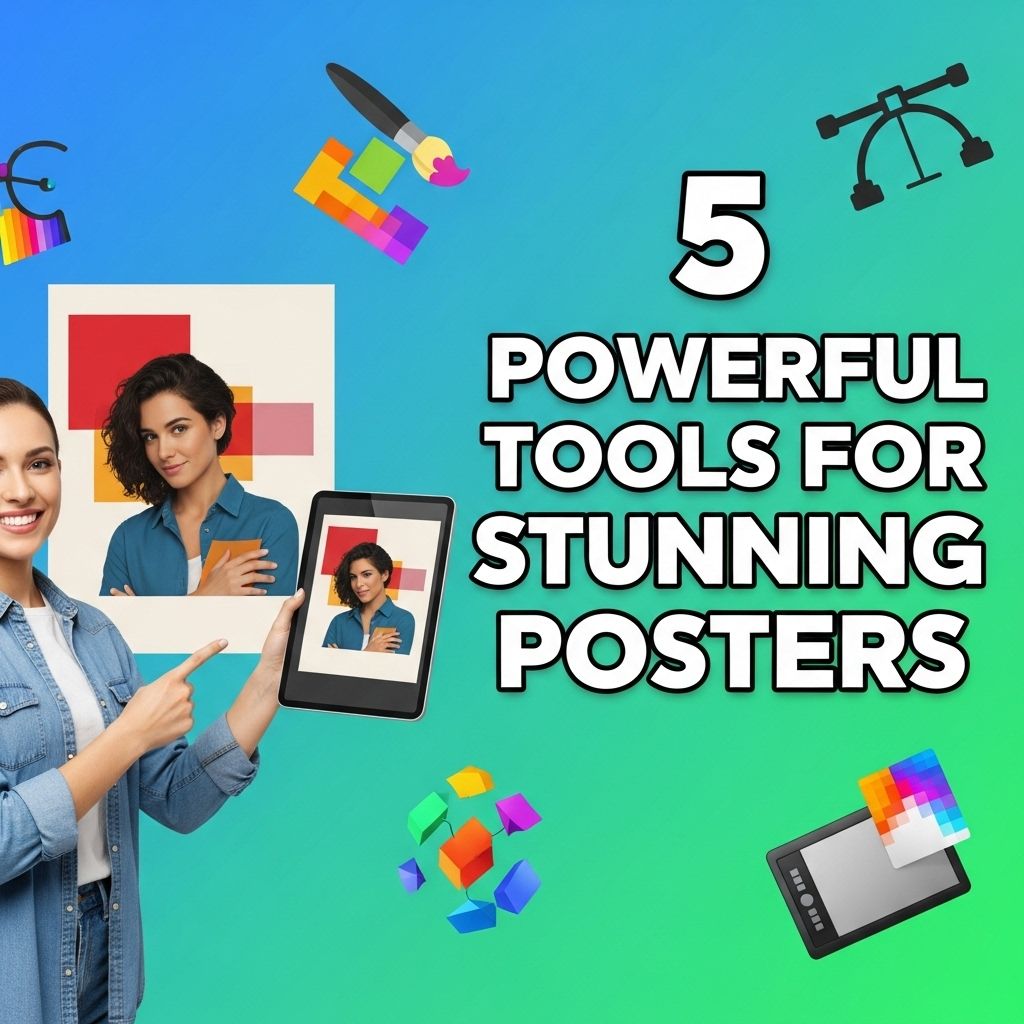
In a world where visual communication is key, creating stunning posters can make a significant difference in grabbing attention and conveying messages effectively. Whether you’re an aspiring graphic designer, a marketing professional, or someone looking to enhance an event’s visibility, the tools you use can greatly influence the quality of your design. This article explores five powerful tools that can elevate your poster-making game.
Creating stunning posters requires the right tools to bring your vision to life. From user-friendly software to advanced design applications, there are several powerful resources available. Explore these five powerful tools for elevating your poster design skills and enhancing your creativity: poster designing tools.
Table of Contents
1. Adobe Illustrator
Adobe Illustrator is a vector graphic design software that has become a staple in the design industry. It offers a wide range of tools and capabilities that are perfect for creating detailed and scalable poster designs.
Key Features:
- Vector Graphics: Create scalable images that retain quality at any size.
- Powerful Typography Tools: Access extensive typeface options and customize text easily.
- Layer Management: Organize your design elements in layers for better control.
Benefits:
- Professional-grade outputs that can be used for both digital and print media.
- Integration with other Adobe products for enhanced workflow.
2. Canva
Canva is an online platform that democratizes design by providing a user-friendly interface with a plethora of templates and images. Perfect for those who may not have extensive design experience, Canva allows users to create appealing posters in a matter of minutes.
Key Features:
- Template Library: Thousands of pre-designed templates to choose from.
- Drag-and-Drop Interface: Simple and intuitive design process.
- Collaborative Features: Work with teams in real-time and share designs effortlessly.
Benefits:
- Accessible to users of all skill levels.
- Free and premium options available to suit different needs.
3. Affinity Designer
Affinity Designer is known for its affordability and robust capabilities, offering a professional alternative to Adobe Illustrator. This tool is ideal for designers who seek precision and versatility in their poster designs.
Key Features:
- Dual Environment: Switch between vector and raster workspaces seamlessly.
- Accurate Color Control: Advanced color management tools for perfect color matching.
- Infinite Canvas: Expand your workspace as needed for larger projects.
Benefits:
- One-time purchase cost is much lower than subscription-based models.
- Frequent updates to ensure software remains cutting-edge.
4. Piktochart
Piktochart is a web-based infographic maker that excels in creating visually-driven content, including posters. With an emphasis on data visualization, it’s particularly useful for educational or informational posters.
Key Features:
- Infographic Templates: Suitable for presenting data in an engaging format.
- Icon and Image Customization: Easily adjust icons and images to fit your design.
- Export Options: Save your designs in various formats, including PNG, PDF, and PowerPoint.
Benefits:
- Ideal for creating posters that require data representation.
- Beginner-friendly, with helpful tutorials available.
5. Fotor
Fotor is another online platform offering versatile design tools and templates. It is especially popular for photo editing, but it also features options for creating beautiful posters.
Key Features:
- Photo Editing Capabilities: Enhance images before incorporating them into your poster.
- Design Templates: Access to a variety of professional templates for quick design.
- Collage Maker: Combine multiple images in creative ways.
Benefits:
- Comprehensive tools for both photo editing and design.
- Offers both free and premium version with enhanced features.
Conclusion
Selecting the right tool for creating stunning posters can significantly impact your design process. While Adobe Illustrator remains a leading choice for professionals, alternatives like Canva and Affinity Designer provide robust features for users of all skill levels. Piktochart and Fotor further expand the options, catering to those who prioritize data visualization and photo editing. Ultimately, the best choice depends on your specific needs, budget, and design aspirations.
FAQ
What are the best tools for creating stunning posters?
Some of the best tools for creating stunning posters include Adobe Spark, Canva, Piktochart, PosterMyWall, and GIMP.
Is Canva suitable for beginners looking to design posters?
Yes, Canva is very user-friendly and offers a variety of templates and design elements that make it ideal for beginners.
Can I use Adobe Spark for free to create posters?
Adobe Spark offers a free version with limited features, but for full access to its tools and templates, a subscription is required.
What features should I look for in a poster design tool?
Look for features like customizable templates, drag-and-drop functionality, a wide variety of graphics and fonts, and export options.
Are there any online tools that allow collaboration for poster design?
Yes, tools like Canva and Adobe Spark allow multiple users to collaborate in real-time on poster designs.
Can I print my posters directly from these design tools?
Many poster design tools offer options to download your posters in high-resolution formats suitable for printing.