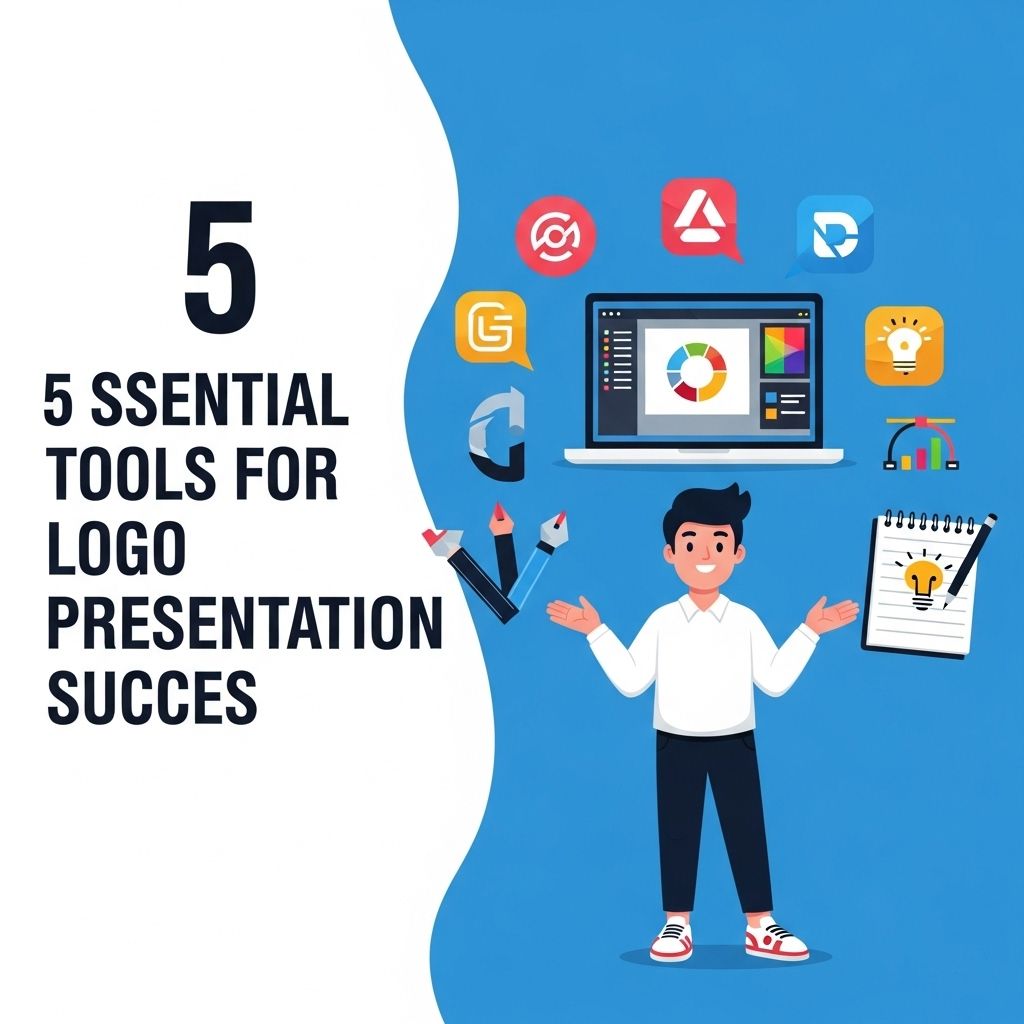
In today’s competitive business environment, a logo serves as a vital component of brand identity. A well-designed logo not only captures the essence of a brand but also communicates its values and mission. However, a logo’s success goes beyond its design; how it is presented can make a significant difference. Effective logo presentation can influence perception, create a lasting impression, and reinforce brand message. In this article, we will explore five essential tools that can aid in the successful presentation of logos.
When it comes to presenting your logo design, utilizing the right tools can elevate your presentation from ordinary to outstanding. Among the various resources available, gold mockups for branding are particularly effective in showcasing your logo’s elegance and professionalism. Explore high-quality options with tools like gold mockups for branding to make your designs truly shine.
Table of Contents
1. Adobe Illustrator
As a leading graphic design software, Adobe Illustrator is pivotal in creating high-quality logo designs. Its vector-based capabilities allow for scalability without loss of quality, making it ideal for logos that need to be resized for various applications.
Key Features:
- Vector graphics: Ensure logos maintain their integrity at any size.
- Advanced typography: Customize fonts to enhance brand identity.
- Extensive color options: Create a vibrant color palette that aligns with brand guidelines.
- Artboards: Present logos in multiple variations and contexts efficiently.
Tips for Using Adobe Illustrator:
- Utilize the pen tool for precise shape creation.
- Experiment with layers to manage complex designs.
- Save files in multiple formats for different presentation needs.
2. Canva
For those who may not have extensive graphic design skills, Canva is a user-friendly tool that simplifies logo presentation. With a variety of templates and design elements, Canva allows users to showcase their logos in professional layouts.
Advantages of Canva:
- Drag-and-drop interface: Easy for beginners to create stunning presentations.
- Pre-designed templates: Choose from a range of styles tailored for logo showcases.
- Collaboration features: Work alongside team members to refine the presentation.
Best Practices for Canva:
- Use high-resolution images to avoid pixelation.
- Maintain brand colors and fonts to ensure consistency.
- Incorporate visual elements that reinforce the brand’s message.
3. PowerPoint
Microsoft PowerPoint is not only a presentation tool but also a versatile platform for showcasing logos. Its broad range of features allows users to create dynamic presentations that can capture and retain audience attention.
Features that Enhance Logo Presentations:
- Animation effects: Bring logos to life with transitions and animations.
- Slide layouts: Organize information around the logo effectively.
- Charts and graphics: Present data alongside logo visuals to highlight brand impact.
Strategies for Effective Use of PowerPoint:
- Limit the amount of text on slides to keep the focus on the logo.
- Use high-quality visuals that complement the logo.
- Practice your presentation to ensure smooth delivery.
4. Behance
Behance is an online platform that allows designers to showcase their work and connect with potential clients. It offers a unique opportunity to present logos in a creative portfolio setting, alongside other design projects.
Benefits of Using Behance:
- Community feedback: Engage with a community of designers for constructive criticism.
- Portfolio building: Showcase a collection of design work, highlighting the logo’s context.
- Networking: Connect with industry professionals and potential clients.
Tips for Maximizing Your Behance Portfolio:
- Include case studies detailing the design process behind the logo.
- Curate projects to highlight your best work and versatility.
- Use tags and keywords to increase visibility.
5. Mockup Generator Tools
Mockup generator tools, such as Placeit and Smartmockups, allow designers to showcase logos in real-life scenarios. These tools are essential for visualizing how a logo would appear on various products, enhancing the overall presentation.
Why Use Mockup Generators:
- Realistic previews: Display logos in context, making it easier for clients to visualize their use.
- Variety of templates: Choose from various mockups such as business cards, signage, and merchandise.
- Easy customization: Quickly upload logos and customize settings for presentation.
Effective Use of Mockup Generators:
- Select mockups that align with the brand’s target audience.
- Ensure the logo is presented prominently for maximum impact.
- Use a consistent style across all mockups to maintain branding.
Conclusion
Successful logo presentation is critical in establishing a brand’s identity and can significantly influence its perception in the marketplace. By utilizing the right tools, designers can enhance their logo presentations, making a powerful impact. Adobe Illustrator, Canva, PowerPoint, Behance, and mockup generators each have their unique strengths that contribute to effective logo showcasing. By leveraging these tools strategically, you can ensure that your logo not only looks good but also resonates with your audience, solidifying your brand’s presence in a crowded landscape.
FAQ
What are the best tools for logo presentation?
Some of the best tools for logo presentation include Adobe Illustrator, Canva, Sketch, InVision, and PowerPoint.
How can I create a professional logo presentation?
To create a professional logo presentation, use high-quality mockups, maintain a consistent color scheme, and include brand story elements.
Why is logo presentation important?
Logo presentation is important because it helps communicate the brand’s identity and values effectively to the audience.
What features should I look for in logo presentation software?
Look for features like customizable templates, collaboration tools, and the ability to present in various formats.
How can I improve my logo presentation skills?
To improve your logo presentation skills, practice regularly, seek feedback, and study successful presentations for inspiration.