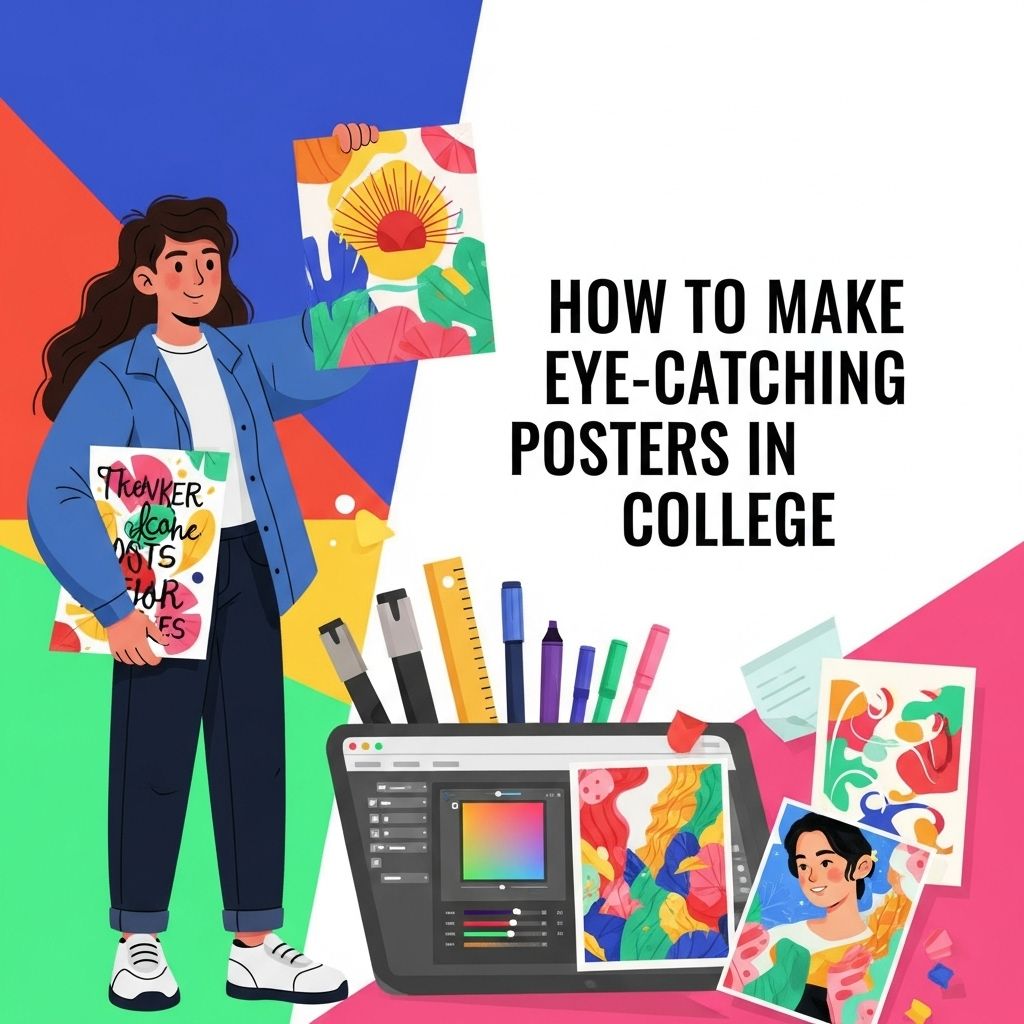
Creating eye-catching posters in college is an essential skill that transcends mere aesthetics. Posters serve as powerful visual communication tools, conveying messages, promoting events, and showcasing creativity. Whether you are advertising a student organization, promoting a campus event, or expressing your artistic flair, effective poster design can captivate your audience and leave a lasting impression. In this article, we will delve into various strategies and tips to create stunning posters that stand out in the crowded college environment.
Creating stunning college posters has never been easier with the right resources at your fingertips. From eye-catching designs to customizable elements, you can make a strong impression without the hassle. For inspiration and ready-to-use designs, check out free poster templates.
Table of Contents
Understanding the Basics of Poster Design
To create an impactful poster, it’s crucial to understand the basic design principles. The following components are vital:
- Color Scheme: Choose a color palette that reflects the theme and evokes the desired emotional response.
- Typography: Select fonts that are readable from a distance. Limit yourself to two or three different fonts.
- Imagery: Use high-quality images or graphics that complement your message and draw attention.
- Layout: Organize elements in a way that guides the viewer’s eye naturally through the poster.
Choosing the Right Tools for Design
In today’s digital age, numerous tools and software can help you design attractive posters. Here are some popular options:
Graphic Design Software
1. Adobe Illustrator: A powerful tool for vector graphics and typography.
2. Canva: User-friendly with numerous templates, ideal for beginners.
3. Inkscape: A free and open-source alternative for vector graphics.
Online Resources for Graphics
Consider using websites that provide free images and graphics:
- Unsplash – High-quality stock photos.
- Pexels – Free stock photos and videos.
- Freepik – Vector images and PSD files.
Key Elements to Include in Your Poster
A poster must convey a clear message while being visually appealing. Here are the essential elements to consider:
Title
Make it bold, concise, and relevant to the content. Use a large font size to ensure visibility.
Body Text
Keep it brief and to the point. Aim for:
- Short sentences or bullet points.
- Highlight important information using bold or different colored text.
Images and Graphics
Incorporate images that support your message and enhance the overall look of the poster. Be mindful of:
- Resolution: Use high-resolution images to avoid pixelation.
- Placement: Ensure images do not overshadow the text.
Call to Action (CTA)
Encourage the audience to take action, whether it’s attending an event, visiting a website, or contacting you for more information. Make it clear and compelling.
Tips for Creating a Visually Appealing Design
Consider the following tips to enhance your poster’s visual appeal:
Maintain Balance and Harmony
Ensure that no single element overwhelms the others. A balanced design creates a harmonious look.
Use Contrasting Colors
Utilize contrasting colors for text and background to improve readability. For example:
| Background Color | Text Color |
|---|---|
| Dark Blue | White |
| Light Yellow | Dark Gray |
Play with White Space
Don’t overcrowd your poster. White space helps to separate different elements and improves readability.
Mockups and Feedback
Before finalizing your poster, create mockups and gather feedback:
Creating Mockups
Use digital tools to create mockups of your design. This allows you to visualize how your poster will look in real life.
Seek Constructive Criticism
Share your design with peers or mentors and ask for feedback. Constructive criticism can provide valuable insights and improvements.
Printing and Displaying Your Poster
Once your poster design is finalized, it’s time to print and display it effectively:
Choosing the Right Paper
Consider the impact of paper type on your poster. Options include:
- Glossy Paper: Enhances colors and images.
- Matte Paper: Reduces glare, ideal for text-heavy posters.
Consider Size and Placement
The size of your poster should be appropriate for its intended location. Common sizes include:
| Size | Dimensions (inches) |
|---|---|
| Small | 11 x 17 |
| Medium | 18 x 24 |
| Large | 24 x 36 |
Conclusion
Creating eye-catching posters in college is not just about artistic talent; it requires an understanding of design principles and effective communication. By leveraging the right tools, incorporating key design elements, and seeking feedback, you can craft posters that attract attention and convey your message effectively. With practice and creativity, your posters will not only promote events but also showcase your unique style and vision.
FAQ
What are the key elements of an eye-catching poster?
An eye-catching poster should have a strong visual hierarchy, vibrant colors, bold typography, and engaging images. Additionally, it should convey a clear message and include essential information succinctly.
What tools can I use to design posters for college projects?
You can use design software like Adobe Illustrator, Canva, or Microsoft PowerPoint. These tools offer templates and features that make it easy to create professional-looking posters.
How important is color choice in poster design?
Color choice is crucial in poster design as it can evoke emotions, attract attention, and help convey the theme. Use contrasting colors to make your text stand out and ensure readability.
What tips can help me create a cohesive poster layout?
To create a cohesive poster layout, maintain consistent margins, align elements properly, and use a limited color palette. Consider using a grid system to organize your content effectively.
How can I effectively use images in my posters?
Choose high-quality images that relate to your content. Use images strategically to draw attention, support your message, and break up text. Ensure they are properly sized and positioned for balance.
What are common mistakes to avoid when making posters?
Common mistakes include overcrowding the design with too much text or too many images, using unreadable fonts, and neglecting to proofread for errors. Keep it simple and focused.