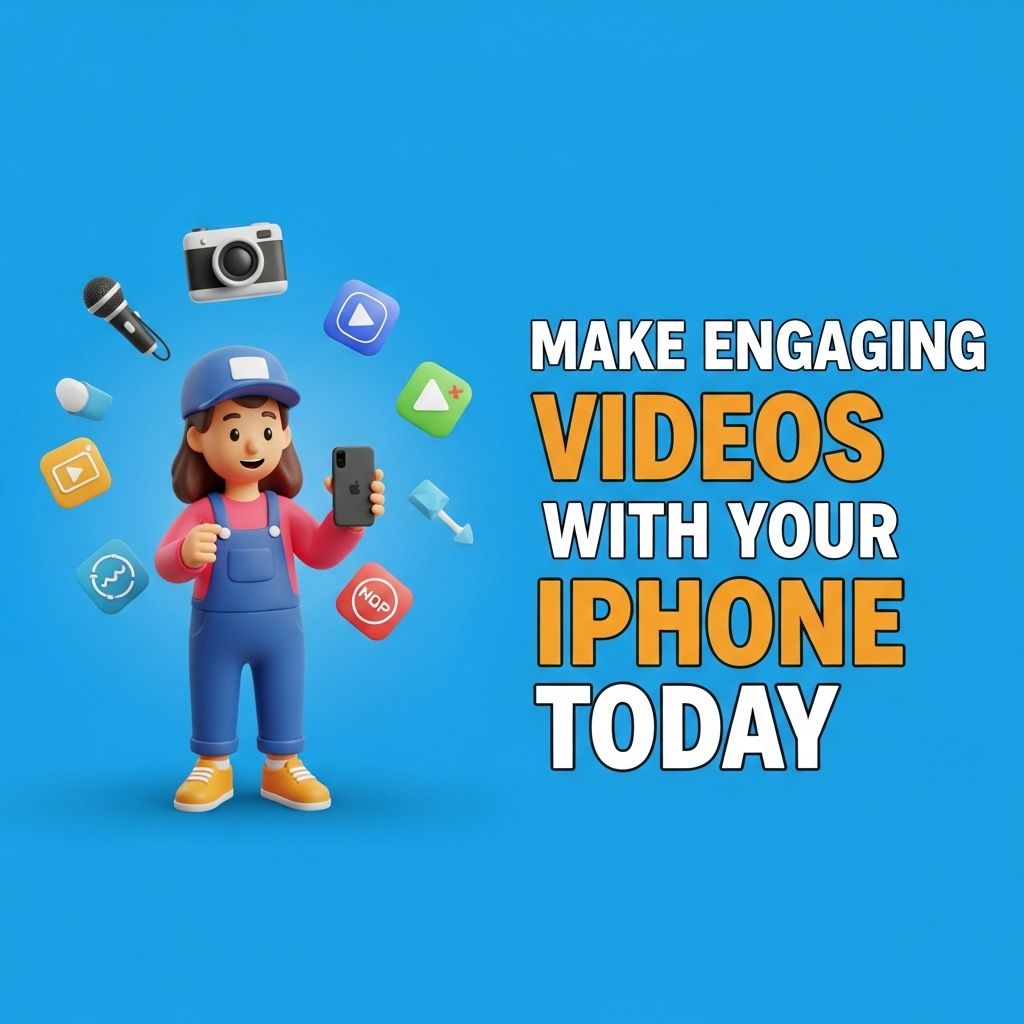
In the age of social media, creating engaging videos has become a necessity for content creators, marketers, and anyone looking to connect with an audience. With the capabilities of modern smartphones, especially the iPhone, producing high-quality videos is more accessible than ever. Whether you’re documenting your travels, sharing tutorials, or promoting a product, this guide will walk you through everything you need to know to start making engaging videos with your iPhone today.
Creating engaging videos with your iPhone has never been easier, allowing anyone to express their creativity on the go. With a few simple techniques and tools, you can transform everyday scenes into captivating content that stands out. For inspiration, you might want to explore options like creative tube packaging that can enhance your narrative.
Table of Contents
Understanding Your iPhone’s Camera
The iPhone comes equipped with powerful camera features that can rival professional equipment. Here are some key aspects to familiarize yourself with:
Camera Specifications
- Multiple Lenses: Depending on the model, your iPhone may have wide, ultra-wide, and telephoto lenses for different shooting scenarios.
- 4K Recording: Newer models support up to 4K video recording at 60 frames per second (fps), allowing for stunning video quality.
- Advanced Stabilization: Optical image stabilization technology helps keep your videos steady, reducing shakiness.
- Smart HDR: This feature automatically enhances the quality of your videos by balancing exposure and improving color.
Planning Your Video Content
Before hitting record, spend some time planning your video. A well-thought-out concept can make all the difference. Here’s how to get started:
Defining Your Audience
Understand who you want to reach with your content. Define your target audience based on interests, age, and demographics to tailor your message accordingly.
Creating a Storyboard
Sketch out your ideas in a storyboard. This will help you visualize scenes and transitions, making your filming process smoother. Consider the following elements:
- Introduction: Grab attention within the first few seconds.
- Main Content: Deliver valuable information, stories, or entertainment.
- Call-to-Action: Encourage viewers to like, share, or subscribe.
Filming Techniques
Once you’ve laid out your plan, it’s time to start filming. Here are some techniques to enhance the quality of your videos:
Lighting
Good lighting is crucial for high-quality videos. Here are some tips:
- Utilize natural light whenever possible; shooting during the golden hour (early morning or late afternoon) can add a beautiful glow to your videos.
- Invest in affordable artificial lighting setups, such as softboxes or ring lights, for controlled indoor shoots.
Composition
Use the rule of thirds to create visually appealing shots. Imagine dividing your screen into a 3×3 grid and place points of interest along these lines or intersections. Here are some common compositional techniques:
- Leading Lines: Use roads, paths, or architectural lines to guide viewers’ attention.
- Framing: Employ natural frames, like windows or arches, to focus on your subject.
- Depth: Add layers to your shots by including elements in the foreground, mid-ground, and background.
Audio Quality
Clear audio can significantly enhance viewer experience. Consider using an external microphone for better sound quality. Here are some recommendations:
- Shotgun microphones for directional audio.
- Lavalier mics for interviews or talking head videos.
- Consider using an audio recording app for better control.
Editing Your Videos
Post-production is where your videos can truly shine. Editing allows you to cut unnecessary footage, add special effects, and polish your final product. Below are some popular editing apps available for iPhone:
Top Video Editing Apps
| App Name | Features | Price |
|---|---|---|
| iMovie | User-friendly, templates, green screen | Free |
| Adobe Premiere Rush | Multi-track editing, cloud sync | $9.99/month |
| InShot | Speed adjustments, music library | Free (in-app purchases) |
| Filmmaker Pro | Professional tools, overlays | $4.99 |
Engaging Your Audience
Once your video is edited and polished, it’s time to share it with the world. Here are a few tips to engage your audience effectively:
Optimizing for Social Media
Each social media platform has its own best practices for video content:
- Instagram: Keep videos shorter (under 60 seconds) for maximum engagement.
- YouTube: Aim for longer content (10+ minutes) that dives deeper into subjects.
- TikTok: Use trending sounds and challenges to increase visibility.
Encouraging Interaction
Engagement doesn’t stop at views. Here’s how to encourage audience interaction:
- Ask questions to invite comments and discussions.
- Host live Q&A sessions to connect directly with your followers.
- Incorporate polls or quizzes during the video to make it interactive.
Final Thoughts
Creating engaging videos with your iPhone is an exciting and rewarding process. By understanding your device’s capabilities, planning effectively, utilizing filming techniques, and engaging with your audience, you can produce videos that not only entertain but also leave a lasting impact. So grab your iPhone, unleash your creativity, and start making videos that stand out!
FAQ
How can I make engaging videos with my iPhone?
To create engaging videos with your iPhone, start by planning your content, using good lighting, and employing the right camera settings. Utilize apps for editing and add music or effects to enhance your video.
What are the best apps for editing videos on iPhone?
Some of the best video editing apps for iPhone include iMovie, Adobe Premiere Rush, and InShot. These apps offer user-friendly interfaces and a variety of features to help you create professional-quality videos.
What tips can I use to improve video quality on my iPhone?
To improve video quality on your iPhone, ensure you shoot in good lighting, use a tripod for stability, and record in the highest resolution available. Also, consider using external microphones for better audio quality.
How can I make my iPhone videos more engaging?
To make your iPhone videos more engaging, focus on storytelling, keep your videos concise, use dynamic shots, and incorporate visuals like graphics or text overlays to keep viewers interested.
What accessories do I need for filming videos on my iPhone?
Useful accessories for filming videos on your iPhone include a tripod, external microphone, ring light, and lens attachments. These can significantly enhance your video production quality.