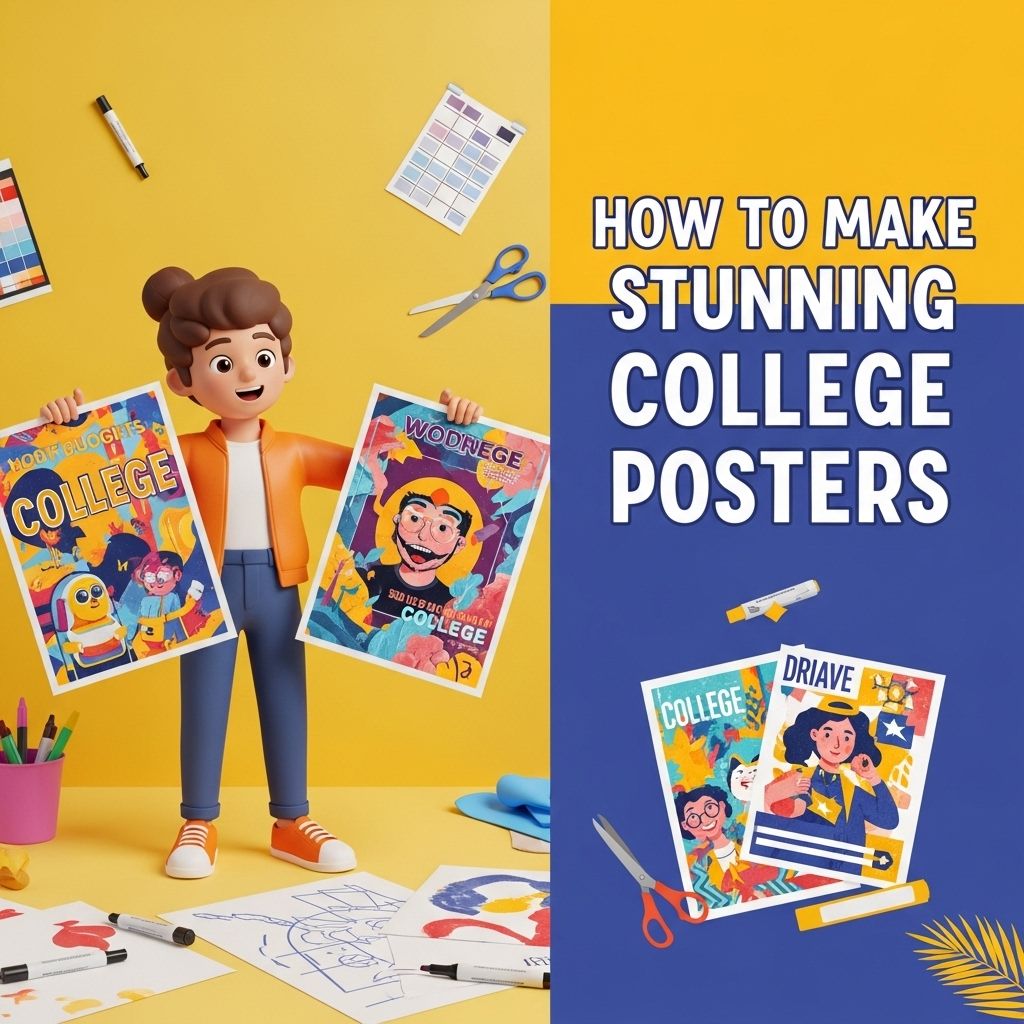
Creating stunning college posters is not just about slapping on some vibrant colors and catchy fonts. It is a blend of artistic expression, thoughtful design principles, and an understanding of your audience. Whether you’re promoting an event, a research project, or a club meeting, a well-designed poster can make a substantial impact. This article will guide you through the essential steps and tips to craft visually appealing and informative college posters that grab attention and convey your message effectively.
Creating eye-catching college posters requires a blend of creativity and strategic design. Whether you aim to promote an event, share valuable information, or inspire students, utilizing bold colors, compelling images, and clear text can significantly enhance your message’s visibility. For more ideas and inspiration, check out creative poster ideas.
Table of Contents
Understanding the Basics of Poster Design
Before diving into the design process, it’s crucial to understand some fundamental principles of poster design. Keeping these principles in mind will help you create a cohesive and attractive poster.
Key Design Principles
- Hierarchy: Organize content in a way that guides the viewer’s eye from the most important information to the least.
- Balance: Distribute elements evenly across the poster to avoid clutter. A balanced layout ensures that the viewer’s attention is evenly divided.
- Contrast: Use contrasting colors and font styles to make important information stand out.
- Alignment: Align text and images to create a clean and organized look.
- Space: Use white space effectively to avoid overcrowding and to enhance readability.
Choosing the Right Tools
The right tools can make a significant difference in the poster design process. Below are some popular tools and software that can help you create professional-looking posters.
Design Software
| Software | Features | Price |
|---|---|---|
| Adobe Illustrator | Vector graphics, advanced typography, professional templates | Subscription-based |
| Canva | User-friendly interface, vast template library, collaboration features | Free/Premium options |
| Microsoft PowerPoint | Familiar interface, easy to use, basic design tools | Part of Office Suite |
| Inkscape | Free vector graphics editor, supports various file formats | Free |
Gathering Your Content
Once you have your tools ready, the next step is to gather the content you want to include in your poster. This can include text, images, graphs, and logos.
Content Types
- Text: Ensure your text is concise and relevant. Use bullet points or short paragraphs for easy readability.
- Images: High-quality images are crucial. Consider including photos, illustrations, or infographics related to your topic.
- Graphs and Charts: If applicable, use graphs to present data visually. This can be particularly effective for academic or research-related posters.
- Logos: If you represent a department, club, or organization, include its logo for branding purposes.
Crafting Your Design
Now that you have your content, it’s time to start designing. Here are some tips to help you create a stunning layout.
Layout Tips
- Grid System: Use a grid layout to align elements neatly and maintain a consistent structure.
- Rule of Thirds: Position your most important elements along the lines or at the intersections of the grid for better visual impact.
- Font Choices: Use a maximum of two or three complementary fonts. Ensure legibility by choosing clear, sans-serif fonts for headings and body text.
Color Theory in Poster Design
Colors play a vital role in how your poster is perceived. Understanding color theory can help you choose the right color palette.
Choosing a Color Palette
- Complementary Colors: Colors opposite each other on the color wheel create a striking contrast.
- Analogous Colors: Colors next to each other provide a harmonious and cohesive look.
- Monochromatic Scheme: Different shades of a single color can create an elegant and professional appearance.
Final Touches and Tips
Once your design is complete, it’s essential to review and make necessary adjustments. Here are some final tips:
Proofreading
Always proofread your content to catch any typos or grammatical errors. A polished poster enhances your credibility.
Feedback
Before printing or sharing your poster, seek feedback from peers or mentors. Fresh eyes can catch mistakes you might have overlooked.
Print Quality
When printing your poster, choose a reputable printing service that offers high-quality prints. Consider the material you want to use, as options such as glossy, matte, or fabric can affect the final look.
Conclusion
Designing stunning college posters involves more than just creativity; it requires a strategic approach to design principles, content organization, and understanding audience preferences. By utilizing the right tools, emphasizing key design elements, and focusing on clarity and impact, you can create visually appealing posters that effectively communicate your message. Whether for an academic project or a campus event, your posters can stand out and leave a lasting impression.
FAQ
What materials do I need to create stunning college posters?
To create stunning college posters, you’ll need high-quality paper or poster board, markers or paint, graphic design software (like Canva or Adobe Illustrator), and decorative elements such as stickers or photos.
What design principles should I follow for effective college posters?
Follow principles such as balance, contrast, alignment, repetition, and proximity to ensure your college posters are visually appealing and easy to read.
How can I choose the right color scheme for my college poster?
Choose a color scheme that reflects the theme of your poster, ensuring good contrast between background and text for readability. Tools like Adobe Color can help you find complementary colors.
What fonts are best for college posters?
Use bold, easy-to-read fonts for headlines and simpler fonts for body text. Avoid using more than two different fonts to maintain consistency.
How can I incorporate images into my college poster effectively?
Use high-resolution images that relate to your poster’s content. Ensure they are well-placed and don’t overwhelm the text, maintaining a clear focus on your message.
What is the ideal size for college posters?
The ideal size for college posters typically ranges from 24×36 inches to 18×24 inches, but always check specific guidelines from your institution or event.