Creating engaging talking head videos is an essential skill in today’s digital landscape. Whether you’re a content creator, educator, or business professional, being able to communicate effectively on camera can significantly enhance your message and audience connection. This article delves into practical tips to elevate your talking head videos, making them more captivating and professional. Let’s explore these powerful strategies that will help you present confidently and authentically.
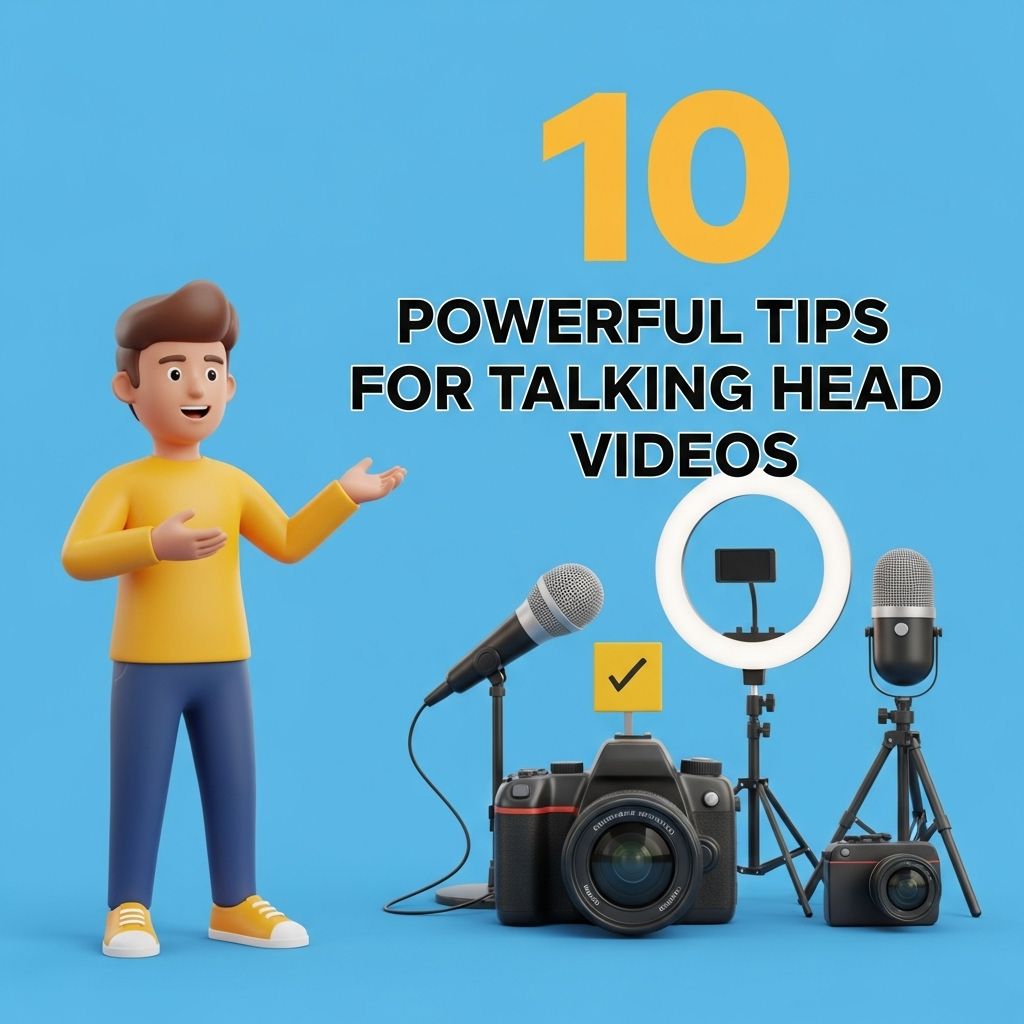
Creating engaging talking head videos can significantly enhance your content’s impact, making your message resonate with viewers. To help you achieve this, we’ve compiled 10 powerful tips that will elevate your video production and presentation skills. For an added touch, consider using customizable tube templates to enhance your visuals.
Table of Contents
Understanding the Basics of Talking Head Videos
Talking head videos typically feature a person speaking directly to the camera, often with minimal background distractions. These videos are widely used on platforms like YouTube, social media, and webinars. To ensure your videos stand out, it’s crucial to grasp the fundamental elements that contribute to their success.
1. Choose the Right Location
Your filming environment plays a critical role in the overall quality of your video.
- Lighting: Natural light is ideal, but if that’s not available, invest in quality softbox lights.
- Background: Opt for a clean, uncluttered background that complements your message.
- Sound: Choose a quiet location to minimize background noise—consider soundproofing if necessary.
2. Invest in Quality Equipment
The quality of your video can make or break your project. Here are a few essential items to consider:
| Equipment | Recommended Options |
|---|---|
| Camera | DSLR or mirrorless camera with HD capabilities |
| Microphone | Lavalier or shotgun mic for clear audio |
| Tripod | Sturdy tripod with adjustable height |
| Lighting | Softbox lights or ring lights |
3. Script Your Content
While improvisation can be effective, having a script or outline ensures you stay on track and cover all necessary points.
- Outline Key Points: List the main ideas you want to communicate.
- Practice Delivery: Rehearse your script multiple times to achieve a natural tone.
- Stay Flexible: Be open to deviations from your script for a more authentic interaction.
Enhancing Your On-Camera Presence
A strong on-camera presence can significantly impact viewer engagement. Here are some tips to improve your delivery.
4. Maintain Eye Contact
Looking directly into the camera helps create a personal connection with your audience. Here are some ways to ensure you maintain eye contact:
- Position the camera at eye level.
- Use a teleprompter if necessary to keep your focus.
5. Use Body Language Effectively
Non-verbal communication can reinforce your message. Here are some body language tips:
- Posture: Stand or sit up straight to convey confidence.
- Gestures: Utilize hand gestures to emphasize points but avoid overdoing it.
6. Vary Your Vocal Delivery
Monotone delivery can lose viewers’ interest. Consider the following:
- Vary your pitch and tone to highlight key points.
- Pause for emphasis and to allow important ideas to sink in.
Editing and Post-Production Tips
Editing is where your talking head video truly comes to life. Here are some editing tips that can enhance your final product.
7. Choose the Right Editing Software
Selecting the appropriate editing software is crucial for achieving professional results. Some popular options include:
- Adobe Premiere Pro: A comprehensive program for serious video editors.
- Final Cut Pro: A favorite among Mac users for its intuitive interface.
- DaVinci Resolve: Offers powerful color correction and editing tools for free.
8. Add Visual Elements
Incorporating visuals can make your content more engaging:
- Graphics: Use lower-thirds graphics to introduce yourself or highlight important points.
- B-Roll Footage: Add relevant clips to break up the video and maintain viewer interest.
- Animations: Simple animations can illustrate complex concepts effectively.
9. Optimize Your Video for Different Platforms
Different platforms have specific requirements and audience preferences. Here are some tips for optimization:
- Aspect Ratio: Use 16:9 for YouTube and 1:1 or 9:16 for Instagram.
- Thumbnails: Create an eye-catching thumbnail to entice viewers.
Final Touches and Publishing
Once your video is edited, it’s time for the final touches before publishing.
10. Craft an Engaging Title and Description
A great title and description can significantly improve your video’s reach.
- Keywords: Incorporate relevant keywords to enhance searchability.
- Call to Action: Encourage viewers to like, comment, and subscribe for future content.
In conclusion, creating powerful talking head videos involves more than just speaking in front of a camera. By focusing on location, equipment, scripting, delivery, editing, and optimization, you can significantly enhance your video production skills. Keep these tips in mind as you embark on your journey to create captivating content that resonates with your audience.
FAQ
What are talking head videos?
Talking head videos are recordings of a person speaking directly to the camera, often used for educational, promotional, or informational content.
How can I improve the quality of my talking head videos?
To improve quality, ensure good lighting, use a high-resolution camera, and choose a quiet location to minimize background noise.
What is the ideal length for a talking head video?
The ideal length varies by audience, but generally, keeping it between 3 to 10 minutes is effective for maintaining viewer engagement.
Should I script my talking head videos?
Yes, scripting helps you stay focused and ensures that you cover all key points, but practice enough to sound natural and not robotic.
How can I make my talking head videos more engaging?
Incorporate visuals, use personal anecdotes, maintain eye contact with the camera, and vary your tone and pace to keep the audience interested.
What tools can I use to edit my talking head videos?
Popular editing tools include Adobe Premiere Pro, Final Cut Pro, and user-friendly options like iMovie and Camtasia, which allow for both basic and advanced editing.