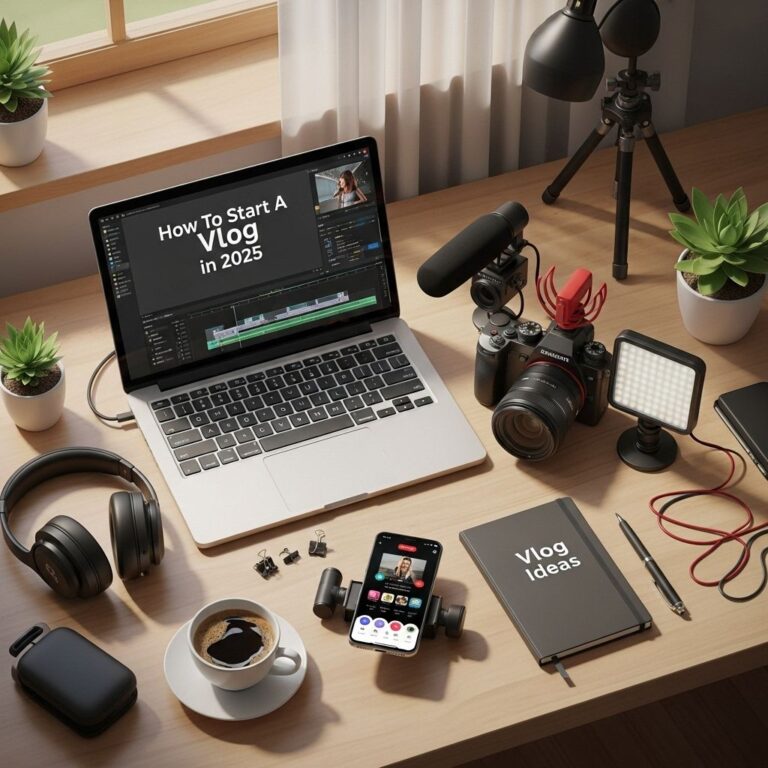
Creating a successful YouTube channel requires not just creativity and consistency, but also the right tools to produce high-quality content. However, for budding content creators, budget constraints can often pose a significant challenge. Luckily, there are plenty of budget-friendly options available that can help you set up your YouTube channel without breaking the bank. In this article, we will explore ten essential tools that can elevate your video production while keeping your expenses in check.
Setting up a YouTube channel can be daunting, especially when it comes to budgeting for the necessary tools and equipment. Fortunately, there are many budget-friendly options available that can elevate your content quality without breaking the bank. For example, consider using customizable tube templates to create professional-looking thumbnails and graphics.
Table of Contents
1. Camera Options
Your camera is the most crucial piece of equipment in your YouTube setup. While high-end cameras can be expensive, there are budget-friendly options that can still yield excellent results.
Recommended Cameras
- Smartphone Cameras: Most modern smartphones come equipped with high-quality cameras that can shoot in 1080p or even 4K. Consider using phone stabilizers for added professionalism.
- Canon EOS M50: A mirrorless camera suitable for vloggers, offering interchangeable lenses and great autofocus, available for around $600.
- Logitech C920 Webcam: Perfect for streaming and recording videos directly from your computer, priced at around $70.
2. Microphones
Clear audio is just as important as video quality. Investing in a good microphone can drastically improve the sound of your videos.
Top Budget Microphones
- Blue Snowball iCE: A popular USB microphone that provides excellent sound quality for about $50.
- Rode VideoMicro: Compact and lightweight, perfect for vlogging with your camera, costs around $60.
- Shotgun Microphone by Movo: An affordable option that connects directly to your smartphone or camera, available for around $40.
3. Lighting Equipment
Good lighting can enhance video quality considerably. Here are some affordable lighting solutions:
Effective Lighting Solutions
- Neewer Ring Light: An adjustable LED ring light priced at about $100 that provides even lighting for close-up shots.
- Softbox Lighting Kit: A more complete solution for studio-style lighting available for around $70.
- DIY Lighting: Use natural light from windows or create DIY softboxes using white bedsheets and lamps to save money.
4. Video Editing Software
Editing your videos is where the magic happens. Fortunately, there are several low-cost editing software options available.
Affordable Video Editing Tools
| Software | Price | Platform | Key Features |
|---|---|---|---|
| DaVinci Resolve | Free | Windows, Mac, Linux | Professional-grade editing, color correction, audio post-production |
| HitFilm Express | Free | Windows, Mac | Special effects, compositing, and basic editing functionalities |
| Filmora | $69.99/year | Windows, Mac | User-friendly interface with lots of built-in effects and transitions |
5. Tripods and Stabilizers
A steady shot is essential for professional-looking videos. Here are some budget-friendly stabilizing options:
Stabilization Options
- AmazonBasics Tripod: A reliable and sturdy tripod that costs around $25.
- Joby GorillaPod: A flexible tripod perfect for uneven surfaces priced at about $30.
- Handheld Stabilizer: A budget gimbal that helps eliminate shake, available for around $50.
6. Backgrounds and Props
Creating an engaging backdrop can keep your audience’s attention. Here are options that won’t strain your budget:
Creative Background Ideas
- Solid Color Backdrops: Affordable fabric or paper backgrounds available for under $30.
- DIY Backdrops: Use paint or wallpaper to create unique backgrounds that reflect your style.
- Room Decor: Use your existing environment creatively; bookshelves, plants, and artwork can add personality.
7. Screen Recording Software
If your channel focuses on tutorials or gaming, screen recording software is a must-have. Here are some budget options:
Screen Recording Solutions
- OBS Studio: Free and open-source software for video recording and live streaming.
- Screencast-O-Matic: Affordable subscription options starting at $1.50/month with easy editing features.
- Bandicam: A one-time purchase of $39.95 for high-quality screen recording.
8. Thumbnail Creation Tools
Your video’s thumbnail plays a significant role in attracting viewers. Here are budget-friendly tools to create eye-catching thumbnails:
Thumbnail Design Tools
- Canva: Offers a free plan with numerous templates specifically for YouTube thumbnails.
- Adobe Spark: A tool for creating visually stunning graphics with a free version available.
- Snappa: Create custom graphics with a free plan that includes limited downloads.
9. Social Media Management Tools
Managing your online presence is crucial for a successful YouTube channel. Consider these budget tools:
Budget-Friendly Social Media Tools
- Buffer: Schedule posts across various platforms with a free plan for up to 3 social profiles.
- Hootsuite: Manage multiple accounts on one dashboard, with a budget plan available for $19/month.
- SocialBee: A content scheduling tool that starts at $19/month with a focus on recycling posts.
10. Analytics Tools
Understanding your audience and optimizing content is vital for growth. Here are tools that provide analytics at a low cost:
Analytics Tools
- YouTube Analytics: Free, built into YouTube, provides insights directly from your channel.
- Social Blade: Offers free analytics and tracking of your YouTube channel growth.
- TubeBuddy: A browser extension with a free version that helps optimize your YouTube experience.
In conclusion, setting up a successful YouTube channel on a budget is entirely feasible with the right tools. By selecting the appropriate equipment and software, you can create high-quality content that resonates with your audience without incurring significant costs. Remember, the key is not just in the tools you use but the creativity and passion you bring to your content. Embrace the journey, and who knows? You might just find yourself building a thriving YouTube community.
FAQ
What are some budget-friendly tools for YouTube setup?
Some great budget-friendly tools for your YouTube setup include a good quality microphone like the Audio-Technica ATR2100, a ring light for proper lighting, affordable tripods, and free editing software like DaVinci Resolve or HitFilm Express.
How can I improve my YouTube video quality on a budget?
To improve your YouTube video quality on a budget, focus on good lighting, use a smartphone camera if you don’t have a DSLR, invest in a decent microphone, and consider using free or low-cost editing software to enhance your videos.
What lighting equipment is best for YouTube videos on a budget?
Ring lights and softbox lights are excellent options for budget-friendly lighting. They provide even illumination and are often available at affordable prices, making them ideal for YouTube setups.
Is it possible to start a YouTube channel without expensive equipment?
Yes, you can definitely start a YouTube channel without expensive equipment. Many successful YouTubers began with just a smartphone and some basic lighting. Focus on content quality and engagement rather than high-end gear.
What free editing software can I use for YouTube videos?
Some popular free editing software options for YouTube videos include DaVinci Resolve, HitFilm Express, and iMovie for Mac users. These tools offer robust features that can help you create professional-looking videos.