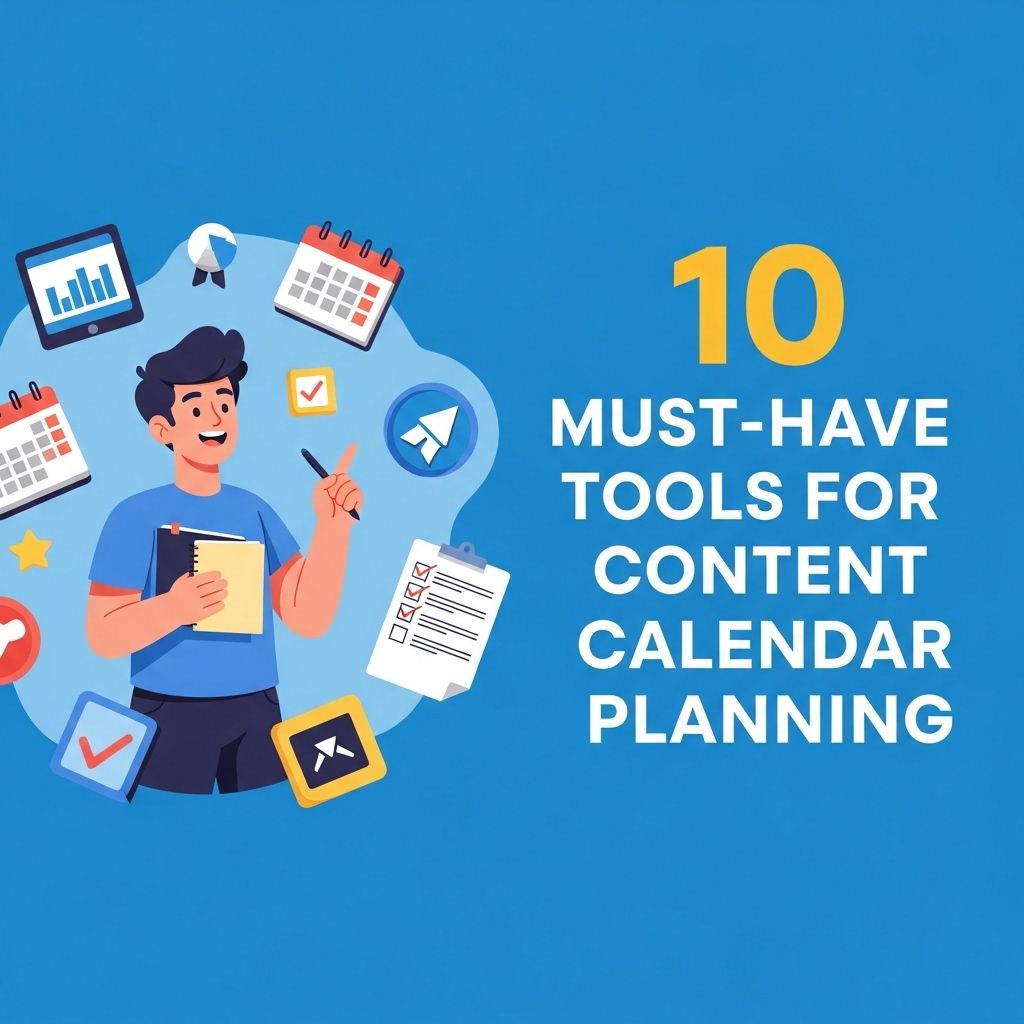
In the fast-paced world of digital marketing, a well-organized content calendar can significantly enhance a brand’s online presence. Content calendars help in strategizing, planning, and executing marketing campaigns effectively. Without the right tools, managing content can quickly become chaotic. In this article, we will explore ten essential tools that can streamline your content calendar planning process, ensuring you never miss a beat in your content marketing efforts.
Effective content calendar planning is crucial for maintaining a consistent and organized approach to your content strategy. In this article, we’ll explore 10 essential tools that can streamline your planning process, ensuring you never miss a beat. Whether you’re designing promotional materials or looking for the perfect visuals, consider incorporating best bag mockup designs to enhance your presentations.
Table of Contents
Why Use a Content Calendar?
A content calendar is not just a scheduling tool; it serves several vital purposes:
- Consistency: By planning your content in advance, you maintain a consistent posting schedule.
- Collaboration: Team members can easily see what content is coming up, facilitating better collaboration.
- Performance Tracking: You can assess the performance of your content over time and adjust your strategy accordingly.
- Resource Management: Helps in allocating resources efficiently, minimizing the risk of burnout.
Top 10 Tools for Content Calendar Planning
Here’s a curated list of ten must-have tools that can help you create and maintain an effective content calendar.
1. Trello
Trello is a flexible project management tool that uses boards, lists, and cards to organize tasks. It is particularly useful for content planning.
- Features: Customizable boards, due dates, checklists, and integration with other tools.
- Best for: Teams looking for visual project management.
2. Google Calendar
Google Calendar offers a straightforward way to plan your content. It allows you to set reminders and share calendars with your team.
- Features: Event reminders, integration with Gmail, and sharing options.
- Best for: Individuals and small teams who prefer simplicity.
3. Asana
Asana is another powerful project management tool that can be tailored for content calendar planning.
- Features: Task assignments, timelines, and project tracking.
- Best for: Teams needing in-depth project management capabilities.
4. CoSchedule
CoSchedule is specifically designed for marketers, making it one of the top choices for content calendar management.
- Features: Built-in social media scheduling, analytics, and headline analysis.
- Best for: Marketing teams looking for a comprehensive solution.
5. Airtable
Airtable combines the simplicity of a spreadsheet with the complexity of a database, allowing for versatile content planning.
- Features: Custom views, collaboration options, and robust filtering.
- Best for: Teams that need flexibility and customization.
6. Notion
Notion is an all-in-one workspace that offers note-taking, project management, and database functionalities.
- Features: Templates, collaborative editing, and integration options.
- Best for: Teams wanting a versatile tool for various tasks.
7. Monday.com
Monday.com is a visual project management tool that helps teams plan and track their content calendars easily.
- Features: Customizable dashboards, automation, and workload management.
- Best for: Teams needing detailed project visualizations.
8. Buffer
Buffer is known for its social media scheduling capabilities but also provides content planning tools.
- Features: Scheduling posts, analytics, and team collaboration.
- Best for: Teams focused on social media content.
9. ContentCal
ContentCal is designed for content planning and collaboration within teams, helping streamline the workflows.
- Features: Approval workflows, social media integration, and analytics.
- Best for: Content teams wanting a collaborative platform.
10. Hootsuite
Hootsuite is primarily known for social media management but also offers content calendar functionalities.
- Features: Scheduling, monitoring, and reporting.
- Best for: Teams looking for a multi-platform social media solution.
Choosing the Right Tool
Selecting the best tool for your content calendar planning depends on various factors:
- Team Size: Larger teams may benefit from tools with advanced collaboration features.
- Budget: Some tools come with a higher price tag; assess your budget before deciding.
- Features Needed: Determine which features are essential for your workflow, such as analytics or social media integration.
Conclusion
Implementing a content calendar can be a game changer for your marketing strategy. With the right tools, you can streamline your planning process, enhance collaboration among team members, and ultimately deliver high-quality content consistently. Experiment with these tools to find the combination that best suits your organization’s needs.
FAQ
What are the best tools for content calendar planning?
Some of the best tools for content calendar planning include Trello, Asana, Google Calendar, Airtable, CoSchedule, and Notion.
How can a content calendar improve my marketing strategy?
A content calendar helps organize your content, ensures consistent posting, allows for better collaboration, and helps you track deadlines and performance, ultimately enhancing your marketing strategy.
What features should I look for in a content calendar tool?
Look for features such as drag-and-drop functionality, integration with other tools, collaboration options, analytics tracking, and customizable templates.
Can I use a content calendar for social media planning?
Yes, a content calendar is an excellent tool for social media planning, allowing you to schedule posts, track engagement, and maintain a consistent brand voice across platforms.
Is it necessary to have a content calendar for a small business?
While not strictly necessary, having a content calendar can greatly benefit a small business by helping to streamline content creation and ensure timely posting.
How often should I update my content calendar?
You should update your content calendar regularly, ideally weekly or monthly, to reflect new content ideas, changes in strategy, and performance insights.