Creating a YouTube channel has never been easier, and many aspiring content creators are eager to share their passion with the world. However, the initial costs can be overwhelming. Fortunately, you can set up a budget-friendly YouTube studio without breaking the bank. This article will guide you through the essentials needed to create a professional-looking YouTube setup at an affordable price.
Creating a budget-friendly YouTube setup is essential for aspiring content creators looking to maximize their production quality without breaking the bank. By investing in basic equipment and utilizing free resources, you can enhance your videos significantly. For instance, check out these tube graphics to elevate your visual presentation.
Table of Contents
Understanding Your Needs
Before you dive into purchasing equipment, it’s essential to assess your specific needs and content type. Are you planning to create vlogs, tutorials, or gaming videos? Your niche will significantly influence the gear you need. Here are some fundamental questions to consider:
- What type of content will I produce?
- What is my budget?
- Will I film indoors or outdoors?
- Do I need mobility for filming?
Essential Equipment for Your YouTube Setup
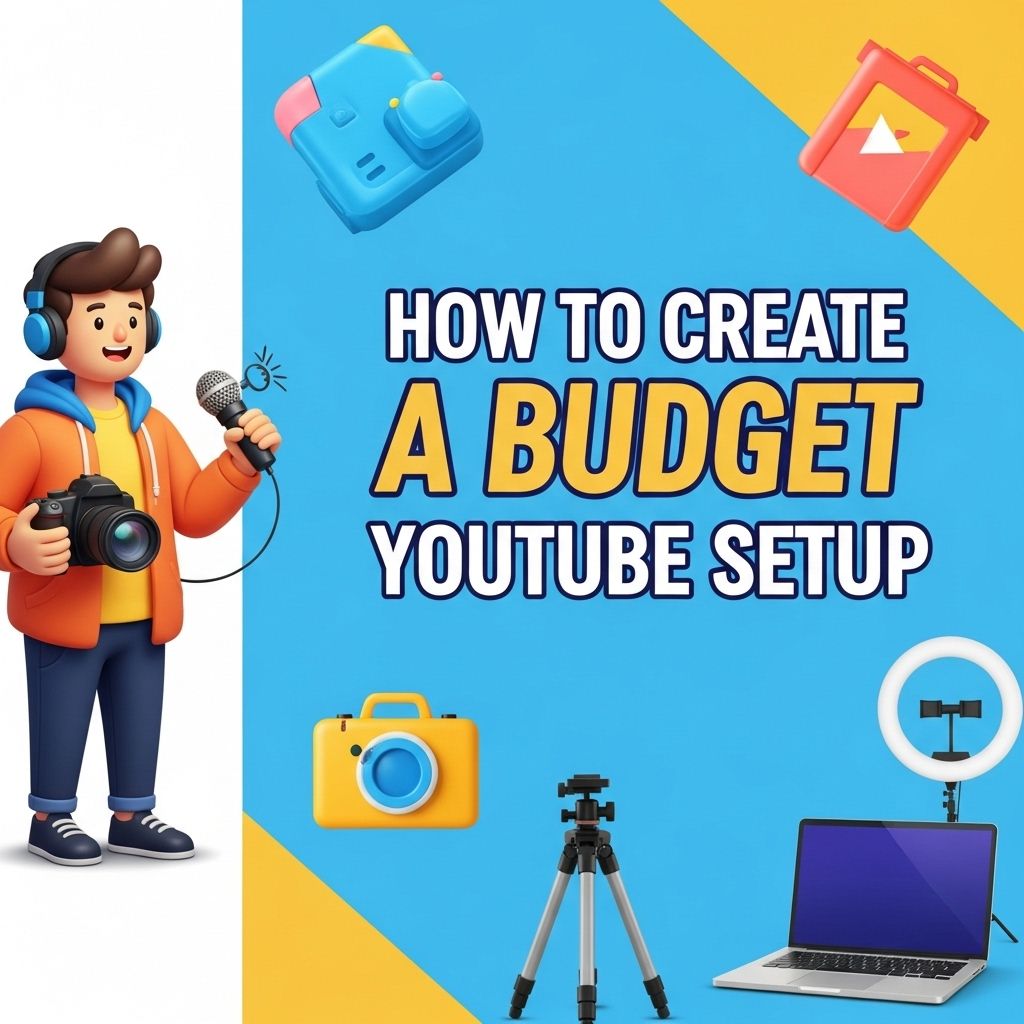
Once you have a clear understanding of your needs, it’s time to gather the necessary equipment. Below is a list of essential items that you can acquire without spending a fortune.
1. Camera
Your camera is the most critical part of your setup. While high-end DSLRs are great, many budget alternatives can still deliver high-quality results:
- Smartphones: Most modern smartphones have excellent cameras capable of recording in HD or 4K.
- Webcams: Affordable options like the Logitech C920 provide good quality for vlogs and live streams.
- DSLR or Mirrorless Cameras: If you can stretch your budget, consider entry-level models like the Canon EOS Rebel series or Sony Alpha series.
2. Microphone
Audio quality is just as important as video quality. Here are some budget microphones to consider:
| Microphone Type | Budget Option | Use Case |
|---|---|---|
| Lavalier | Rode SmartLav+ | Interviews and on-the-go recordings |
| USB Microphone | Blue Snowball | Voiceovers and streaming |
| Shotgun | Rode VideoMic GO | On-camera audio for vlogs |
3. Lighting
Good lighting can elevate your content quality significantly. Here are some budget-friendly lighting options:
- Softbox Lights: These provide even lighting and are relatively inexpensive.
- Ring Lights: Excellent for close-up shots and vlogging.
- Natural Light: Filming during the day near windows can be a free yet effective solution.
4. Tripod or Stabilizer
A stable camera is essential for professional-looking videos. Options include:
- Basic Tripod: Inexpensive models can be found at most electronics stores.
- Gimbal Stabilizers: If you’re shooting a lot of moving content, consider a gimbal for smoother footage.
Editing Software Options
After filming, the next step is editing. Here are some budget-friendly software options:
Free Software
- DaVinci Resolve: A powerful editing software with professional features.
- HitFilm Express: Great for beginners and offers a range of effects.
- iMovie: An excellent option for Mac users, straightforward and user-friendly.
Paid Software
- Adobe Premiere Pro: Industry standard with extensive features.
- Filmora: User-friendly and affordable with solid functionality.
Setting Up Your YouTube Studio
With your equipment ready, it’s time to set up your YouTube studio. Here are some tips:
1. Choose the Right Location
Find a quiet space with minimal background noise. Ensure the background is clutter-free or visually appealing.
2. Arrange Your Equipment
Position your camera at eye level for flattering angles. Set your lighting in a way that reduces harsh shadows and highlights your face.
3. Test and Optimize
Before filming your first video, do a test run:
- Check the audio levels.
- Review the lighting.
- Make adjustments to camera settings.
Content Creation Strategies
With your setup complete, it’s time to focus on content creation. Here are some strategies to help you grow your channel:
1. Consistency is Key
Develop a regular posting schedule. This can be weekly, bi-weekly, or whatever suits your lifestyle. Consistency helps retain viewers.
2. Engage with Your Audience
Respond to comments, ask for feedback, and encourage viewer interaction. Building a community is important for long-term success.
3. Optimize Your Videos for SEO
Use relevant keywords in your title, description, and tags. Research what keywords are trending in your niche to enhance visibility.
Budgeting Tips for Your YouTube Setup
When creating your YouTube studio, it’s crucial to stick to a budget. Here are some tips:
- Create a detailed budget plan outlining all potential costs.
- Consider purchasing used equipment to save money.
- Invest in quality over quantity; a few essential items are better than a lot of cheap gear.
Conclusion
Creating a budget YouTube setup is not only feasible but can also be an enjoyable experience. By carefully selecting your equipment and optimizing your content strategy, you can produce high-quality videos without spending a fortune. Remember, the key to success on YouTube lies in your creativity, consistency, and willingness to learn as you grow. Happy filming!
FAQ
What equipment do I need for a budget YouTube setup?
For a budget YouTube setup, consider starting with a good webcam or smartphone for video recording, a decent microphone for clear audio, basic lighting like ring lights or softbox lights, and a simple editing software.
How much should I spend on a beginner YouTube setup?
A beginner YouTube setup can be created for as little as $200 to $500, depending on the quality of the equipment you choose.
Can I use my smartphone for YouTube videos?
Yes, many smartphones have excellent cameras and can record high-quality videos, making them a great option for budget YouTube setups.
What are the best budget microphones for YouTube?
Some great budget microphones for YouTube include the Audio-Technica ATR2100x-USB, the Rode VideoMicro, and the Blue Snowball iCE.
How can I improve my YouTube video quality on a budget?
To improve your YouTube video quality on a budget, focus on good lighting, clear audio, and stable video by using a tripod or stabilizer.
What free editing software can I use for YouTube videos?
Free editing software options for YouTube videos include DaVinci Resolve, Shotcut, and HitFilm Express, which offer various features suitable for beginners.