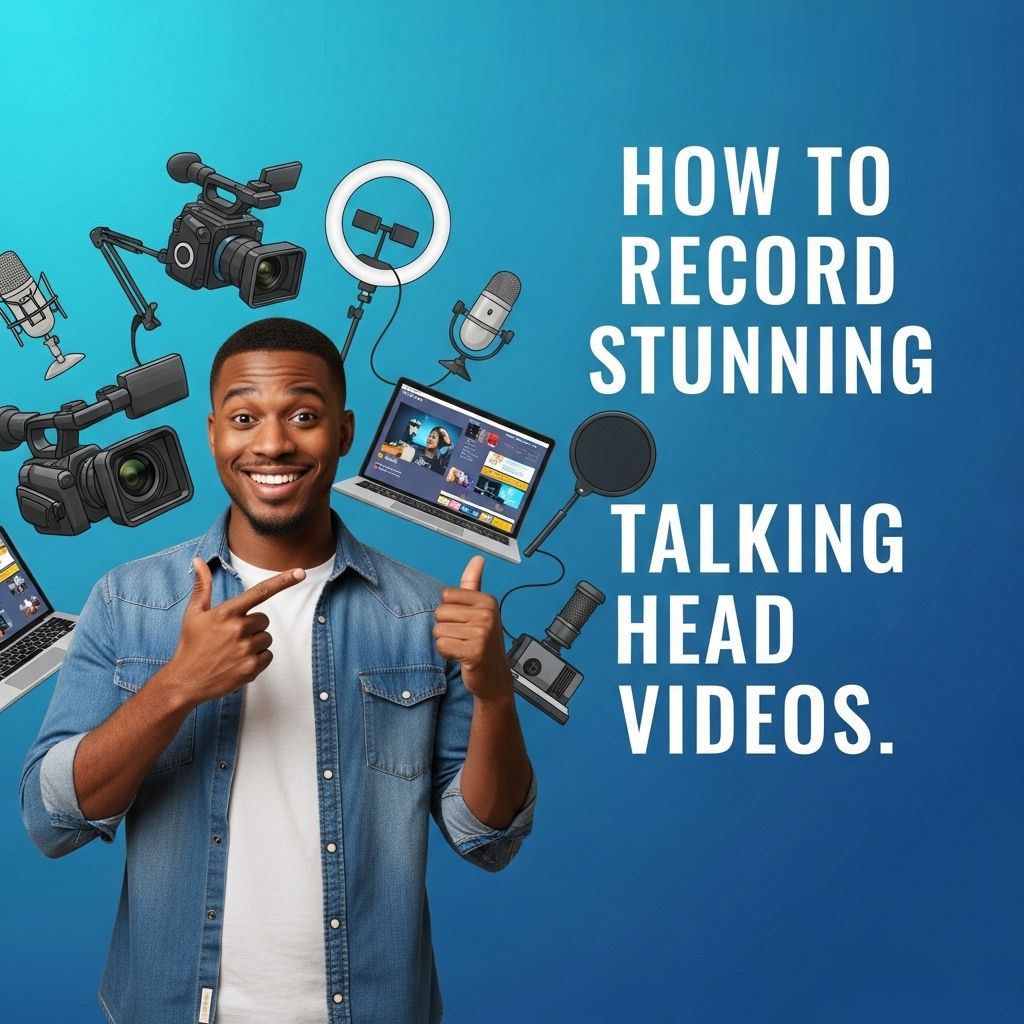
Creating talking head videos is an art that combines technical know-how with creative flair. Whether you’re a content creator, educator, or business professional, the ability to produce engaging and visually appealing videos can significantly enhance your communication. In this guide, we’ll cover everything you need to know to record stunning talking head videos that captivate your audience and effectively convey your message.
Creating stunning talking head videos is easier than you might think, with a few tips and tricks to enhance your presentation. Focus on your lighting, framing, and background to ensure that your message is clear and engaging. For a professional touch, consider using resources like tube product presentation to elevate your visuals.
Table of Contents
Understanding the Basics of Video Production
Before diving into the specifics, it’s crucial to grasp the fundamentals of video production. Here are key components to consider:
- Lighting: Proper lighting is essential for a clear and professional look.
- Sound: Clear audio is just as important as video quality; invest in a good microphone.
- Camera: A high-quality camera can make a significant difference in video fidelity.
- Backdrop: A clean and uncluttered background keeps the focus on you.
Setting Up Your Equipment
1. Choosing the Right Camera
Your camera choice affects the overall quality of your video. You can use:
- DSLR or mirrorless cameras for high-quality footage.
- Smartphones with good cameras, which offer convenience and portability.
- Webcams for direct streaming or quick recordings.
2. Selecting a Microphone
Audio quality can make or break a video. Consider these options:
| Microphone Type | Pros | Cons |
|---|---|---|
| Lavalier | Discreet, hands-free, good for interviews | May pick up background noise |
| Shotgun | Directional audio capture, reduces ambient noise | Bulkier and requires a boom arm |
| USB Microphone | Easy to connect to computers, good sound quality | Limited portability |
3. Lighting Your Scene
Good lighting enhances your appearance and the overall video quality. Here are some tips:
- Natural Light: Utilize windows for soft, flattering light.
- Softbox Lights: These provide even lighting and reduce harsh shadows.
- Ring Lights: Great for even illumination and highlight your eyes.
Framing and Composition Techniques
How you frame your shot influences the viewer’s perception. Here are popular techniques:
1. Rule of Thirds
Divide the frame into a 3×3 grid. Position your eyes along the top horizontal line to create a more dynamic composition.
2. Headroom
Leave enough space above your head, but not too much that it distracts the viewer.
3. Eye Level
Keep the camera at eye level for a more personal connection with your audience.
Recording Your Video
1. Scripting vs. Impromptu
Decide whether you want to script your video or go off the cuff. Both methods have their pros and cons:
- Scripting: Ensures clarity and coherence.
- Impromptu: Feels more natural and relatable, but may lead to rambling.
2. Rehearsing Your Delivery
Practice your delivery to become comfortable in front of the camera. Here are some tips:
- Record yourself to review your performance.
- Work on your pacing and inflection.
- Maintain eye contact with the lens to engage your audience.
3. Taking Multiple Takes
Don’t hesitate to record several takes. This will give you options when editing and help ensure you get the best performance.
Editing Your Video
Once you’ve recorded your video, the editing process can significantly enhance its quality. Here are some key aspects to focus on:
1. Choosing Editing Software
Depending on your skill level, choose software that suits your needs:
- Beginner: iMovie, Windows Movie Maker
- Intermediate: Adobe Premiere Pro, Final Cut Pro
- Advanced: DaVinci Resolve, Avid Media Composer
2. Basic Editing Techniques
Consider these essential editing techniques:
- Cutting: Remove any unnecessary parts to keep your video concise.
- Transitions: Use smooth transitions between clips to maintain flow.
- Color Correction: Adjust brightness, contrast, and saturation to enhance visuals.
3. Adding Graphics and Text
Incorporate graphics or text overlays to emphasize points. Here’s how:
- Use lower-thirds for your name and title.
- Add bullet points to summarize key ideas.
- Include relevant images or video clips for visual interest.
Publishing and Promoting Your Video
Once your video is polished and ready, the next step involves publishing and promoting it effectively. Here are some strategies:
1. Choosing the Right Platform
Decide where to host your video based on your target audience:
- YouTube: Best for broader reach and discoverability.
- Vimeo: Ideal for high-quality production and professional sharing.
- Social Media: Facebook, Instagram, and TikTok can be great for short-form content.
2. Optimizing for SEO
Maximize your video’s visibility by using relevant keywords in:
- Title
- Description
- Tags
3. Engaging with Your Audience
Encourage viewer interaction by:
- Asking questions in your video.
- Responding to comments.
- Promoting social sharing.
Conclusion
Recording stunning talking head videos requires a combination of the right equipment, thoughtful planning, and skilled execution. By following the guidelines outlined in this article, you can create videos that not only look great but also effectively communicate your message to your audience. Embrace the process, keep practicing, and let your personality shine through, and soon you’ll be producing captivating talking head videos that resonate with viewers.
FAQ
What equipment do I need to record stunning talking head videos?
To record stunning talking head videos, you’ll need a good quality camera, a tripod for stability, a microphone for clear audio, and proper lighting to enhance visuals.
What are the best lighting techniques for talking head videos?
The best lighting techniques include using natural light, softbox lights, or ring lights to ensure your face is well-lit and shadows are minimized.
How can I improve my on-camera presence?
To improve your on-camera presence, practice speaking clearly, maintain eye contact with the camera, and use natural body language to engage your audience.
What background should I use for talking head videos?
Choose a clean, uncluttered background that complements your brand. A solid color, a professional setting, or a well-organized bookshelf can work well.
How can I edit my talking head videos for maximum impact?
To edit your talking head videos effectively, use software to trim unnecessary parts, add graphics or text overlays, and use background music to enhance engagement.
What tips can help me script my talking head videos?
When scripting your talking head videos, keep it concise, focus on key points, use a conversational tone, and rehearse to ensure a natural delivery.