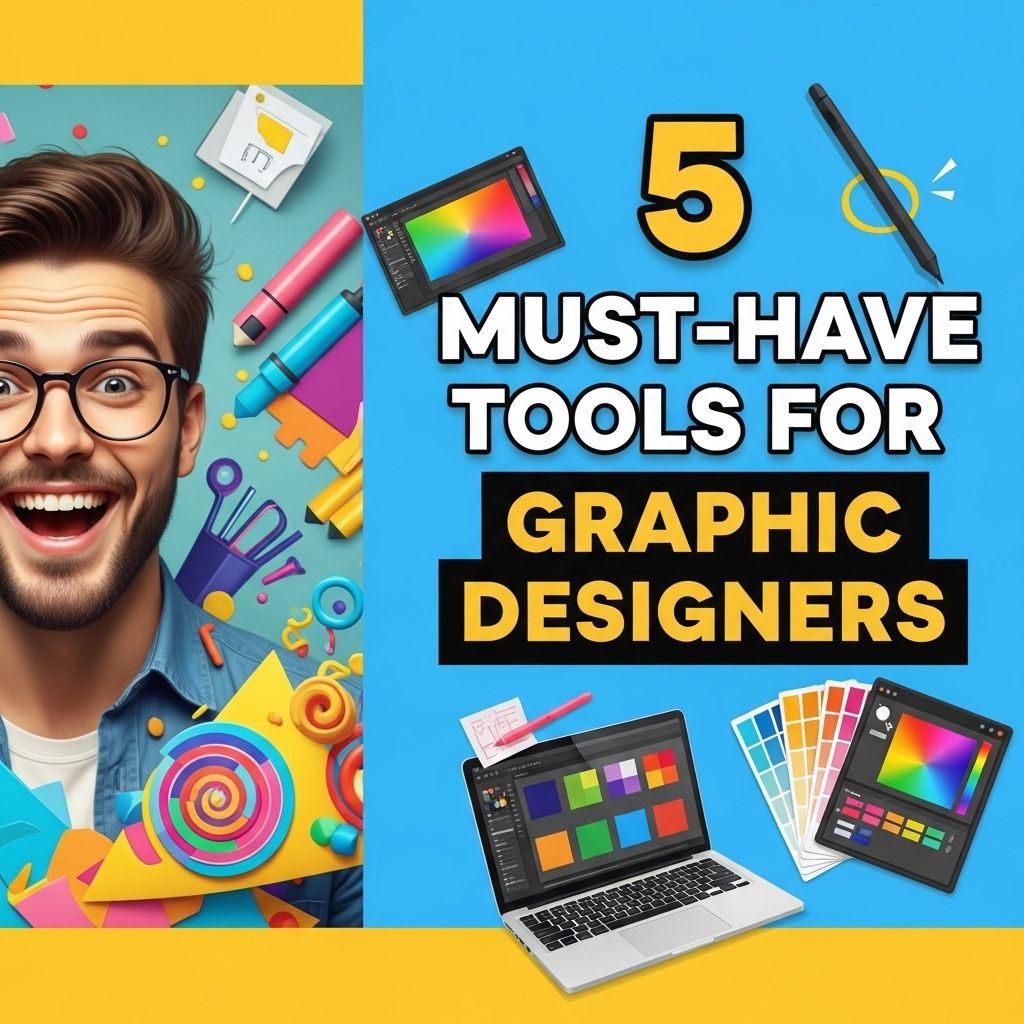
In the digital age, graphic design has become a cornerstone of effective communication and marketing. Whether you’re creating compelling visuals for social media, branding, or advertising, the right tools can make a world of difference. This article explores five essential tools that every graphic designer should consider incorporating into their workflow to enhance creativity, efficiency, and quality of work.
In the ever-evolving field of graphic design, having the right tools is crucial for success. From software that enhances creativity to resources that streamline presentation, every designer should be well-equipped. One essential resource is visual presentation mockups, which help bring ideas to life and effectively showcase designs.
Table of Contents
1. Adobe Creative Cloud
Adobe Creative Cloud is the industry standard for graphic design. It offers a suite of applications that cater to various aspects of design, including:
- Photoshop: Ideal for photo editing and manipulation.
- Illustrator: Best for vector graphics and illustrations.
- InDesign: Perfect for layout design and print media.
With a subscription model, Adobe Creative Cloud provides continuous updates and access to new features, which is essential for staying current in the fast-paced design environment.
Key Features
- Cloud storage for easy access anywhere.
- Collaboration tools for team projects.
- A vast library of tutorials and resources available.
2. Sketch
Sketch is a vector-based design tool that has gained immense popularity among UI/UX designers. Its intuitive interface and robust features make it a go-to choice for designing interfaces, websites, and mobile applications.
Advantages of Using Sketch
- Symbols and Shared Styles: Create reusable components for consistency across designs.
- Plugins: Extend functionality with a wide array of third-party plugins.
- Collaboration: Share designs easily with stakeholders and team members.
Sketch’s focus on vector graphics and user interface design provides a streamlined experience that can significantly boost productivity.
3. Figma
Figma is a cloud-based design tool that is gaining traction for its collaborative features. It allows multiple users to work on a design simultaneously, making it ideal for teams spread across different locations.
Why Choose Figma?
- Real-time Collaboration: Edit designs together in real-time.
- Browser-Based: No need for installations; access projects from anywhere.
- Version Control: Track changes and revert to previous versions easily.
Figma’s cloud-based nature combined with its robust features fosters a collaborative environment that streamlines the design process.
4. Canva
If you’re looking for a user-friendly design tool that doesn’t require extensive training, Canva is an excellent choice. While it may not offer the depth of features found in Adobe products, its simplicity makes it ideal for quick designs.
Canva’s Strengths
| Feature | Description |
|---|---|
| Templates | A vast library of pre-designed templates for various needs. |
| Drag-and-Drop Interface | Easy to use for non-designers. |
| Collaboration | Share designs with clients or team members for easy feedback. |
Canva is particularly useful for social media graphics, marketing materials, and quick presentations, making it a valuable tool in any designer’s arsenal.
5. Procreate
For those who prefer working on an iPad, Procreate is a powerful digital illustration app that allows for intuitive drawing and painting. It has become a favorite among illustrators and digital artists.
Features of Procreate
- Brush Customization: Create and modify brushes to suit your style.
- High-Resolution Canvas: Supports multiple layers and resolutions.
- Animation Tools: Offers basic animation capabilities for creatives.
Procreate’s ability to mimic traditional art tools while providing a digital platform makes it a must-have for artists looking to explore their creativity on the go.
Conclusion
In the realm of graphic design, having the right tools can significantly affect your workflow and output quality. Whether you are a beginner or a seasoned professional, incorporating tools like Adobe Creative Cloud, Sketch, Figma, Canva, and Procreate into your daily routine can enhance your design capabilities and streamline your projects. Experiment with these tools to find which ones best fit your style and process, and watch your creativity soar!
FAQ
What are the essential tools for graphic designers?
Essential tools for graphic designers include Adobe Creative Suite, Sketch, Figma, Canva, and a reliable drawing tablet.
Why is Adobe Creative Suite important for graphic designers?
Adobe Creative Suite is important for graphic designers because it offers a comprehensive set of tools for photo editing, vector graphics, and layout design, making it a versatile choice for various design projects.
How does Figma enhance collaboration among graphic designers?
Figma enhances collaboration among graphic designers by allowing multiple users to work on a project in real-time, providing easy feedback and design iteration.
What role does a drawing tablet play in graphic design?
A drawing tablet plays a crucial role in graphic design by providing a natural drawing experience, allowing for more precise and creative illustrations compared to traditional methods.
Is Canva a good tool for professional graphic designers?
Yes, Canva can be a good tool for professional graphic designers, especially for creating quick mockups, social media graphics, and presentations due to its user-friendly interface and vast template library.