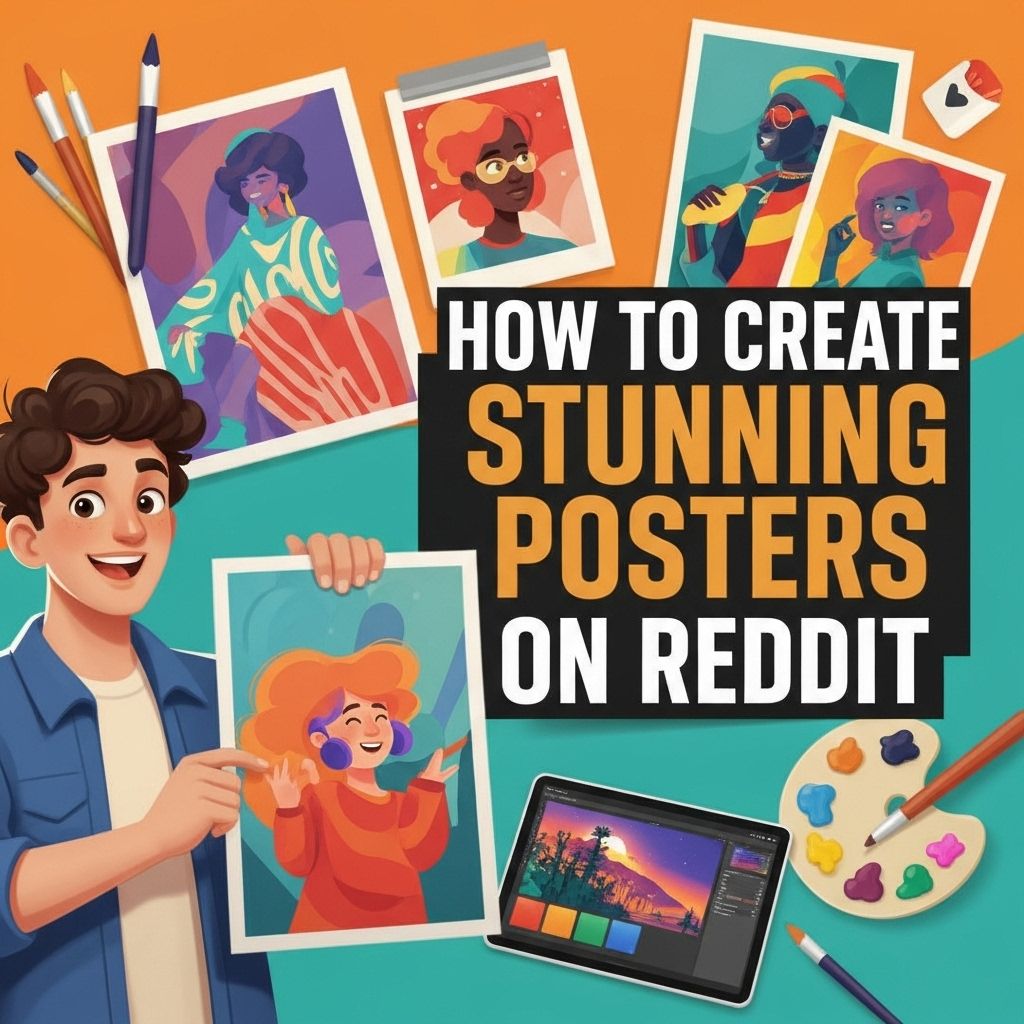
In the era of digital communication, visuals have become a primary medium for expression. Among various platforms, Reddit stands out as a community-driven website where users can share information, ideas, and content. Creating stunning posters for Reddit can help you gain visibility, attract community members, and effectively communicate your message. This article delves into the nuances of designing engaging posters specifically for Reddit, touching on design principles, tools, and community guidelines.
Creating stunning posters for Reddit can significantly enhance your visibility and engagement on the platform. This step-by-step guide will walk you through the essentials for crafting eye-catching designs, including tips on layout, color schemes, and typography. For additional inspiration, consider exploring social media templates to jumpstart your creative process.
Table of Contents
The Importance of Visual Communication
Visual communication plays a crucial role in how we perceive and interact with information. With the human brain processing visuals 60,000 times faster than text, it’s essential to harness this capability when posting on social media platforms like Reddit.
Why Posters Matter on Reddit
- Attract Attention: A well-designed poster can stand out in a sea of text-based posts, drawing more eyes to your content.
- Convey Information Quickly: Posters can summarize complex ideas into digestible graphics.
- Enhance Recall: Visuals are more memorable than text, making it easier for users to remember your message.
- Encourage Engagement: Aesthetic visuals can lead to higher engagement rates, including comments and upvotes.
Design Fundamentals for Reddit Posters
Creating a stunning poster begins with understanding essential design principles. Here are key aspects to consider:
1. Color Theory
Color can significantly influence emotions and perceptions. Understanding how to use color effectively can enhance your poster’s impact.
| Color | Emotion |
|---|---|
| Red | Excitement, Passion |
| Blue | Trust, Calm |
| Green | Growth, Harmony |
| Yellow | Optimism, Cheer |
2. Typography
The choice of fonts can influence readability and aesthetics. Here are tips for using typography effectively:
- Select fonts that reflect the tone of your message.
- Limit the number of different fonts to two or three.
- Ensure that text contrasts well with the background for readability.
3. Layout and Composition
The arrangement of elements in your poster is crucial for guiding the viewer’s eye. Consider these layout strategies:
- Rule of Thirds: Divide your poster into a 3×3 grid for balanced placement.
- Hierarchy: Use size and color to establish a hierarchy of information.
- Whitespace: Don’t overcrowd your poster; use whitespace to enhance focus.
Tools for Designing Reddit Posters
Several online tools can help you design stunning posters without needing advanced graphic design skills. Here are some popular options:
Canva
Canva is a user-friendly design platform that offers a plethora of templates, images, and fonts. It’s perfect for beginners and allows for easy customization.
Adobe Spark
Adobe Spark is another excellent tool, offering a range of design capabilities suitable for both beginners and experienced designers. Its integration with Adobe Creative Cloud is a bonus.
Pablo by Buffer
Pablo is a simple tool designed for quick social media graphics, ideal for creating straightforward and visually appealing posters.
Creating Posters for Specific Reddit Communities
Different Reddit communities have varying standards for poster aesthetics and content. Here’s how to tailor your approach:
1. Identify Your Target Subreddit
Research the subreddit where you intend to post your poster. Look at popular posts to understand their style, colors, and layouts.
2. Adhere to Community Guidelines
Each subreddit has its own set of rules regarding what content is allowed. Ensure your poster complies with these guidelines to avoid removal:
- Check the subreddit’s FAQ or rules section.
- Observe the types of posts that receive the most engagement.
Tips for Posting Effectively on Reddit
Once your poster is ready, follow these tips to maximize its reach:
1. Use an Eye-Catching Title
The title is the first thing users will see. Make it intriguing and relevant to your poster content.
2. Engage with the Community
After posting, be active in the comments section. Respond to feedback and engage with users to foster a sense of community.
3. Monitor Analytics
Use Reddit’s built-in analytics to track engagement metrics like upvotes and comments. This data can help you refine future posts.
Conclusion
In conclusion, creating stunning posters for Reddit is a blend of art and strategy. By understanding design principles, utilizing the right tools, and engaging with the community, you can enhance your visibility and effectiveness on the platform. Visual communication is a powerful tool, and mastering it can lead to significant engagement and community building. Start creating your posters today and watch how they elevate your presence on Reddit!
FAQ
What tools can I use to create stunning posters for Reddit?
You can use graphic design tools like Canva, Adobe Spark, or Photoshop to create visually appealing posters for Reddit.
What are the best dimensions for Reddit posters?
The recommended dimensions for Reddit posters are 1200 x 630 pixels to ensure optimal visibility and engagement.
How can I make my Reddit poster stand out?
To make your Reddit poster stand out, use bold colors, eye-catching fonts, and incorporate high-quality images that resonate with your message.
What content should I include in my Reddit poster?
Include a clear and concise message, relevant visuals, and a call to action to engage viewers effectively.
Are there any specific Reddit communities for sharing posters?
Yes, communities like r/Posters and r/Design can be great places to share your poster creations and receive feedback.
How do I ensure my poster adheres to Reddit’s content guidelines?
Always review Reddit’s content policy and specific subreddit rules before posting to ensure your poster complies with their guidelines.