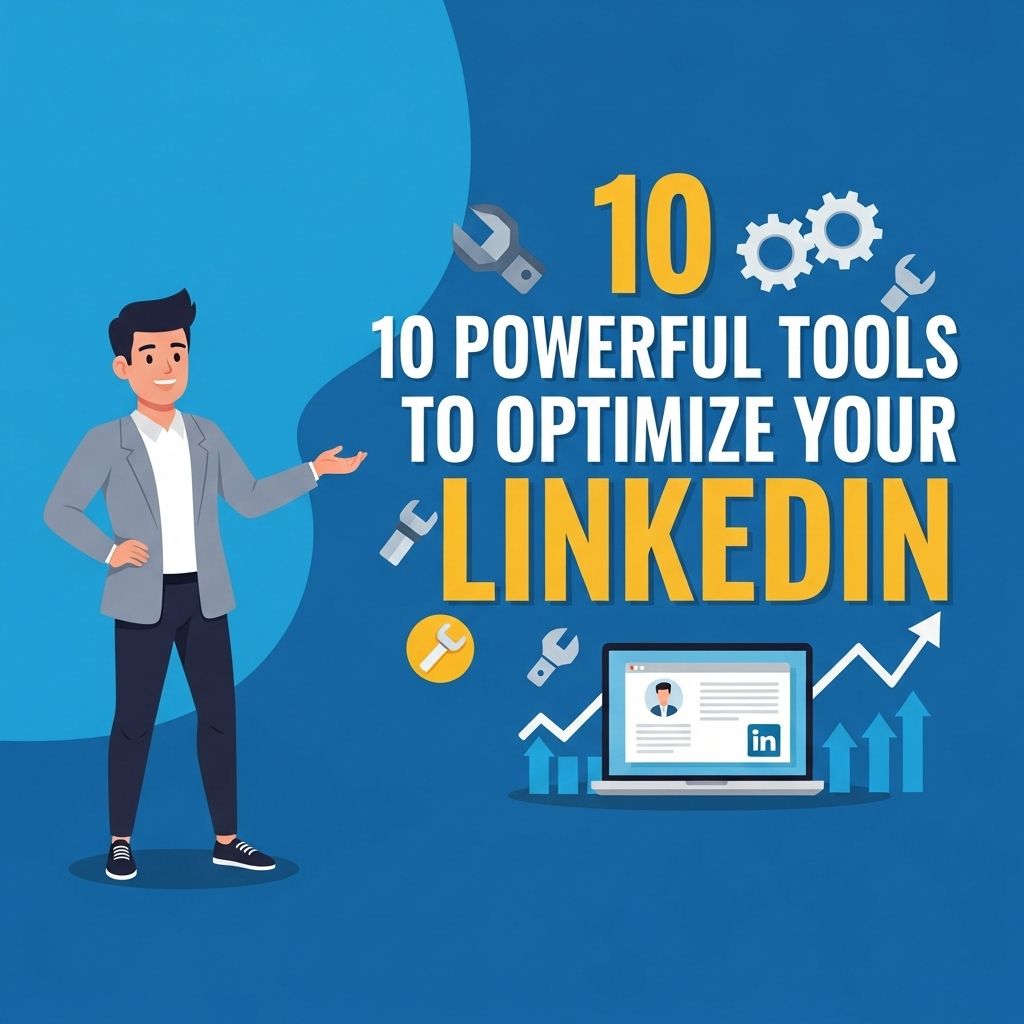
In the digital age, maintaining a strong online presence is essential for professional success, and LinkedIn is the leading platform for business networking. However, simply having a profile isn’t enough; optimizing it is key to attracting the right connections, job opportunities, and industry recognition. In this article, we’ll explore ten powerful tools that can help you enhance your LinkedIn profile, making it more appealing and effective in achieving your career goals.
In today’s competitive job market, having an optimized LinkedIn profile is essential for making valuable connections and standing out to potential employers. This guide will explore 10 powerful tools that can help enhance your profile and showcase your professional expertise. For a visual reference on profile design, you might find professional jar visuals helpful.
Table of Contents
1. LinkedIn Profile Optimization Tool
One of the best ways to start enhancing your LinkedIn profile is to use a dedicated profile optimization tool. These tools analyze your profile and provide personalized suggestions.
- Identify relevant keywords to improve your profile visibility.
- Optimize your headline and summary sections.
- Provide tips on experience and skills to include.
Recommended Tools
- LinkedIn’s own Profile Strength Meter: Offers real-time feedback as you edit your profile.
- Jobscan: Compares your LinkedIn profile with job descriptions to suggest enhancements.
2. Canva
Visual content plays a significant role in social media engagement. Canva is a popular graphic design tool that you can use to create stunning visuals for your LinkedIn profile and posts.
- Design professional banners that reflect your personal brand.
- Create infographics to share industry insights.
- Produce eye-catching posts that promote your achievements.
Best Practices for Visuals
- Use a coherent color palette that matches your professional style.
- Keep designs simple and informative.
- Ensure your visuals are optimized for LinkedIn dimensions.
3. Grammarly
Communication is crucial on LinkedIn. Grammarly is an advanced writing assistant that helps you craft error-free posts, messages, and articles.
- Receive suggestions for grammar, punctuation, and style.
- Enhance clarity and engagement in your writing.
- Utilize tone detection to ensure your message is appropriately crafted.
Writing Tips
With Grammarly, consider these writing tips:
- Keep sentences concise.
- Avoid jargon unless necessary.
- Use bullet points for lists to enhance readability.
4. Hootsuite
For professionals looking to manage their LinkedIn presence efficiently, Hootsuite is a social media management platform that allows you to schedule posts, monitor engagement, and analyze performance.
- Schedule content to maintain a consistent posting schedule.
- Track interactions and analytics to refine your strategy.
- Engage with your audience in real-time.
Maximizing Hootsuite
Here are some strategies to use Hootsuite effectively:
- Identify peak engagement times for your audience.
- Utilize the analytics feature to understand which types of content perform best.
- Engage with comments promptly to foster a community.
5. LinkedIn Learning
Invest in your professional development using LinkedIn Learning, which offers a vast array of courses on various topics, from leadership to technical skills.
- Enhance your knowledge base and skills.
- Display completed courses on your profile to showcase your commitment to growth.
- Connect with instructors and fellow learners to expand your network.
Course Selection Criteria
When selecting courses, consider the following:
- Relevance to your career goals.
- Instructor credibility and experience.
- Course ratings and reviews.
6. Dux-Soup
Dux-Soup is a LinkedIn automation tool that helps you manage connections and follow-ups. It allows you to engage with potential leads without spending excessive time.
- Automate connection requests with personalized messages.
- Track profile visits and interactions.
- Export profile data for analysis.
Usage Guidelines
To use Dux-Soup effectively:
- Maintain a personalized approach to automation to avoid sounding robotic.
- Regularly review automated interactions to ensure quality.
- Comply with LinkedIn’s policies to avoid restrictions.
7. Crystal
Understanding your audience on LinkedIn can set you apart. Crystal is a tool that analyzes personalities based on LinkedIn profiles and suggests customized communication styles.
- Enhance your interaction strategy with insights into communication preferences.
- Craft messages tailored to fit the recipient’s style.
- Improve networking success by adapting to different personalities.
Effective Communication Techniques
Use these techniques when communicating:
- Adjust your tone based on personality assessments.
- Use common interests to build rapport.
- Mirror the recipient’s language for better connection.
8. Meet Alfred
This tool helps you manage and automate your LinkedIn outreach efforts. Meet Alfred provides features to keep your networking efficient and effective.
- Automate connection requests and messages.
- Schedule follow-up messages for more effective communication.
- Analyze the success of your outreach campaigns.
Strategic Outreach
For a successful outreach, consider the following:
- Segment your target audience for tailored messages.
- Maintain a balance between automation and personal interaction.
- Regularly update your outreach strategy based on performance metrics.
9. LinkedIn Sales Navigator
If you’re in sales or business development, LinkedIn Sales Navigator is an essential tool that allows you to find leads, track accounts, and build relationships.
- Utilize advanced search filters to find ideal clients.
- Get real-time insights and updates on your accounts.
- Engage with leads through personalized InMail messages.
Using Sales Navigator Effectively
To maximize its potential:
- Set clear goals for your outreach initiatives.
- Regularly review lead suggestions and adjust your strategy accordingly.
- Leverage saved leads and accounts for targeted campaigns.
10. LinkedIn Groups
Engaging with LinkedIn Groups related to your industry is a powerful way to network and share knowledge. These groups are forums for discussions and collaborations.
- Connect with industry peers and influencers.
- Share your expertise and insights to establish authority.
- Stay updated on industry trends and topics.
Best Practices for Group Engagement
To engage effectively in groups:
- Participate actively by commenting and sharing valuable content.
- Follow group rules and maintain respect for all members.
- Utilize groups as a platform for networking rather than self-promotion.
In conclusion, optimizing your LinkedIn profile and presence is crucial in standing out in today’s competitive job market. By leveraging these powerful tools, you can enhance your profile, increase engagement, and expand your professional network. Whether you’re looking for new opportunities or aiming to establish yourself as a thought leader, investing in your LinkedIn strategy will yield significant rewards.
FAQ
What are the best tools to optimize my LinkedIn profile?
Some of the best tools include LinkedIn Sales Navigator, Canva for designing graphics, Grammarly for proofreading, and Dux-Soup for automating profile visits.
How can I improve my LinkedIn visibility?
Improving LinkedIn visibility can be achieved by using relevant keywords in your profile, engaging with content, and utilizing tools like LinkedIn SEO Analyzer.
Is it worth investing in LinkedIn Premium for profile optimization?
Yes, LinkedIn Premium offers features like InMail messaging and insights on who viewed your profile, which can enhance your networking and job search.
What content should I share to optimize my LinkedIn presence?
Sharing industry-related articles, personal achievements, and company updates helps to establish your authority and engage your network.
How do I use analytics to optimize my LinkedIn profile?
You can use LinkedIn’s built-in analytics to track profile views, engagement rates, and follower demographics to tailor your content strategy effectively.