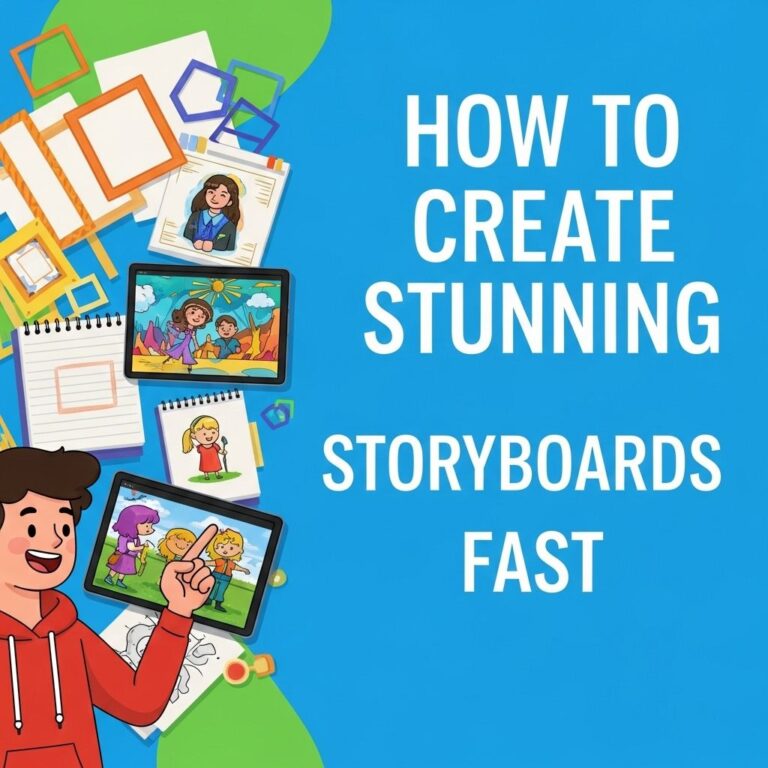
In the world of visual storytelling, whether it be for film, animation, or video games, storyboarding is a crucial step in the creative process. It allows creators to visualize scenes, establish the flow of a narrative, and communicate ideas effectively to the entire production team. With technology constantly evolving, today’s storytellers have access to a range of storyboarding tools that can enhance their workflow and creativity. This article explores five essential storyboarding tools that every modern creator should consider incorporating into their toolkit.
Storyboarding is a critical step in the creative process, allowing artists and filmmakers to visualize their narratives. To effectively bring your ideas to life, equip yourself with essential storyboarding tools that can streamline your workflow. For a visual reference, check out these realistic bag mockup examples that can enhance your presentations.
Table of Contents
1. Storyboard Pro
Storyboard Pro is a premium software developed by Toon Boom, renowned in the animation industry for its robust features. It combines drawing tools, animation capabilities, and production management into a single platform, making it an all-in-one solution for professionals.
Key Features:
- Intuitive drawing tools for creating detailed storyboards.
- Camera controls to simulate movements and transitions.
- Timeline for organizing scenes and sequences.
- Collaboration features for feedback and adjustments.
- Integration with animation software for a seamless workflow.
Storyboard Pro is particularly useful for animators who wish to create dynamic visuals alongside their storyboards, making it a go-to tool in the industry.
2. Boords
Boords is a cloud-based storyboarding tool that is perfect for teams looking for a collaborative and user-friendly experience. Its simplicity allows creators to focus more on their storytelling rather than getting bogged down by technical details.
Why Choose Boords?
- Collaboration: Multiple users can work on the same project in real-time, making it easy to share ideas and feedback.
- Drag-and-drop interface: Easily rearrange scenes with a simple drag-and-drop mechanic.
- Export options: Export storyboards to PDF, GIF, or video format, which is great for presentations.
Boords is especially popular among indie filmmakers and content creators who appreciate its straightforward approach to the storyboarding process.
3. Celtx
Celtx is primarily known as a screenwriting tool, but its storyboarding features make it a versatile option for storytellers. Ideal for those working on scripts and narratives, Celtx allows users to create storyboards alongside their screenplay.
Benefits of Using Celtx:
| Benefit | Description |
|---|---|
| Integrated Script and Storyboard | Users can view their screenplay and storyboard side by side for better alignment. |
| Visual Tags | Apply visual tags to scenes for easy categorization and reference. |
| Cloud Access | Work on projects from different devices with cloud storage. |
This software is particularly useful for writers who want to maintain the narrative’s integrity throughout the visual planning stages, ensuring a cohesive final product.
4. FrameForge
FrameForge is a unique storyboarding software that takes a more graphical approach by allowing users to create 3D pre-visualizations of their scenes. This is particularly advantageous for filmmakers who want to explore complex camera angles and shot compositions without the need for expensive equipment.
Unique Selling Points:
- 3D Sets: Build virtual environments where scenes can be placed and adjusted.
- Virtual Camera: Experiment with camera angles, movements, and lighting.
- Character Placement: Easily position characters in your scenes for visualization.
FrameForge is an excellent tool for filmmakers and animators who wish to delve deeper into pre-visualization, making it easier to visualize how a scene will play out before the actual shoot.
5. Storyboard Fountain
For those seeking a free and open-source option, Storyboard Fountain is a fantastic tool that caters to indie filmmakers and hobbyists. Its straightforward interface is designed for creating digital storyboards without the need for extensive training or experience.
Features of Storyboard Fountain:
- Simple interface: Ideal for beginners and quick sketching.
- Supports multiple formats: Export storyboards as PDFs or images.
- Open-source community: Engage with other users for support and enhancements.
This tool is perfect for beginners or those who may not have the budget for premium software but still want to create high-quality storyboards.
Conclusion
Choosing the right storyboarding tool can significantly impact the quality and efficiency of your storytelling process. Each of these five essential tools offers unique features that cater to different needs and preferences. By leveraging these tools, creators can streamline their workflow, enhance collaboration, and bring their narratives to life more effectively. Whether you’re a seasoned professional or just starting with storyboarding, investing time in selecting the right tool can pave the way for success in your creative endeavors.
FAQ
What are the best tools for storyboarding?
Some of the best storyboarding tools include Storyboard That, Canva, Boords, Adobe Photoshop, and PowerPoint.
How do storyboarding tools improve my creative process?
Storyboarding tools help streamline the planning phase of your project, allowing you to visualize scenes, organize ideas, and communicate your vision more effectively.
Can I use free storyboarding tools?
Yes, there are several free storyboarding tools available, such as Storyboard That (with limited features), Canva, and Google Slides.
What features should I look for in a storyboarding tool?
Look for features like drag-and-drop functionality, customizable templates, collaboration options, and export capabilities.
Is it necessary to use software for storyboarding?
While it’s not necessary, using software can enhance efficiency and provide more flexibility compared to traditional paper methods.
Can storyboarding tools be used for different types of projects?
Absolutely! Storyboarding tools can be used for films, animations, marketing campaigns, and even presentations or educational content.