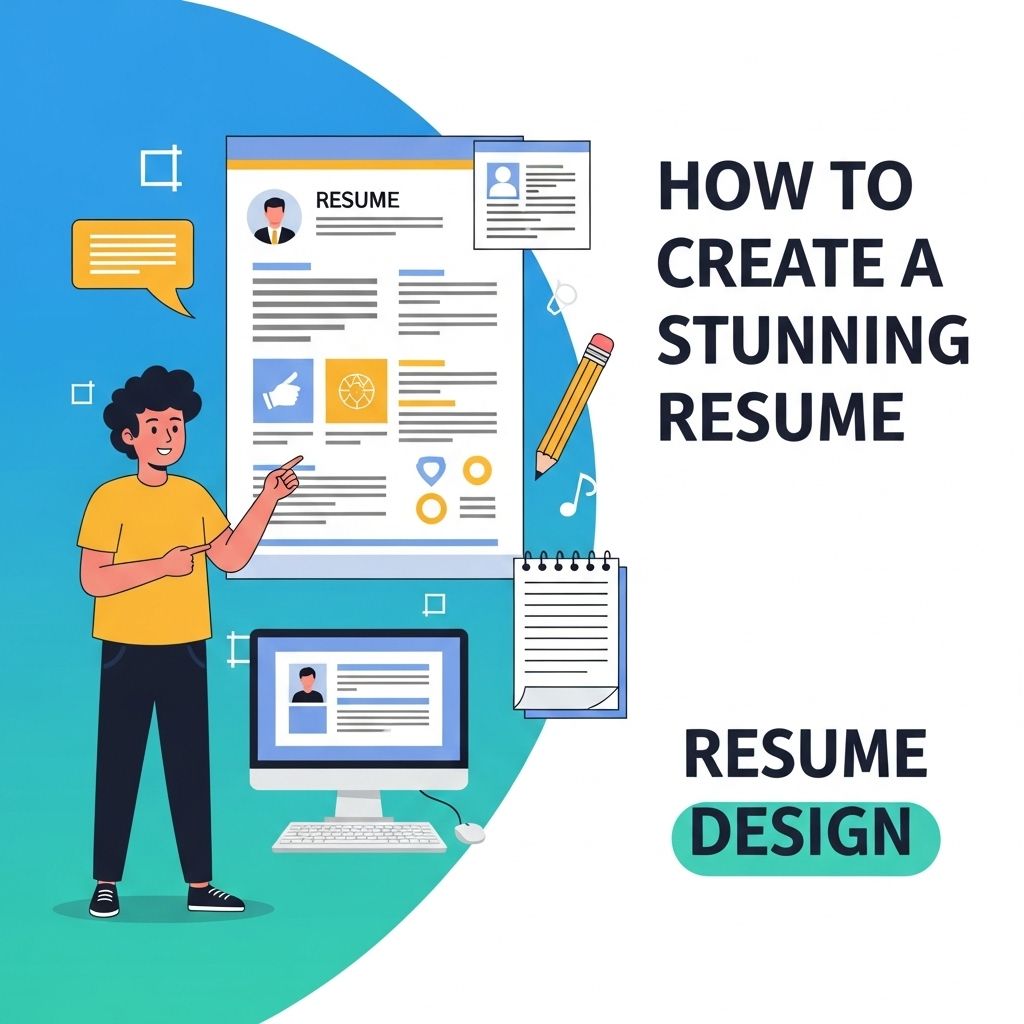
In today’s competitive job market, a stunning resume design can be the difference between landing an interview and being overlooked. A well-crafted resume not only showcases your skills and experience but also presents them in a visually appealing manner that grabs a hiring manager’s attention. Designing a resume might seem daunting, but with the right approach and tools, anyone can create a standout document. This article will guide you through the steps to create a stunning resume design that highlights your professional journey.
Creating a stunning resume design doesn’t have to be a lengthy process; with the right tools, you can craft a visually appealing resume in minutes. Utilize various design resources to enhance your document, such as how to create bag mockups, which can inspire your layout and presentation.
Table of Contents
The Importance of Resume Design
Your resume is often the first impression you make on potential employers. An aesthetically pleasing, well-organized resume can:
- Enhance readability
- Highlight key accomplishments
- Reflect your personality and attention to detail
While content is king, design maintains a pivotal role in ensuring your resume gets the attention it deserves.
Understanding the Basics of Resume Layout
Before diving into the design aspects, it’s crucial to understand the basic layout elements of a resume. A well-structured layout can aid in the overall effectiveness of your resume design:
Key Sections of a Resume
Most resumes include the following sections:
- Contact Information: Your name, phone number, email address, and LinkedIn profile.
- Professional Summary: A brief overview of your qualifications and career goals.
- Work Experience: A list of your previous jobs, responsibilities, and achievements.
- Education: Your degrees, institutions attended, and graduation dates.
- Skills: Relevant skills that pertain to the job you are applying for.
- Additional Sections: Certifications, volunteer work, or interests can also be included to showcase your well-roundedness.
Choosing the Right Design Tools
When it comes to designing your resume, there are numerous tools available that can help streamline the process:
| Tool | Description | Cost |
|---|---|---|
| Canva | User-friendly graphic design platform with resume templates | Free/Premium |
| Adobe InDesign | Professional desktop publishing software for advanced users | Subscription |
| Microsoft Word | Standard word processing software with built-in resume templates | One-time purchase/Subscription |
| Google Docs | Free, web-based word processor with collaborative features | Free |
Design Elements to Consider
When designing your resume, pay attention to the following elements:
Typography
The font you choose can greatly impact the readability of your resume:
- Use standard fonts: Opt for fonts like Arial, Calibri, or Times New Roman.
- Font size matters: Keep main text between 10-12 points, and headings larger for emphasis.
- Limit styles: Use a maximum of two different fonts to maintain a cohesive look.
Color Scheme
Colors can convey your personality and professionalism:
- Stick to a palette: Limit your color choices to two or three complementary colors.
- Use colors sparingly: Use color for headings and maybe a border, but keep the body text black.
- Avoid overly bright colors: Stick with neutral tones for a professional appearance.
White Space
White space, or negative space, is crucial for a clean and professional look:
- Enhances readability: Allows the eyes to rest and prevents clutter.
- Organizes content: Helps in dividing the sections clearly.
- Use margins: Maintain consistent margins around the text (1 inch is standard).
Incorporating Visual Elements
Visual elements can enhance your resume’s appeal:
Icons
Icons can be used to represent sections such as contact information and skills:
- Keep it simple: Use minimalist icons to avoid distraction.
- Ensure clarity: Icons should be easily recognizable and relevant.
Graphs and Charts
Graphs and charts can illustrate your achievements effectively:
- Quantify your success: Use pie charts or bar graphs to showcase your skills or accomplishments.
- Maintain clarity: Ensure the charts are easy to read and understand.
Photographs
Including a professional photograph can personalize your resume:
- Ensure professionalism: Use a high-quality, well-lit photo that presents you in business attire.
- Consider industry norms: Some fields, like modeling or acting, may prefer pictures, while others may not.
Finalizing Your Resume Design
Once you’ve created your stunning resume, it’s important to finalize it properly:
Proofreading
Check for grammar and spelling errors, and ensure consistency in formatting:
- Read aloud: This can help catch awkward phrasing.
- Use software tools: Utilize grammar checking tools like Grammarly for assistance.
Format for ATS
Many organizations use Applicant Tracking Systems (ATS) to filter resumes:
- Save in a compatible format: PDF or Word formats are usually ATS-friendly.
- Avoid complex formatting: Keep designs simple to ensure ATS can read your resume correctly.
Feedback
Before sending out your resume, seek feedback:
- Ask professionals: Get opinions from industry peers or mentors.
- Consider hiring a professional: Resume writers or designers can provide valuable insights.
Conclusion
Creating a stunning resume design is both an art and a science. By considering layout, typography, color schemes, and visual elements, you can craft a document that not only highlights your skills but also sets you apart in the competitive job market. Remember that your resume is a reflection of your personal brand — invest the time and effort to make it as striking and professional as possible.
FAQ
What are the key elements of a stunning resume design?
A stunning resume design should include a clear layout, appropriate use of colors, readable fonts, and sections that highlight your skills, experience, and education effectively.
How can I choose the right color scheme for my resume?
Choose a color scheme that reflects your personality and industry norms. For creative fields, you can use bold colors, while conservative industries may require a more traditional palette.
What fonts are best for a professional resume?
Use clean and professional fonts like Arial, Calibri, or Times New Roman. Ensure that the font size is readable, typically between 10-12 points.
Should I use graphics or images in my resume design?
While graphics can enhance a creative resume, use them sparingly. Ensure that they complement the content and do not distract from the information presented.
How can I make my resume stand out from the competition?
To stand out, customize your resume for each job application, use impactful action verbs, and quantify your achievements to showcase your value effectively.
What tools can I use to create a stunning resume?
You can use online tools like Canva, Adobe Spark, or Microsoft Word templates to create a visually appealing and professional resume.