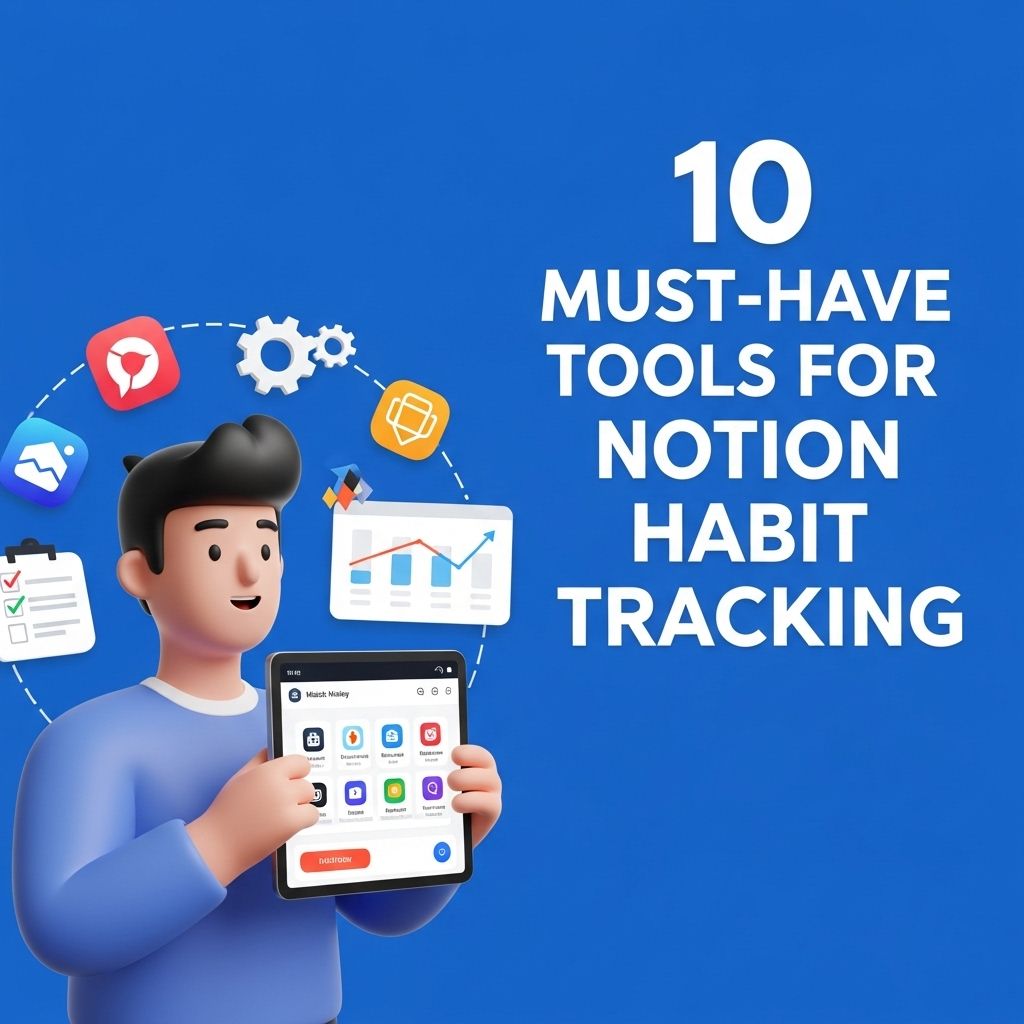
In an age where productivity and self-improvement are more important than ever, habit tracking has emerged as a critical component of personal development. With the right tools, you can streamline this tracking process, making it not just effective but also enjoyable. Notion, a versatile productivity tool, offers a unique platform for habit tracking that allows users to create customized systems tailored to their personal goals. In this article, we will explore ten essential tools that can enhance your habit-tracking experience in Notion, helping you to build and maintain lasting habits.
Notion is a versatile platform that can transform how you manage your habits. In this article, we will explore 10 essential tools for habit tracking within Notion, helping you optimize your routines and boost productivity. To visualize your progress, consider using designs from mockup tube examples.
Table of Contents
1. Habit Tracker Templates
One of the easiest ways to get started with habit tracking in Notion is by utilizing pre-existing templates. These templates offer a structured approach, allowing you to focus on your goals without having to design a system from scratch.
Benefits of Using Templates
- Saves time on setup
- Provides a ready-made structure
- Easily customizable
Some popular habit tracker templates include:
- Simple Habit Tracker: A straightforward approach that tracks daily habits with checkboxes.
- Monthly Habit Planner: Organizes habits on a calendar view for comprehensive monthly tracking.
- Goal-Oriented Habit Tracker: Integrates goals with specific habits necessary for achieving them.
2. Database Feature
The database function in Notion is a powerful tool for habit tracking. It allows you to create a tailored database that can include various attributes such as habit name, frequency, start date, and progress.
How to Set Up a Habit Tracking Database
- Create a new database in Notion.
- Add attributes for each of your habits, including status, frequency, and notes.
- Utilize views (table, board, calendar) to visualize your habits in different formats.
3. Progress Bars
Visual aids are critical in habit tracking as they provide immediate feedback on your progress. Notion allows users to create progress bars to help visualize your achievements over time.
Implementing Progress Bars
Follow these steps to create a progress bar:
- Use the formula feature to calculate the percentage of tasks completed.
- Create a visual representation using Notion’s built-in progress bar options.
- Update the progress bar regularly to reflect your tracking.
4. Daily Check-in Pages
Daily check-in pages can serve as a reflective space where you can log your progress, note any challenges, and prepare for the next day.
Creating a Daily Check-in Page
To set up a daily check-in page in Notion:
- Create a new page and include a habit tracking section.
- Add sections for reflection, success, and areas for improvement.
- Incorporate a gratitude section to boost motivation.
5. Reminders and Notifications
Consistency is key in habit formation. Setting reminders or notifications can help keep you accountable and prompt you to engage with your habits daily.
Utilizing Reminders in Notion
Notion does not have built-in reminders, but you can integrate it with services like Google Calendar or use a third-party automation tool such as Zapier:
- Set a specific time for your notifications.
- Link your Notion database with Google Calendar for alerts.
- Use automation tools to send reminders based on your habit tracking.
6. Custom Dashboards
Creating a custom dashboard in Notion can provide an overview of all your habits at a glance. A well-organized dashboard allows for easy access and quick assessments of your habit tracking progress.
Elements of an Effective Dashboard
Your dashboard can include:
- A summary of current habits and their completion rates
- A monthly calendar with highlights of significant achievements
- Links to individual habit tracking pages for detailed insights
7. Graphs and Charts
Using graphs and charts to represent your habit tracking data visually can make it easier to spot trends and patterns over time.
Creating Charts in Notion
You can use tools like Google Sheets to create charts and then embed these within Notion:
- Track your data in a Notion database.
- Export this data to Google Sheets.
- Create charts and embed them back into your Notion page.
8. Integration with Other Apps
Notion can be integrated with various productivity apps to enhance your habit tracking experience. These integrations can streamline your process and expand functionalities.
Popular Integrations
- Google Calendar: Sync your habits with calendar events.
- Trello: Manage your habits using Kanban boards.
- Slack: Receive updates about your habit tracking progress.
9. Community Resources and Support
The Notion community is vast and filled with valuable resources. Engaging with community groups or forums can provide you with insights, tips, and inspiration for your habit tracking journey.
Where to Find Support
- Join Notion-focused Discord servers or Reddit groups.
- Follow Notion creators on social media for tips and tricks.
- Explore YouTube channels dedicated to Notion tutorials.
10. Regular Reviews and Adjustments
Finally, regularly reviewing and adjusting your habit tracking system is critical to ensure it remains effective and aligned with your goals.
Conducting Habit Reviews
Set aside time weekly or monthly to:
- Assess what habits are being accomplished.
- Identify patterns or obstacles that hinder progress.
- Adjust your tracking methods as necessary to improve efficiency.
By implementing these ten tools in Notion, you can create a comprehensive habit tracking system that not only helps you monitor your progress but also motivates you to stay committed to your personal growth journey. Remember, the key to successful habit tracking is not just in monitoring but in actively engaging with your goals and making the necessary adjustments to enhance your journey.
FAQ
What are the best tools for habit tracking in Notion?
Some of the best tools for habit tracking in Notion include templates like Habit Tracker, Daily Log, and Weekly Review pages that can help streamline your tracking process.
Can I customize my Notion habit tracking tools?
Yes, Notion allows for extensive customization, so you can modify templates and create your own habit tracking system that fits your personal needs.
Is there a Notion template specifically for habit tracking?
Yes, there are several Notion templates available for habit tracking, including those shared by the Notion community and various productivity blogs.
How can I integrate reminders with my Notion habit tracker?
You can integrate reminders in Notion by using the ‘Reminder’ feature within your habit tracking database or by connecting Notion to other apps like Google Calendar.
What features should I look for in a Notion habit tracking tool?
Look for features such as visual progress tracking, the ability to set goals, daily reminders, and options for reflection to enhance your habit tracking experience.
Are there any free resources for Notion habit tracking tools?
Yes, many free resources and templates for Notion habit tracking can be found online, including community-shared templates on platforms like Reddit and Notion’s own template gallery.