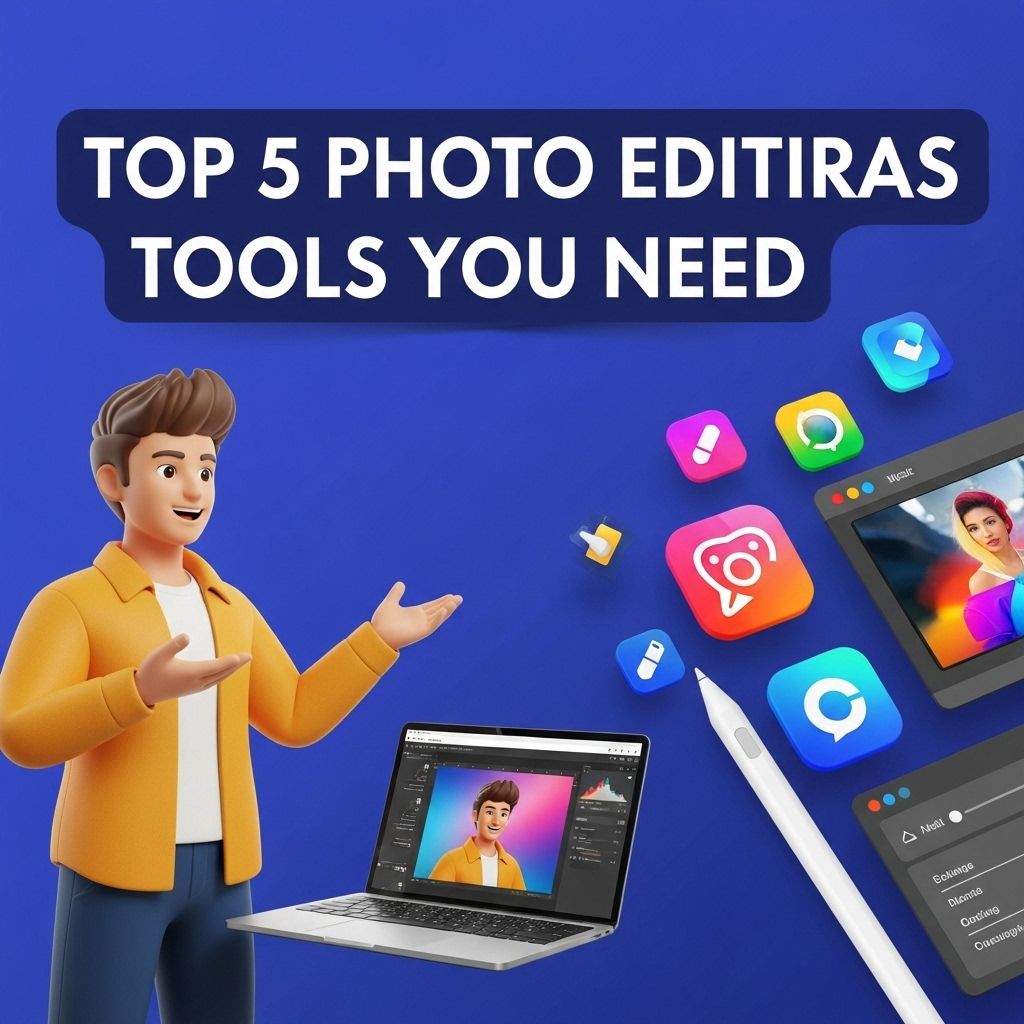
In the digital age, photography has evolved into an art form accessible to everyone, thanks to smartphones and advanced camera technology. However, capturing the perfect image is just the beginning. With the right photo editing tools, you can transform ordinary pictures into stunning visuals that resonate with your audience. Whether you’re a professional photographer or an enthusiastic hobbyist, the right software can elevate your work and help you achieve your creative vision. In this article, we will explore five essential photo editing tools that can enhance your editing skills and streamline your workflow.
Table of Contents
1. Adobe Photoshop
Adobe Photoshop is often regarded as the gold standard for photo editing software. With its extensive array of features and capabilities, it is favored by both professionals and amateurs alike.
Key Features:
- Layer-based editing for complex compositions
- Advanced retouching tools including clone stamp and healing brush
- Filters and effects to enhance images creatively
- Integration with other Adobe products for a seamless workflow
Pros and Cons:
| Pros | Cons |
|---|---|
| Highly versatile and powerful | Steep learning curve for beginners |
| Frequent updates and improvements | Subscription-based pricing can be costly |
2. Lightroom Classic
Adobe Lightroom Classic is tailored for photographers looking to manage their photo libraries while performing detailed edits. It is particularly useful for batch processing and organizing large quantities of images.
Key Features:
- Non-destructive editing with easy workflow management
- Preset applications for consistent editing styles
- Comprehensive tools for color correction and exposure adjustments
- Seamless integration with the cloud for access anywhere
Pros and Cons:
| Pros | Cons |
|---|---|
| Great for organizing and managing photos | Less powerful for detailed photo manipulation |
| Offers excellent batch processing capabilities | Interface can be overwhelming for new users |
3. GIMP (GNU Image Manipulation Program)
As a free and open-source alternative, GIMP provides powerful editing capabilities without the financial burden of premium software. Its versatility makes it a popular choice for enthusiasts and professionals who prefer not to invest in costly software.
Key Features:
- Robust set of editing tools similar to Photoshop
- Customizable interface with various plugins available
- Compatible with multiple file formats
- Active community support for troubleshooting and tips
Pros and Cons:
| Pros | Cons |
|---|---|
| Absolutely free to use | Can be less intuitive than paid options |
| Frequent updates and features added by the community | Lack of official customer support |
4. Canva
Canva is a web-based graphic design tool that simplifies the editing process by providing pre-made templates and easy-to-use features. While it isn’t a traditional photo editor, it’s an excellent choice for creating engaging social media graphics and marketing materials.
Key Features:
- User-friendly drag-and-drop interface
- Extensive library of templates for various design needs
- Pre-built elements such as icons, shapes, and illustrations
- Collaboration features for team projects
Pros and Cons:
| Pros | Cons |
|---|---|
| Accessible from any device with internet | Limited advanced photo editing capabilities |
| Great for quick designs and social media content | Some features require a paid subscription |
5. Affinity Photo
Affinity Photo offers a compelling alternative to Adobe’s suite, providing professional-grade photo editing at a one-time purchase price. It’s a great choice for those who want powerful tools without a subscription model.
Key Features:
- Advanced editing features, including frequency separation and retouching tools
- Compatible with Photoshop files (PSD format)
- Real-time editing capabilities
- Non-destructive adjustments and a user-friendly interface
Pros and Cons:
| Pros | Cons |
|---|---|
| One-time purchase with no subscription fees | Smaller community compared to Adobe |
| Fast performance and responsive interface | Some advanced features may require time to learn |
Conclusion
Choosing the right photo editing tool can significantly impact your workflow and the quality of your final images. Each of the tools discussed above has its own set of unique features, advantages, and limitations. Your choice will largely depend on your specific needs, budget, and editing style. Whether you opt for the industry-leading Adobe Photoshop or a free alternative like GIMP, the most important factor is to practice and explore the potential of your chosen tool. Happy editing!
FAQ
What are the top photo editing tools available in 2023?
The top photo editing tools in 2023 include Adobe Photoshop, Lightroom, GIMP, Canva, and Affinity Photo.
Is Adobe Photoshop still the best photo editing software?
Yes, Adobe Photoshop remains one of the best photo editing software due to its extensive features and tools for both professionals and beginners.
Can I use GIMP for professional photo editing?
Absolutely! GIMP is a powerful open-source photo editing tool that can be used for professional-quality editing.
Is Canva suitable for photo editing?
Yes, Canva is great for quick and easy photo edits, especially for social media graphics and marketing materials.
What makes Lightroom different from Photoshop?
Lightroom is primarily focused on photo organization and batch editing, while Photoshop offers more advanced retouching and graphic design features.
Are there any free photo editing tools available?
Yes, tools like GIMP and Canva offer free versions that provide a range of photo editing capabilities.