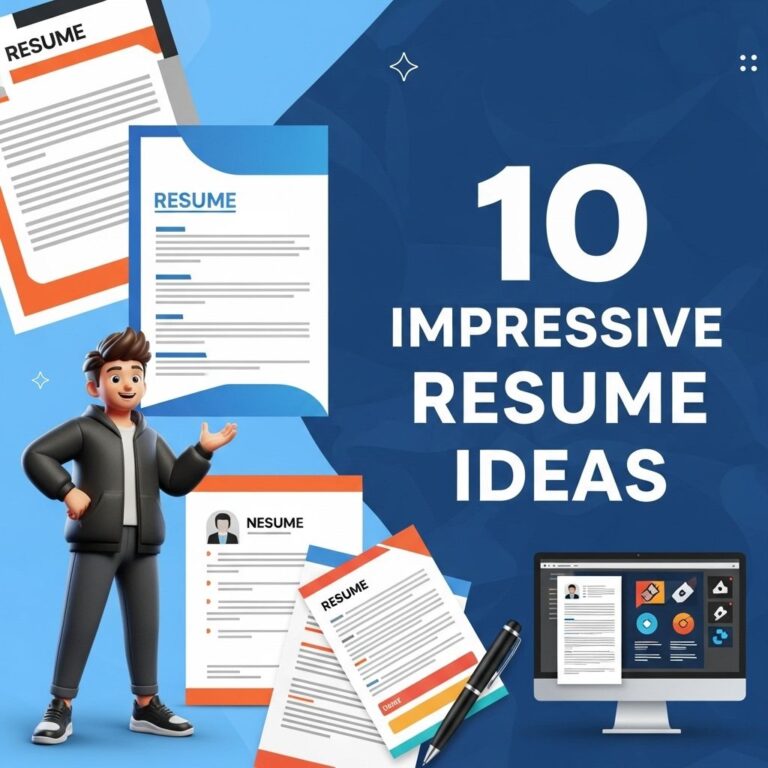
In today’s competitive job market, having a standout resume is crucial to catching the attention of hiring managers. A well-designed resume not only showcases your skills and experiences but also reflects your personal brand. With a plethora of free resources available online, you can create a visually appealing and professional resume without spending a dime. Below are ten free resume design ideas that will help you stand out from the crowd.
In today’s competitive job market, having a standout resume is essential for capturing the attention of potential employers. Here are 10 free resume design ideas that not only showcase your skills and experience but also reflect your personality. For inspiration, you can check out unique examples like this downloadable beer artwork which highlights creativity in design.
Table of Contents
1. Use Creative Templates
Utilizing creative templates can give your resume a unique flair. Websites like Canva, Adobe Spark, and Google Docs offer a variety of free templates that you can customize according to your needs. Key points to consider when choosing a template:
- Industry relevance
- Readability
- Professional aesthetics
Popular Sources for Free Templates
2. Incorporate Infographics
Infographics can visually represent your skills and achievements, making them easier to digest. Consider using:
- Charts to show progress or achievements
- Icons for skills or certifications
- Visual timelines for work experience
Tools to Create Infographic Resumes
| Tool | Features | Website |
|---|---|---|
| Piktochart | Easy infographic creation with templates | piktochart.com |
| Venngage | User-friendly with drag-and-drop functionality | venngage.com |
| Visme | Customization options for detailed infographics | visme.co |
3. Add a Personal Touch
To make your resume more memorable, consider adding a personal touch. This could include:
- A professional headshot
- A short personal statement or motto
- Custom color schemes that reflect your personality
Choosing the Right Colors
When selecting colors, ensure they are professional and not overpowering. A good rule of thumb is:
- Use neutral colors for the background
- Accent with one or two additional colors
- Ensure color contrasts are high for text
4. Experiment with Typography
Typography can significantly impact the overall look of your resume. Consider using:
- Different font sizes for headings and body text
- Sans-serif fonts for a modern appearance
- Creative fonts for sections like “Skills” or “Hobbies” (used sparingly)
Recommended Fonts
| Font | Style | Use Case |
|---|---|---|
| Montserrat | Modern sans-serif | Headings |
| Open Sans | Readable sans-serif | Body text |
| Lora | Elegant serif | Personal statements |
5. Utilize White Space
Effective use of white space can enhance readability and organization. Here are some tips:
- Leave sufficient margins
- Use spacing between sections
- Avoid cluttered layouts
Benefits of White Space
Incorporating white space in your resume design enhances:
- Clarity
- Focus on key sections
- Overall visual appeal
6. Include a Skills Section
A dedicated skills section can highlight your core competencies. Consider using:
- Bullet points for easy scanning
- A mixture of hard and soft skills
- Proficiency levels (e.g., beginner, intermediate, advanced)
Sample Skills Layout
| Skill | Proficiency |
|---|---|
| Data Analysis | Advanced |
| Project Management | Intermediate |
| Graphic Design | Beginner |
7. Make Use of Action Verbs
Using action verbs can make your experiences more dynamic. Consider starting bullet points with verbs such as:
- Developed
- Implemented
- Analysed
Impact of Action Verbs
Using strong action verbs can:
- Convey your accomplishments confidently
- Engage the reader
- Indicate proactivity
8. Tailor Your Resume
One-size-fits-all resumes are often ineffective. Tailoring your resume involves:
- Modifying the objective statement for each application
- Emphasizing relevant experiences
- Aligning skills with the job description
Strategies for Tailoring
- Research the company culture and industry
- Identify key skills mentioned in the job posting
- Highlight relevant projects or experiences
9. Use Online Portfolio Links
If applicable, include links to your online portfolio or LinkedIn profile. This adds depth to your resume and allows employers to see your work firsthand. Ensure:
- Links are functioning
- Your online profiles are up-to-date
- Content showcased is relevant to the job
10. Keep It One Page
Especially for entry-level positions, a one-page resume is often sufficient. To maintain conciseness:
- Prioritize information
- Avoid excessive details
- Use bullet points for brevity
Conclusion
Creating a standout resume is a blend of creativity, attention to detail, and strategic presentation. By implementing these ten free resume design ideas, you can significantly enhance your chances of making a lasting impression on potential employers. Remember, your resume is often your first opportunity to showcase your professional persona—make it count.
FAQ
What are some free tools for designing a resume?
Some popular free tools for designing a resume include Canva, Google Docs, and Microsoft Word templates.
How can I make my resume stand out?
You can make your resume stand out by using a unique layout, incorporating colors, adding icons, and highlighting key achievements.
Are there specific fonts that work best for resumes?
Yes, fonts like Arial, Calibri, and Helvetica are clean and professional, making them ideal for resumes.
What should I include in a standout resume design?
Include a professional summary, skills section, work experience, and education, while using a visually appealing layout.
Can I use graphics in my resume?
Yes, using subtle graphics or icons can enhance your resume’s design, but be careful not to clutter it.
Where can I find inspiration for resume design?
You can find inspiration on design websites like Behance, Dribbble, or Pinterest, where many creative resumes are showcased.