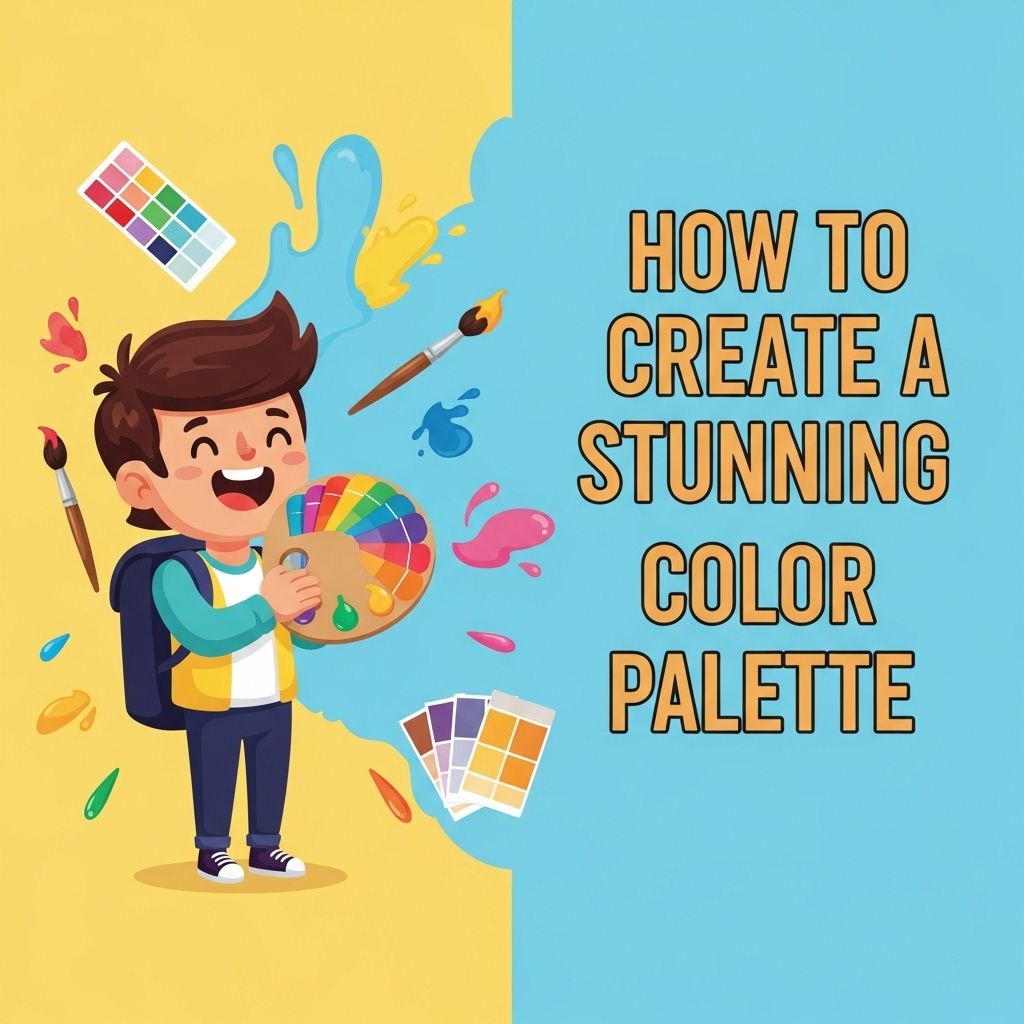
Creating a captivating color palette is crucial for anyone involved in design, whether you are working on web projects, branding, or just looking to enhance your personal aesthetic. A well-chosen color palette can evoke emotions, convey messages, and dictate the overall look and feel of a project. In this article, we will explore how to craft a stunning color palette that resonates with your audience and fits your project.
Table of Contents
Understanding Color Theory
Before diving into the practical steps of creating a color palette, it’s essential to understand the basics of color theory. Color theory encompasses the rules and guidelines regarding the use of color in design. Here are some foundational concepts:
Primary, Secondary, and Tertiary Colors
Colors can be categorized based on their relationships:
- Primary Colors: Red, blue, and yellow. These colors cannot be made by mixing other colors.
- Secondary Colors: Green, orange, and purple. These are created by mixing primary colors.
- Tertiary Colors: The result of mixing a primary color with a secondary color.
Color Harmony
Color harmony refers to the visually pleasing arrangement of colors. Here are some common color harmony techniques:
- Complementary: Colors opposite each other on the color wheel.
- Analogous: Colors that are next to each other on the color wheel.
- Triadic: Three colors evenly spaced around the color wheel.
- Tetradic: Four colors that form a rectangle on the color wheel.
Steps to Create a Stunning Color Palette
Step 1: Define Your Purpose
Before selecting colors, it’s essential to define the purpose of your design. Ask yourself:
- What message do I want to convey?
- What emotions should the colors evoke?
- Who is my target audience?
Step 2: Gather Inspiration
Look for inspiration from various sources. Here are a few ideas:
- Nature: Observe landscapes, flowers, and animals.
- Art: Study famous paintings or modern artworks.
- Fashion: Review recent collections or street styles.
- Online Tools: Websites like Pinterest, Behance, or Dribbble are great for gathering ideas.
Step 3: Choose a Base Color
Your base color will serve as the foundation of your palette. Here’s how to select one:
- Identify your brand’s personality (e.g., bold, calm, playful).
- Consider the emotions associated with different colors. For instance:
| Color | Emotion |
|---|---|
| Red | Passion, Energy |
| Blue | Trust, Calm |
| Green | Growth, Harmony |
| Yellow | Optimism, Happiness |
| Purple | Luxury, Creativity |
Step 4: Build Surrounding Colors
Once you have a base color, it’s time to choose complementary and supporting colors:
- Use color harmony techniques (complementary, analogous, etc.) to find suitable colors.
- Consider the 60-30-10 rule to balance colors:
- 60% Dominant Color
- 30% Secondary Color
- 10% Accent Color
Step 5: Test Your Palette
Now that you have a selection of colors, test how they look together. Here are some ways to do that:
- Create mockups using the palette in your design software.
- Evaluate the palette in different lighting conditions to see how it adapts.
- Ask for feedback from peers or target audience.
Tools for Creating Color Palettes
Several online tools can facilitate the color palette creation process:
Adobe Color
A powerful tool that allows you to explore color harmony, create custom palettes, and browse trending colors used by other designers.
Coolors
An intuitive color palette generator that enables rapid color selection and adjustment. Users can lock colors and shuffle to discover new combinations.
Canva Color Palette Generator
Simply upload an image, and Canva will extract the dominant colors, making it easier to create palettes based on visual inspirations.
Color Psychology and Its Impact
Understanding color psychology is vital in design. The colors you choose can significantly impact user behavior and perception. Here’s a breakdown of a few color meanings:
- Red: Often used to stimulate appetite and create urgency (think fast food).
- Blue: Common in corporate branding because it conveys trust and dependability.
- Green: Frequently associated with eco-friendliness and health.
- Yellow: Can evoke feelings of happiness, but should be used sparingly as it can be overpowering.
Case Studies: Successful Color Palettes
Examining successful color palettes from well-known brands can provide insight into effective color usage:
1. Airbnb
Airbnb’s palette primarily revolves around coral-red, which stands out and evokes a sense of warmth and hospitality.
2. Spotify
Spotify utilizes a vibrant green accent paired with black and white, creating a modern, sleek look while ensuring the content remains the focus.
3. Facebook
The blue tones used by Facebook instill trust and safety, encouraging users to share personal information.
Conclusion
Creating a stunning color palette is an art that combines creativity, knowledge of color theory, and understanding user psychology. By following the steps outlined, from defining your purpose to testing your palette, you can craft a color scheme that not only looks great but also effectively communicates your intended message. Experiment with different combinations and stay current with design trends to keep your work fresh and engaging.
FAQ
What is a color palette and why is it important?
A color palette is a collection of colors that are used together in a design. It is important because it helps create a cohesive and visually appealing look for your projects.
How can I choose the right colors for my palette?
You can choose the right colors by considering the emotions you want to evoke, the brand identity, and using color theory principles such as complementary and analogous colors.
What tools can I use to create a color palette?
You can use online tools like Adobe Color, Coolors, or Canva to create and experiment with different color palettes.
How many colors should be in a color palette?
A good color palette typically includes 3 to 5 main colors, allowing for a balanced and harmonious design without overwhelming the viewer.
Can I use colors from nature to inspire my palette?
Absolutely! Nature is a great source of color inspiration. You can take photos of landscapes or flowers and extract colors from them to create your palette.
How do I test my color palette in design?
You can test your color palette by applying it to mock-ups or prototypes of your design projects, ensuring that the colors work well together in different contexts.