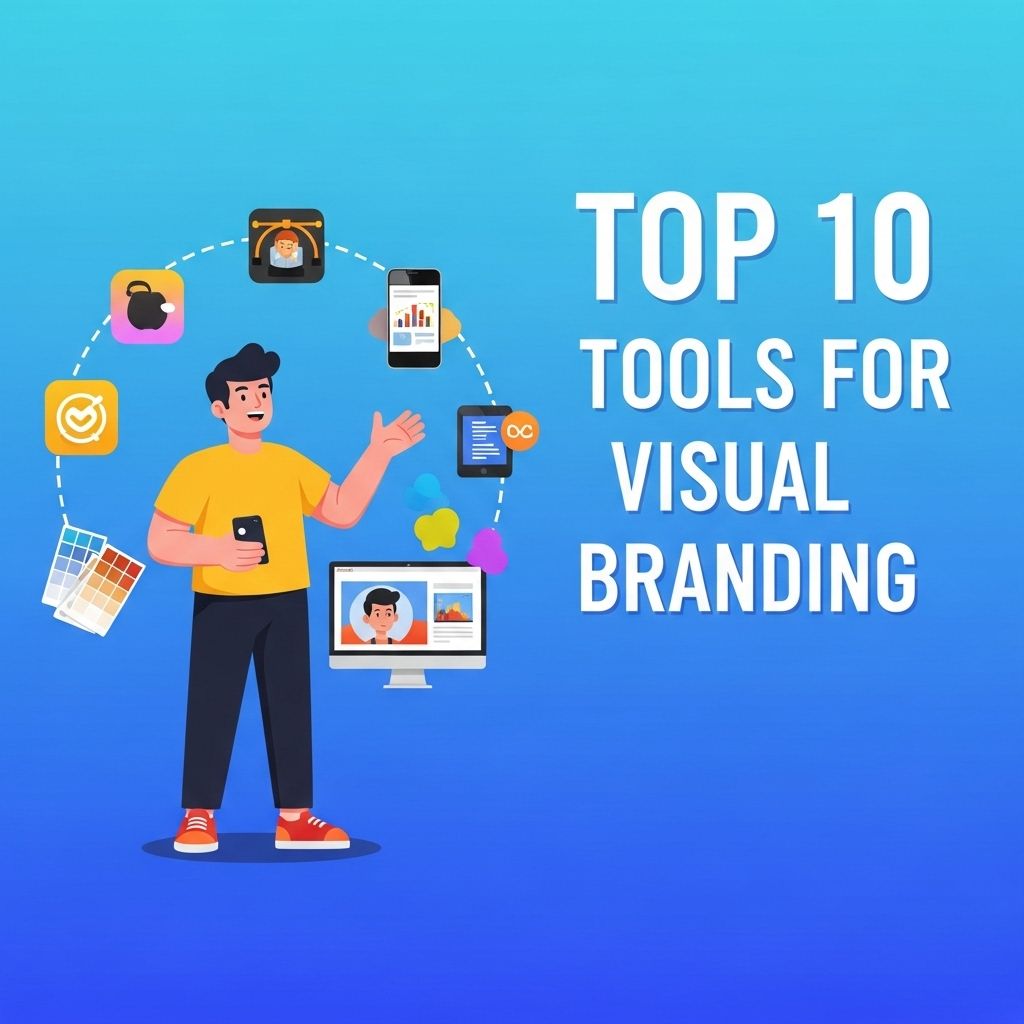
In today’s digital age, visual branding has emerged as a crucial component of any business strategy. It transcends mere aesthetics, forming the core of how a brand communicates its message and connects with its audience. From logos and color schemes to typography and imagery, visual branding encompasses everything that defines a brand’s identity. With a plethora of tools available, navigating through them can be overwhelming. Here, we explore the top 10 tools that can elevate your visual branding efforts, enabling you to craft a unique and compelling identity.
In today’s digital landscape, effective visual branding is essential for standing out and creating a memorable identity. This article will explore the top 10 tools that can enhance your branding efforts, including resources for creating stunning social media graphics. For inspiration, check out these mockup examples for social media.
Table of Contents
1. Adobe Creative Suite
Adobe Creative Suite is the industry standard for graphic design, video editing, and web development. It includes powerful applications such as:
- Adobe Photoshop for editing and manipulating photos.
- Adobe Illustrator for creating vector graphics and logos.
- Adobe InDesign for layout design, making it ideal for brochures and print materials.
Benefits:
- Extensive features for professional-quality design.
- Integration between apps allows for a seamless workflow.
- Widely recognized, making collaboration easier with other designers.
2. Canva
Canva is a user-friendly design platform perfect for non-designers and professionals alike. It offers drag-and-drop functionality with thousands of templates.
Key Features:
- Easy-to-use interface for quick design creation.
- A vast library of templates for various branding needs.
- Collaboration features for team projects.
Usage Examples:
- Social media graphics.
- Infographics.
- Presentations and reports.
3. Figma
Figma is a web-based interface design tool that facilitates real-time collaboration among team members. It’s particularly popular for UI/UX design.
Highlights:
- Live collaboration, allowing multiple users to work on the same project simultaneously.
- Vector graphics editing capabilities.
- Prototyping tools to visualize user flows.
4. ColorZilla
ColorZilla is an essential browser extension for web design. It allows users to pick colors from any website easily, aiding in color palette creation.
Features:
- Color picker tool for precise color selection.
- Eye dropper function to sample colors directly from web pages.
- Gradient generator for smooth color transitions.
5. Piktochart
Piktochart is ideal for creating infographics and visual stories. It combines data visualization with design, making information engaging and accessible.
Why Use Piktochart?
- User-friendly templates for a variety of formats.
- Integration with data sources, allowing for dynamic content.
- Customizable graphics to align with your brand.
6. LogoMaker
LogoMaker is a straightforward tool that enables users to generate logos quickly. It’s perfect for startups or individuals looking to create a simple logo without hiring a designer.
Advantages:
- Cost-effective solution for logo creation.
- Numerous icons and design elements to choose from.
- Easy download options for different file formats.
7. Unsplash
Unsplash provides a vast library of high-resolution images that can be used for branding purposes. It’s an invaluable resource for finding stunning visuals that align with your brand identity.
Usage Scenarios:
- Website backgrounds.
- Social media posts.
- Marketing materials.
8. Visme
Visme is a versatile tool that allows users to create presentations, infographics, and other visual content. It’s particularly useful for marketers looking to enhance their storytelling through visuals.
Key Features:
- A wide range of templates for diverse formats.
- Branding options to maintain a consistent visual identity.
- Data visualization tools for reporting and analysis.
9. Snappa
Snappa is a graphic design tool designed for marketers and entrepreneurs. It simplifies the design process by offering pre-set dimensions for various social media platforms.
Features:
- Drag-and-drop functionality for ease of use.
- Access to high-resolution stock photos.
- Easy resizing options for multiple platforms.
10. Crello
Crello is similar to Canva but focuses heavily on animated designs. It allows users to create eye-catching visuals that stand out in a crowded digital landscape.
Notable Features:
- Animation capabilities to bring designs to life.
- Extensive template library for various design needs.
- Ability to export designs in multiple formats.
Conclusion
Choosing the right tools for visual branding can significantly impact how your brand is perceived in an increasingly competitive market. Each tool mentioned above offers unique features and benefits that cater to different aspects of visual branding. By leveraging these tools effectively, you can create a cohesive and compelling brand identity that resonates with your audience, ultimately driving engagement and business success. Whether you’re a seasoned designer or just starting out, the tools listed here can help you bring your vision to life and strengthen your brand’s presence in the digital space.
FAQ
What are visual branding tools?
Visual branding tools are software or applications designed to help businesses create and manage their visual identity, including logos, color palettes, typography, and overall design consistency.
Why is visual branding important?
Visual branding is crucial as it establishes a company’s identity, fosters recognition, and builds trust with consumers, ultimately influencing their purchasing decisions.
What are some popular tools for creating logos?
Some popular tools for creating logos include Canva, Adobe Illustrator, and Looka, which offer user-friendly interfaces and customizable templates.
How can I maintain consistency in my visual branding?
You can maintain consistency in your visual branding by creating a style guide that outlines your logo usage, color schemes, and typography, ensuring all marketing materials align with these guidelines.
What role do color palettes play in visual branding?
Color palettes play a significant role in visual branding as they evoke emotions and convey messages about a brand, helping to establish its personality and connect with the target audience.
Are there any free tools for visual branding?
Yes, there are several free tools for visual branding, such as Canva, GIMP, and Crello, which provide various features for designing graphics and creating branding materials.