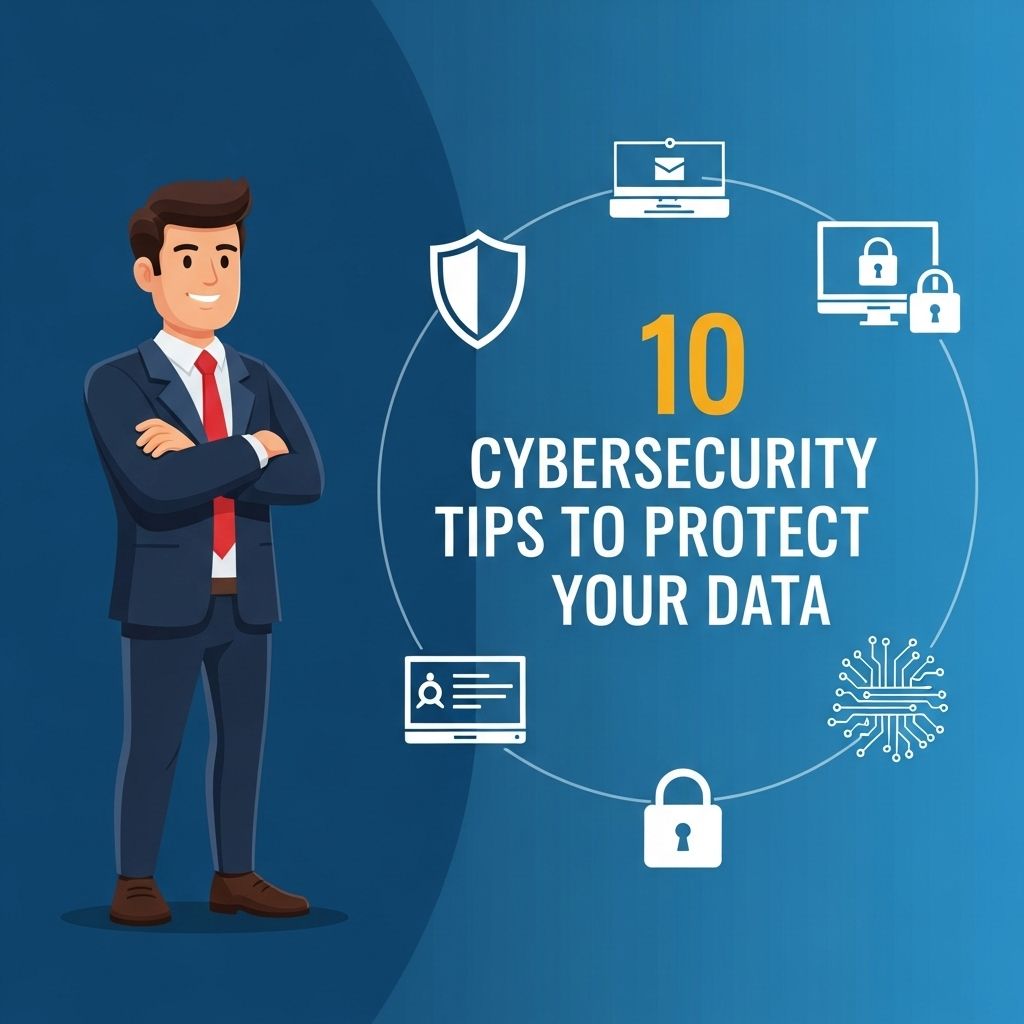
In an increasingly digital world, safeguarding your personal information and data has become more crucial than ever. With cyber threats evolving at an alarming rate, it’s essential to arm yourself with effective strategies to protect against potential attacks. This article delves into ten actionable cybersecurity tips that can help you secure your data and maintain your online privacy.
In today’s digital landscape, it’s crucial to prioritize cybersecurity to protect sensitive data. Implementing essential strategies can significantly reduce risks and safeguard your information from potential threats. For more insights on branding and business strategies, visit beer branding mockups.
Table of Contents
1. Use Strong, Unique Passwords
Passwords serve as the first line of defense against unauthorized access. Create strong passwords that include a mix of letters, numbers, and special characters. Here are some tips for effective password management:
- Use at least 12 characters.
- Avoid using easily guessed information like birthdays or names.
- Consider using a password manager to generate and store complex passwords.
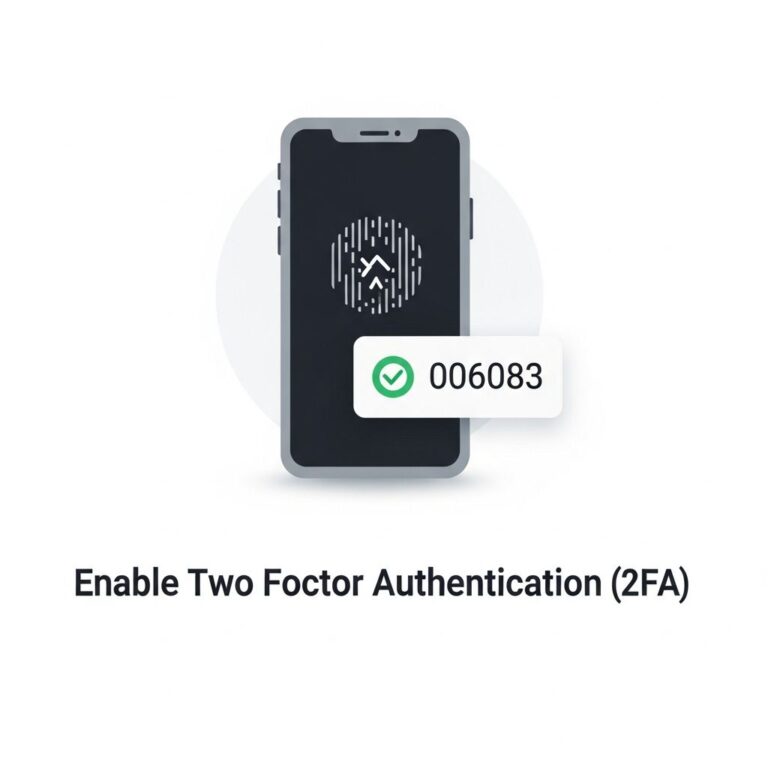
2. Enable Two-Factor Authentication (2FA)
Two-factor authentication adds an extra layer of security beyond just a password. It requires a second form of verification, such as a text message or authentication app code. Here’s how to implement 2FA:
- Go to your account settings on sensitive accounts.
- Select the option for 2FA or two-step verification.
- Follow the prompts to link your phone or authentication app.
3. Keep Your Software Up to Date
Software updates are vital for security, as they often include patches for vulnerabilities that could be exploited by cybercriminals. To stay secure:
| Type of Software | Frequency of Updates |
|---|---|
| Operating System | Monthly |
| Antivirus Software | Weekly |
| Applications | As needed |
4. Be Cautious with Public Wi-Fi
Using public Wi-Fi networks can expose your data to interception. If you must use them:
- Connect through a Virtual Private Network (VPN).
- Avoid accessing sensitive accounts (banking, email).
- Turn off file sharing and use secured websites (HTTPS).
5. Secure Your Home Network
Your home network is the gateway to your devices. To enhance security:
- Change the default username and password for your router.
- Use WPA3 encryption if available.
- Regularly update your router’s firmware.
6. Educate Yourself About Phishing Scams
Phishing attacks trick users into revealing personal information. To recognize and avoid phishing attempts:
- Look for unexpected emails or messages, especially those requesting personal information.
- Be cautious with links or attachments from unknown sources.
- Verify the sender’s email address for authenticity.
7. Backup Your Data Regularly
In the event of a cyberattack or data loss, having backups can save your important files. Follow these steps:
- Choose a backup solution (cloud storage, external hard drives).
- Schedule regular backups (daily, weekly).
- Test your backup system to ensure it works.
8. Limit the Sharing of Personal Information
Be mindful of the information you share online. To protect your privacy:
- Review privacy settings on social media platforms.
- Think before posting personal details.
- Consider using pseudonyms for non-essential accounts.
9. Install Reliable Security Software
Security software can detect and block threats before they compromise your system. Here’s how to choose the right software:
- Look for reputable brands with strong customer reviews.
- Ensure the software includes real-time scanning and automatic updates.
- Consider additional features like firewall protection and anti-phishing tools.
10. Stay Informed About Cybersecurity Trends
Cybersecurity is a constantly evolving field. Stay informed by:
- Reading industry news from trusted cybersecurity blogs.
- Participating in webinars and online courses.
- Joining forums and communities focused on cybersecurity.
Conclusion
By applying these ten cybersecurity tips, you can significantly enhance your data protection and online security. As cyber threats continue to grow, staying vigilant and informed is your best defense against potential attacks. Remember, your data is valuable—protect it as such.
FAQ
What are the best practices for creating strong passwords?
Use a combination of upper and lower case letters, numbers, and special characters. Aim for at least 12 characters and avoid using easily guessable information.
How often should I update my passwords?
It’s recommended to change your passwords every 3-6 months and immediately change them if you suspect a breach.
What is two-factor authentication and why is it important?
Two-factor authentication adds an extra layer of security by requiring not just a password but also a second form of identification, such as a text message code.
How can I protect my home Wi-Fi network?
Change the default router password, use WPA3 security, regularly update the router firmware, and hide your SSID.
What should I do if I receive a suspicious email?
Do not click on any links or download attachments. Verify the sender’s email address and report the email as phishing if it seems suspicious.
Why is it important to keep software and systems updated?
Regular updates patch vulnerabilities that could be exploited by cybercriminals, reducing the risk of data breaches.