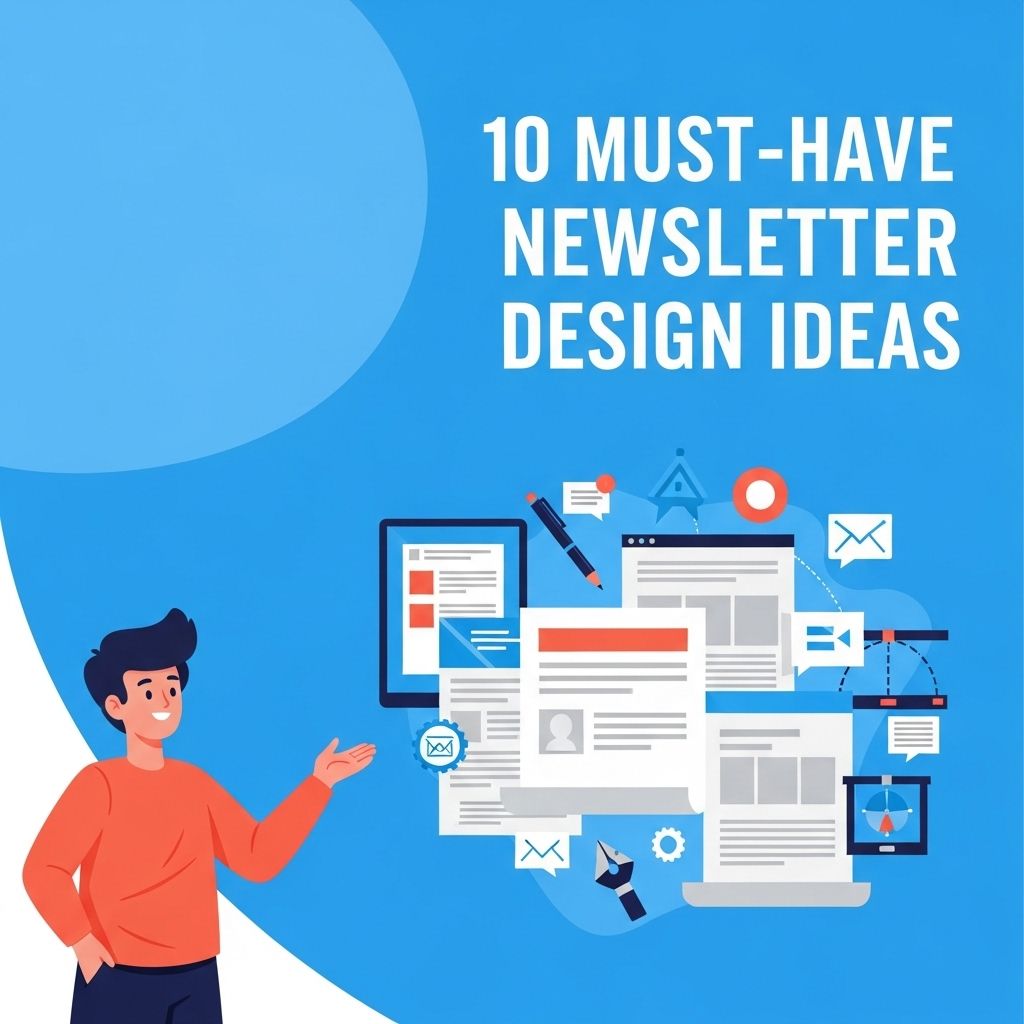
In today’s digital landscape, newsletters remain a powerful tool for connecting with audiences and delivering curated content directly to their inboxes. Whether for a business, a blog, or a community organization, the design of your newsletter plays an essential role in its effectiveness. With a myriad of options available, crafting an eye-catching and functional newsletter can seem daunting. This article explores ten innovative design ideas that will not only enhance the visual appeal of your newsletter but also improve user engagement and interaction.
Creating an engaging newsletter is essential for keeping your audience interested and informed. Explore these 10 must-have design ideas that can elevate your communication and capture readers’ attention. For those in the beer industry, consider using beer design templates to enhance your branding.
Table of Contents
1. Consistent Branding
Branding is crucial for any newsletter. Consistency in colors, fonts, and logos helps in establishing brand recognition. Aim for the following:
- Color Palette: Use your brand colors for backgrounds, text, and accents.
- Fonts: Limit your choices to two or three complementary fonts.
- Logo Placement: Include your logo at the top for immediate recognition.
2. Engaging Header Design
The header is the first thing recipients see. A compelling header design can entice readers to dive deeper. Consider these elements:
- Visuals: Incorporate high-quality images or graphics.
- Tagline: A catchy tagline can sum up the newsletter’s essence.
- Navigation: Include a mini navigation bar if your newsletter contains multiple sections.
3. Clear and Readable Layout
A cluttered layout can overwhelm readers. Prioritize clarity:
Grid System
Utilizing a grid system can help align content evenly. Consider a three-column layout for text-heavy sections, ensuring each column has a clear purpose.
White Space
Don’t underestimate the power of white space. It improves readability and highlights important content. Here’s how to use it effectively:
- Leave margins around text blocks.
- Separate sections with spaces or dividers.
- Avoid overcrowding with too many images.
4. Visual Hierarchy
Organize content using visual hierarchy to guide the reader’s eye. Use the following techniques:
- Headings and Subheadings: Use varying font sizes and weights.
- Bold Text: Highlight key points but use sparingly.
- Color Accents: Utilize contrasting colors for important calls to action.
5. Interactive Elements
Incorporating interactive features can boost engagement. Consider adding:
- Polls and Surveys: Gather feedback directly from readers.
- Buttons: Use visually distinct buttons for CTAs like ‘Read More’ or ‘Shop Now.’
- Embedded Videos: A short clip can convey messages effectively.
6. Compelling Content Blocks
Segment your content into easily digestible blocks. This could include:
Featured Articles
Highlight popular or new articles with a brief summary and engaging images.
Tips and Tricks
Include quick tips related to your niche. Present these in a list format for clarity:
- Tip #1…
- Tip #2…
- Tip #3…
7. Eye-Catching Call to Action (CTA)
Your newsletter should drive action. Design CTAs that stand out:
Color and Size
Use a contrasting color for your CTA button that aligns with your branding. Ensure it’s large enough to be easily clickable on mobile devices.
Placement
Position your CTAs strategically throughout the newsletter—at the end of sections, after featured articles, and at the bottom.
8. Mobile Optimization
With a significant number of users checking emails on mobile devices, mobile optimization is crucial. Follow these best practices:
- Responsive Design: Use a responsive template that adjusts for different screen sizes.
- Single Column Layout: A single-column format is easier to read on small screens.
- Test on Devices: Always test how your newsletter looks on various devices before sending it.
9. Personalization
Personalized content can drastically increase engagement rates. Strategies include:
Dynamic Content
Utilize dynamic content that changes based on the reader’s preferences or past interactions. This may include:
- Recommended articles based on browsing history.
- Custom greetings using the recipient’s name.
10. Analytics and Feedback
Finally, track the performance of your newsletters to continuously improve. Use tools to analyze:
| Metric | Description |
|---|---|
| Open Rate | The percentage of recipients who open the email. |
| Click-Through Rate (CTR) | The percentage of clicks on links within the newsletter. |
| Conversion Rate | The percentage of readers who complete a desired action. |
Additionally, solicit feedback from readers to enhance future editions. Simple feedback forms can provide invaluable insights.
In conclusion, an effective newsletter design is a blend of art and strategy. By implementing these ten design ideas, you’ll create newsletters that not only capture your audience’s attention but also encourage interaction and foster loyalty. Remember, the key is to balance aesthetics with functionality, ensuring that your content is both appealing and easy to access.
FAQ
What are the key elements of an effective newsletter design?
An effective newsletter design includes a clean layout, engaging visuals, clear headings, consistent branding, and a strong call-to-action.
How can I make my newsletter visually appealing?
Use high-quality images, a balanced color scheme, and attractive typography to enhance visual appeal. Incorporating white space will also help improve readability.
What is the ideal length for a newsletter?
The ideal length for a newsletter typically ranges from 200 to 500 words, ensuring it is concise yet informative for readers.
How often should I send out my newsletter?
The frequency of sending newsletters can vary based on your audience, but a monthly or bi-weekly schedule is often recommended to maintain engagement without overwhelming subscribers.
Should I include links in my newsletter?
Yes, including links to relevant content, such as blog posts or product pages, can drive traffic to your website and provide additional value to your readers.
How can I test the effectiveness of my newsletter design?
You can test the effectiveness of your newsletter design by analyzing metrics such as open rates, click-through rates, and subscriber feedback to make informed improvements.