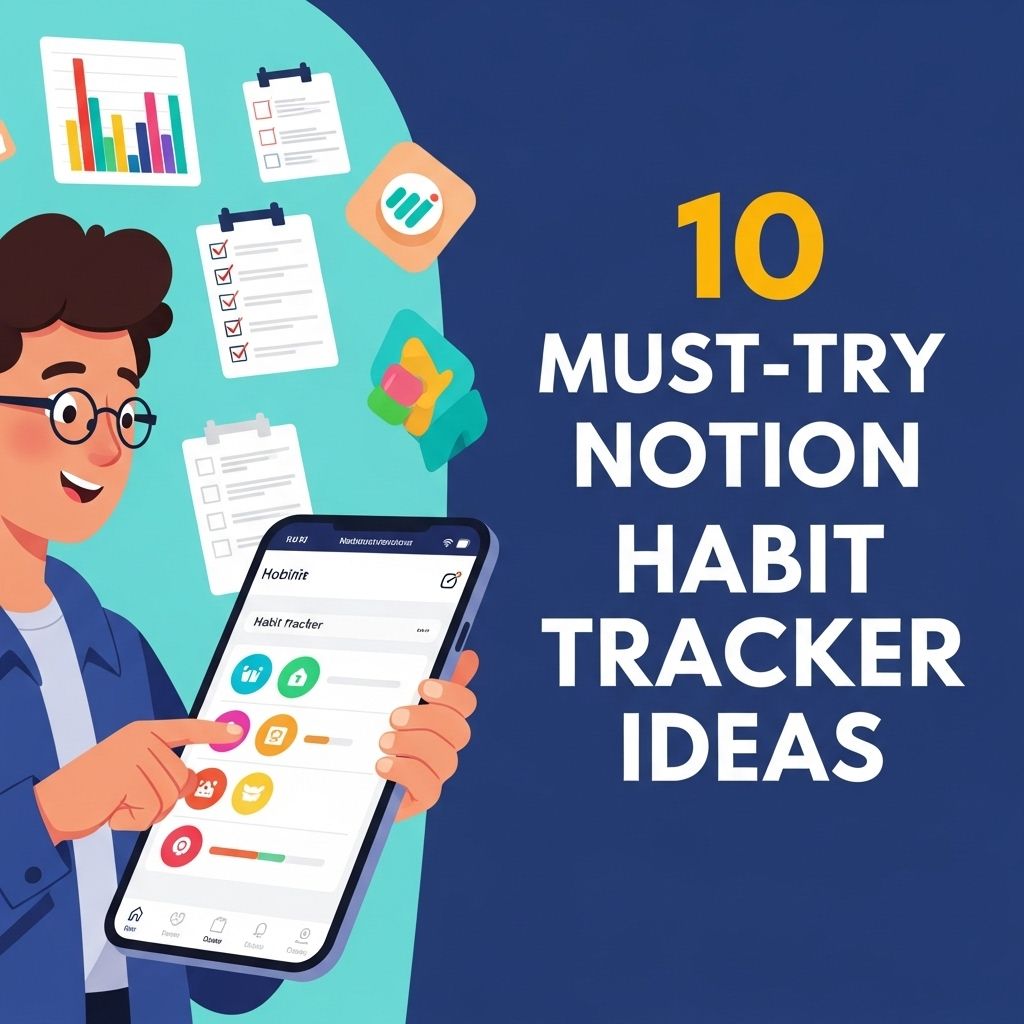
Notion has revolutionized the way we organize our lives, and one of its most powerful features is its ability to create customized habit trackers. The flexibility of Notion allows individuals to design their own systems that work best for them, leading to improved productivity and consistency in personal development. In this article, we will explore ten must-try habit tracker ideas that can help you stay on top of your goals, enhance your productivity, and make tracking your habits a more enjoyable experience.
If you’re looking to enhance your productivity and maintain healthy habits, consider exploring these 10 must-try Notion habit tracker ideas. Each template is designed to help you streamline your routines and reflect on your progress in engaging ways. For inspiration, check out these water-themed resources.
Table of Contents
1. The Basic Habit Tracker
Starting with a simple design is often the best way to ease into habit tracking. A basic habit tracker can consist of a table with the following columns:
- Habit Name
- Frequency (Daily, Weekly, Monthly)
- Status (Completed, Not Completed)
- Notes
Example Layout
| Habit | Frequency | Status | Notes |
|---|---|---|---|
| Exercise | Daily | ✔️ | Felt great after the workout |
| Read a Book | Daily | ✔️ | Finished 20 pages |
| Meditate | Daily | ❌ | Skipped today |
2. Color-Coded Habit Tracker
Adding color to your habit tracker can enhance your tracking experience. By assigning a color to each habit based on its completion status or importance, you can quickly visualize your progress.
- Green: Completed
- Yellow: In Progress
- Red: Not Completed
3. Monthly Habit Tracker
A monthly overview can help you see trends over time. Create a calendar-style layout where you mark the days you completed each habit. This allows you to look back at the month and evaluate your performance.
How to Set It Up
- Create a table with rows for each habit and columns for each day of the month.
- Use checkboxes or color coding to indicate completion.
4. Streak Tracker
Streaks can be a powerful motivator. Create a habit tracker that highlights your current streak for each habit. This will encourage you to maintain your momentum.
Streak Template
| Habit | Current Streak | Longest Streak |
|---|---|---|
| Water Intake | 5 days | 10 days |
| Writing | 3 days | 7 days |
5. Goal-Oriented Tracker
Instead of just tracking habits, you can align them with specific goals. This tracker allows you to see how your daily habits contribute to larger objectives.
Goal Example
Goal: Run a Half Marathon
Habits:
- Run 3 times per week
- Cross-training once a week
- Stretch daily
6. Habit Reflection Journal
A habit tracker that includes a reflection section can help you analyze your successes and failures. This can include prompts such as:
- What worked well?
- What challenges did I face?
- How can I improve?
7. Motivational Quotes Tracker
Incorporate motivational quotes that resonate with each habit. This can keep you inspired and focused, especially on challenging days.
Example Quotes
| Habit | Motivational Quote |
|---|---|
| Exercise | “The only bad workout is the one that didn’t happen.” |
| Reading | “A reader lives a thousand lives before he dies.” |
8. Visual Progress Tracker
Use visuals such as graphs or progress bars to represent your completion rates. Notion allows for great integration of visuals that can make tracking more engaging.
Creating Visuals
- Insert a progress bar widget in Notion.
- Link it to your completed tasks for real-time updates.
9. Accountability Partner Tracker
Involving an accountability partner can enhance your habit tracking. Create a shared tracker where both you and your partner can log progress and provide support.
How to Collaborate
- Invite your accountability partner to your Notion page.
- Set up shared goals and check-in points.
10. Gamified Habit Tracker
Turn your habit tracking into a game! Assign points for each completed habit, and set up rewards for reaching certain point thresholds. This can make the process much more enjoyable.
Point System Example
| Habit | Points |
|---|---|
| Exercise | 5 points |
| Reading | 3 points |
| Meditation | 2 points |
Conclusion
Notion is an incredibly versatile tool that can be leveraged to create an effective habit tracking system tailored to your needs. From simple trackers to gamified systems, the possibilities are endless. Start experimenting with these ideas to find what resonates with you, and take your habit-building journey to the next level. Remember, consistency is key, and with the right tools, you can cultivate lasting habits that drive success.
FAQ
What is a habit tracker in Notion?
A habit tracker in Notion is a customizable tool that helps you monitor and manage your daily habits and routines, allowing you to visualize your progress over time.
How can I create a habit tracker in Notion?
To create a habit tracker in Notion, you can start by creating a new page, then use databases or tables to list your habits, set up properties for tracking, and create views to visualize your progress.
What are some popular habit tracker templates in Notion?
Some popular habit tracker templates in Notion include daily habit trackers, monthly goal trackers, bullet journal layouts, and productivity dashboards that combine multiple habits.
Can I integrate my Notion habit tracker with other apps?
Yes, you can integrate your Notion habit tracker with other apps using tools like Zapier or Notion’s API to automate data entry and updates from other platforms.
What are the benefits of using a habit tracker in Notion?
Using a habit tracker in Notion helps you stay organized, increases accountability, provides insights into your behavior patterns, and allows for personalized customization to fit your specific goals.
How can I stay motivated with my Notion habit tracker?
You can stay motivated by setting achievable goals, celebrating small milestones, using visual progress indicators, and regularly reviewing your habits to adjust your strategies as needed.