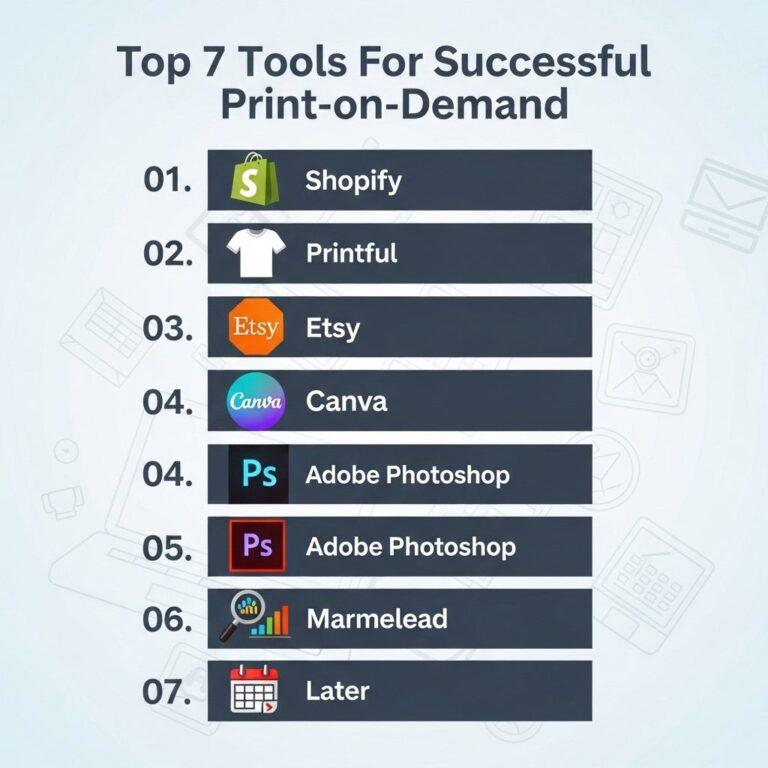
Setting up an online store has never been easier, thanks to platforms like Shopify. Whether you’re starting a new business or expanding your brick-and-mortar shop, Shopify provides all the tools you need to sell online. But how do you get started, especially if you’re working with a budget of $500? In this article, we’ll break down the steps to successfully launch your Shopify store without breaking the bank.
Starting an online business can seem daunting, but building your Shopify store for just $500 is entirely achievable with the right guidance. In this step-by-step guide, we’ll walk you through the essential components of setting up your shop, including sourcing products like unique beer artwork, which can be found through resources like downloadable beer artwork. Let’s dive in!
Table of Contents
Understanding Shopify Pricing Plans
Before diving into the setup process, it’s essential to understand Shopify’s pricing. As of now, Shopify offers several tiers:
- Basic Shopify: $39/month – Suitable for new businesses, includes all essential features.
- Shopify: $105/month – Adds more advanced reporting and additional features.
- Advanced Shopify: $399/month – Best for scaling businesses that need more robust analytics.
For a budget-conscious entrepreneur, the Basic Shopify plan is ideal, giving you all the tools you need to get started.
Setting Up Your Shopify Store
Step 1: Sign Up for Shopify
The first step is to create your Shopify account:
- Go to the Shopify website and click on ‘Start free trial.’
- Enter your email address, password, and store name.
- Follow the prompts to set up your store.
Step 2: Choose a Domain Name
Your domain name is your online identity. If you’re on a tight budget, you can use a free Shopify subdomain initially (like your-store-name.myshopify.com) as you build your inventory. However, for a more professional look, consider purchasing a custom domain. Here are budget-friendly domain options:
| Domain Registrar | Price |
|---|---|
| Namecheap | $8.88/year |
| GoDaddy | $14.99/year |
| Google Domains | $12/year |
Step 3: Customize Your Store’s Theme
Your store’s appearance is crucial for attracting customers. Shopify offers free themes, which are customizable:
- Go to the ‘Online Store’ section in your dashboard.
- Select ‘Themes’ and browse the free options.
- Choose a theme and click ‘Customize’ to modify colors, fonts, and layouts.
Adding Products to Your Store
Step 4: Product Research
Before adding products to your store, conduct market research to identify what sells well. Tools like Google Trends, SEMrush, and social media platforms can help in identifying trending products.
Step 5: Add Products
Once you have your products selected, it’s time to add them to your Shopify store:
- Navigate to the ‘Products’ section in your dashboard.
- Click ‘Add product’ and fill in all relevant details:
- Product Title: Clear and descriptive.
- Description: Provide detailed information and benefits.
- Images: High-quality images are crucial for online sales.
- Price: Set competitive pricing based on your research.
Setting Up Payment and Shipping Options
Step 6: Choose Payment Processors
Shopify supports various payment gateways. For lower transaction fees and ease of use, Shopify Payments is recommended. Here’s how to set it up:
- Go to ‘Settings’ and click ‘Payments.’
- Enable Shopify Payments and fill in the required details.
Step 7: Set Up Shipping
Shipping can make or break a sale. Here’s how to configure shipping:
- Navigate to ‘Settings’ and select ‘Shipping and delivery.’
- Set up shipping rates based on your target market:
- Free Shipping: A great option to entice customers.
- Flat Rate: Easy to manage for small businesses.
Marketing Your Store
Step 8: Utilize Social Media
Social media platforms are excellent for driving traffic to your online store:
- Facebook: Create a business page and run targeted ads.
- Instagram: Share high-quality images of your products.
- Pinterest: Use pins to share product images and links.
Step 9: Email Marketing
Building an email list is vital for long-term success. Consider these steps:
- Use Shopify apps like Klaviyo or Mailchimp to capture emails.
- Send regular newsletters with promotions, new arrivals, and content.
Final Thoughts
With a budget of $500, launching a Shopify store is entirely feasible. Focus on the essentials—selecting a niche, high-quality products, and effective marketing strategies. As you grow, continually evaluate your expenses and sales to adjust and optimize your store. Remember, the key to e-commerce success lies in patience, persistence, and continuous learning.
FAQ
How much does it cost to set up a Shopify store?
Setting up a Shopify store can be done for around $500, including the Shopify subscription, domain name, and initial marketing costs.
What are the essential steps to create a Shopify store?
The essential steps include signing up for a Shopify account, choosing a theme, adding products, setting up payment and shipping options, and launching your store.
Can I set up a Shopify store without technical skills?
Yes, Shopify is designed to be user-friendly, allowing individuals without technical skills to create and manage their online store easily.
What is the best theme for a budget Shopify store?
There are many free and affordable themes in the Shopify Theme Store, such as ‘Debut’ or ‘Brooklyn,’ that are great for budget-conscious store owners.
How can I market my Shopify store on a budget?
You can market your Shopify store on a budget using social media marketing, influencer collaborations, and organic SEO strategies.
Is it possible to run a profitable Shopify store with a $500 budget?
Yes, with strategic planning and effective marketing, you can run a profitable Shopify store with a $500 initial investment.