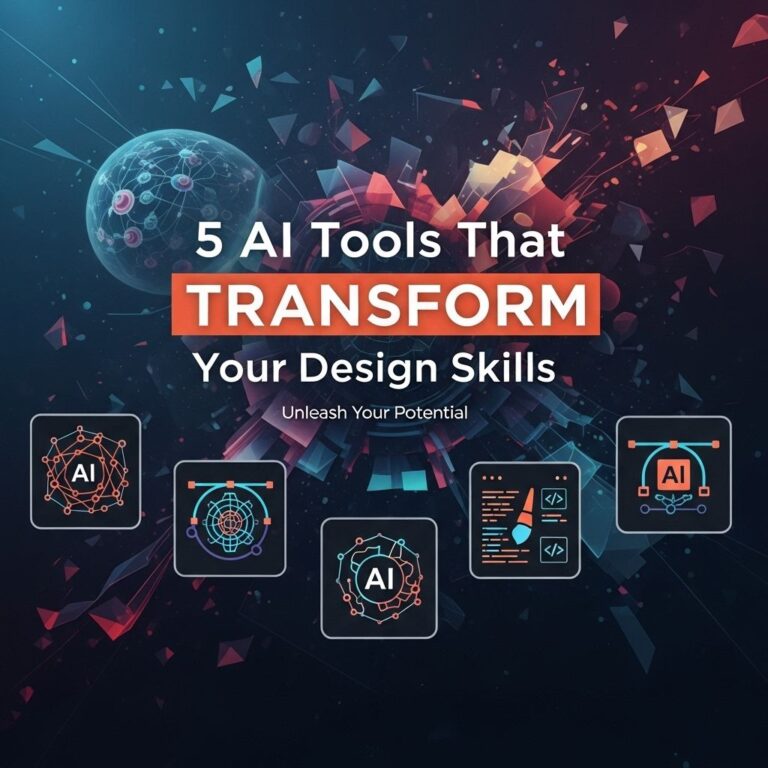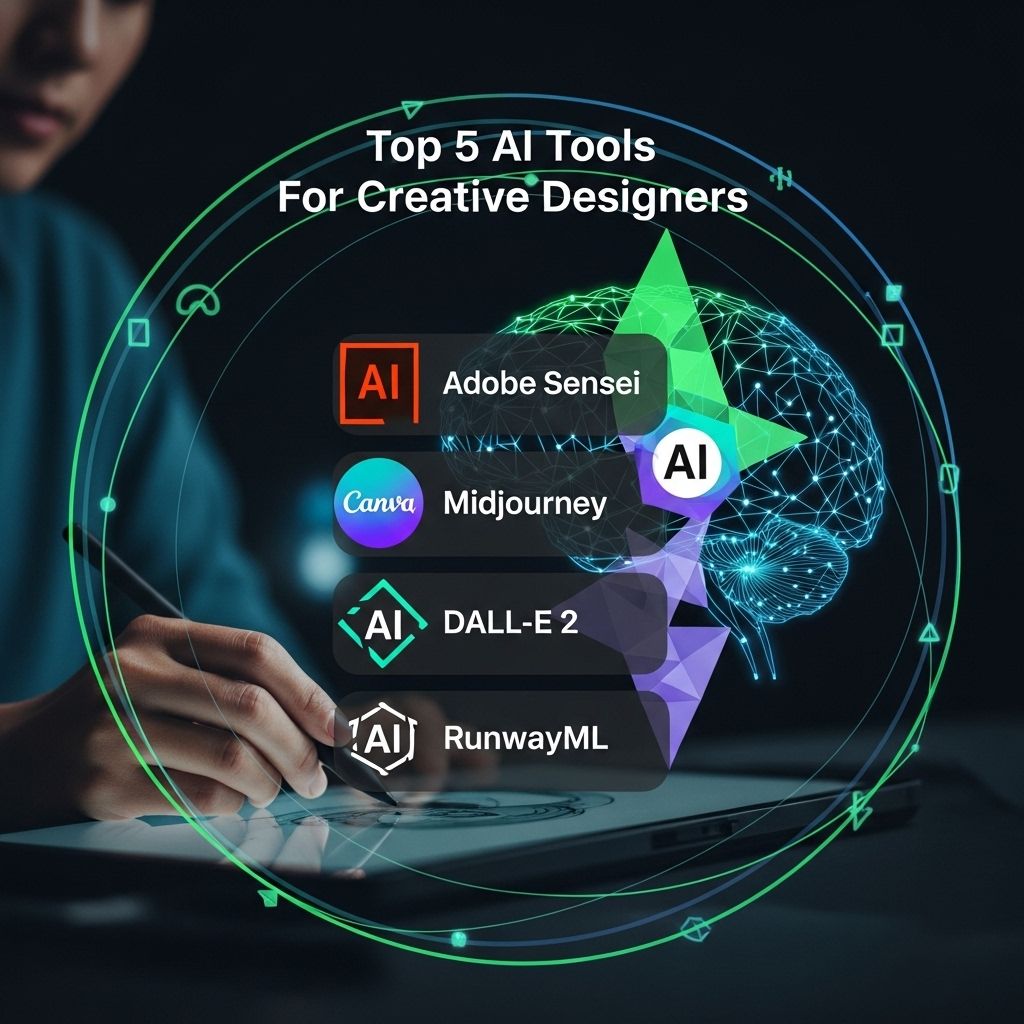
In today’s digital landscape, artificial intelligence (AI) is revolutionizing the creative fields, enhancing the abilities of designers and artists. From generating unique artwork to assisting in design workflows, AI tools are becoming indispensable for creative professionals. This article explores five of the top AI tools that are shaping the future of design, helping artists streamline their processes and unleash their creativity.
As creative designers navigate the ever-evolving landscape of technology, incorporating AI tools can significantly enhance their workflow. From streamlining design processes to generating unique visuals, these innovations support creativity in powerful ways. For instance, checking out realistic bag mockup examples can inspire fresh ideas and elevate design presentations.
Table of Contents
1. Adobe Sensei
Adobe Sensei is an AI and machine learning framework that is integrated into Adobe’s suite of creative software, including Photoshop, Illustrator, and Premiere Pro. It enhances user capabilities by automating tedious tasks and providing intelligent recommendations.
Key Features:
- Content-Aware Fill: Automatically fills in gaps in images intelligently.
- Facial Recognition: Quickly tags and organizes images based on facial features.
- Auto Reframe: Adjusts aspect ratios while preserving the focus of the action.
With features like these, Adobe Sensei allows designers to focus more on creativity rather than repetitive tasks. Its continuous learning capabilities mean it evolves with each use, becoming more attuned to user preferences.
2. Canva’s Magic Write
Canva has evolved from a simple design tool to a full-fledged graphic design platform that integrates AI functionalities. One of its notable features, Magic Write, streamlines the content creation process for designers.
Key Benefits:
- Text Generation: Generates creative copy ideas based on user prompts.
- Design Suggestions: Provides layout and template recommendations tailored to project needs.
- Collaboration Features: Enables teams to brainstorm and edit in real time.
Canva’s user-friendly interface combined with AI capabilities allows even novice designers to create professional-quality graphics effortlessly.
3. Daz 3D
Daz 3D is a powerful tool for 3D modeling, rendering, and animation, aimed at artists seeking to create stunning visual narratives. Its AI-driven functionalities enhance the creative workflow significantly.
Noteworthy Attributes:
| Feature | Description |
|---|---|
| Morphing Tools | Allows for easy customization of 3D models for unique character designs. |
| AI Render | Generates high-quality renders faster than traditional methods. |
| Pose and Animation | Makes it easy to pose characters and create animations with AI-assisted adjustments. |
Daz 3D’s user-centric features allow artists to bring their visions to life with minimal effort, making it a favorite among creative professionals.
4. Runway ML
Runway ML is an innovative platform designed to empower creatives with advanced AI tools for video editing, image generation, and more. It focuses on providing a seamless experience for artists working in multimedia.
Features to Explore:
- Text to Image: Generates images based on text descriptions, enabling unique artwork creation.
- Video Editing Tools: Offers AI-assisted features for effortless video editing.
- Collaboration Options: Facilitates real-time collaboration among creative teams.
Runway ML democratizes access to advanced AI technologies, allowing creators from all backgrounds to leverage sophisticated tools without extensive technical knowledge.
5. Artbreeder
Artbreeder is a unique platform that combines genetic algorithms with creative expression, allowing users to create and remix images collaboratively. It empowers designers to explore new artistic realms through AI.
Core Features:
- Image Blending: Combines multiple images to create unique variations.
- Collaborative Creation: Users can build upon each other’s work for community-driven art.
- Interactive Interface: Provides sliders to manipulate image attributes easily.
Artbreeder’s community-driven approach fosters collaboration and innovation, making it a popular choice among forward-thinking designers.
Conclusion
The integration of AI in creative design is not just a trend; it is a fundamental shift in how designers work and create. The tools mentioned above—Adobe Sensei, Canva’s Magic Write, Daz 3D, Runway ML, and Artbreeder—offer a glimpse into the potential and possibilities that AI brings to the table. By leveraging these technologies, designers can enhance their creative processes, explore new aesthetics, and ultimately produce work that resonates with audiences in meaningful ways. As AI continues to evolve, embracing these tools could very well be the key to staying ahead in the competitive landscape of design.
FAQ
What are the best AI tools for creative designers?
Some of the top AI tools for creative designers include Adobe Sensei, Canva’s Magic Write, Runway ML, DeepArt, and Daz 3D.
How can AI tools enhance the design process?
AI tools can enhance the design process by automating repetitive tasks, generating creative ideas, providing personalized design suggestions, and streamlining collaboration.
Are AI tools suitable for beginners in design?
Yes, many AI tools are user-friendly and designed to assist beginners in creating professional-quality designs without extensive training.
Can AI tools help with graphic design and illustration?
Absolutely! AI tools can assist in both graphic design and illustration by offering features like style transfer, color palette generation, and automatic image enhancement.
What should I consider when choosing an AI design tool?
When choosing an AI design tool, consider factors such as ease of use, available features, integration with other software, and cost.
Are AI design tools worth the investment?
Yes, AI design tools can save time, increase productivity, and enhance creativity, making them a worthwhile investment for many designers.