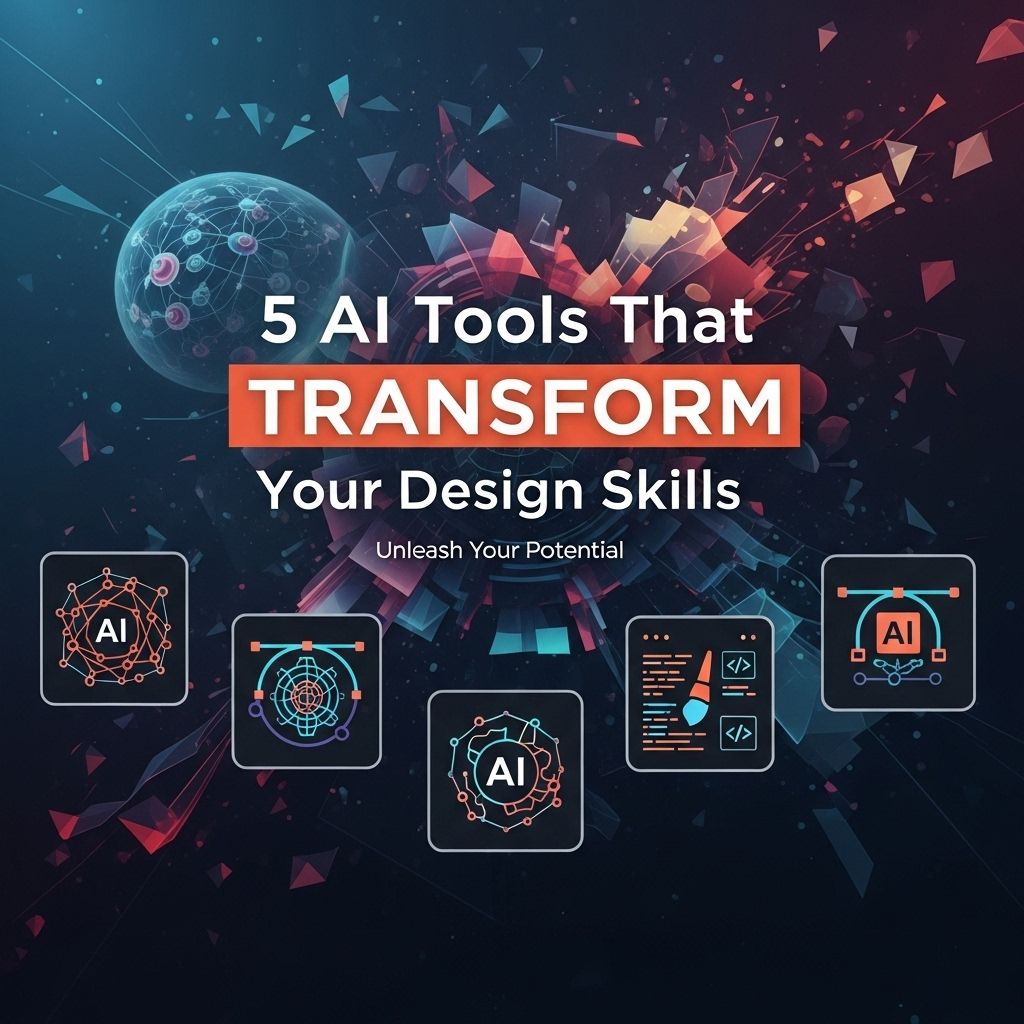
In the ever-evolving landscape of design, artificial intelligence has become an indispensable ally for professionals and enthusiasts alike. As technology continues to advance, a host of AI tools have emerged that not only streamline workflows but also enhance creativity and innovation. This article delves into five powerful AI tools that can revolutionize your design skills, making them more efficient and impactful.
As the design landscape evolves, leveraging Artificial Intelligence can elevate your creative process and enhance your skills. From generating compelling visuals to streamlining workflows, various AI tools can transform how you approach design projects. For example, utilizing visual presentation mockups can give your social media campaigns a professional edge.
Table of Contents
1. Adobe Sensei
Adobe Sensei is a comprehensive AI and machine learning platform that powers intelligent features across all Adobe products. This tool is designed to enhance the design process by automating mundane tasks and offering smart suggestions based on user behavior.
Key Features:
- Image Recognition: Automatically tags and categorizes images based on content.
- Content-Aware Editing: Offers intelligent editing suggestions to enhance photos.
- Smart Crop: Suggests optimal cropping for images to maximize impact.
By harnessing the power of Adobe Sensei, designers can focus more on creative aspects rather than repetitive tasks, thereby increasing productivity and innovation.
2. Canva Magic Write
Canva is widely known for its user-friendly interface and extensive template library, but with the introduction of Magic Write, it’s venturing into the realm of AI-assisted design. This feature utilizes AI to help generate text content, making it easier for designers to create visually appealing graphics that are also compelling in text.
How It Works:
- Input your ideas or keywords into Magic Write.
- Receive multiple text suggestions tailored to your design.
- Incorporate the suggested text into your Canva project.
Magic Write simplifies the content creation process, allowing designers to maintain focus on aesthetics while ensuring their narratives resonate.
3. Figma’s Autoflow
Figma has become a leading design tool for UI/UX designers, and its Autoflow feature adds another layer of efficiency. This AI-powered tool assists in the creation of user flow diagrams and prototypes by automatically connecting design elements.
Benefits of Autoflow:
- Time-Saving: Reduces the time spent manually connecting flows.
- Enhanced Clarity: Generates more coherent and visually appealing user journey maps.
- Collaboration: Makes it easier for teams to visualize user flows and feedback.
Figma’s Autoflow feature is an essential tool for designers aiming to create seamless user experiences and efficient workflows.
4. Design.ai
Design.ai is an innovative platform that leverages AI to help users create designs quickly and effortlessly. With tools like Logomaker, Videomaker, and Graphicmaker, it caters to various design needs, from branding to marketing materials.
Features of Design.ai:
| Tool | Functionality |
|---|---|
| Logomaker | Create professional logos in minutes. |
| Videomaker | Transform scripts into animated videos. |
| Graphicmaker | Generate social media graphics with ease. |
This platform is particularly useful for small businesses and startups that need high-quality design assets without the budget for extensive design teams.
5. Runway ML
Runway ML is a creative suite that offers advanced AI tools for video editing and content creation. With features that include background removal, video outpainting, and motion tracking, it is a game-changer for content creators and filmmakers.
Why Choose Runway ML?
- Real-Time Collaboration: Work collaboratively in real-time, making it ideal for team projects.
- Integrations: Easily integrate with tools like Adobe Premiere Pro and After Effects.
- User-Friendly Interface: Designed for both novices and experienced editors.
Runway ML empowers designers and content creators to push the boundaries of their work, offering capabilities that were once reserved for high-end studios.
Conclusion
As these AI tools illustrate, the intersection of technology and design is reshaping how we create and interact with visual content. By incorporating these innovative solutions into your workflow, you can not only improve your design skills but also stay ahead in a competitive industry. Whether you’re a seasoned designer or a newcomer, the integration of AI tools can elevate your creative potential, streamline processes, and ultimately, transform your design practice.
FAQ
What are the best AI tools for enhancing design skills?
Some of the best AI tools for enhancing design skills include Adobe Sensei, Canva’s Magic Resize, Figma’s AI features, Runway ML, and DeepArt.
How can AI tools improve my graphic design process?
AI tools can streamline your graphic design process by automating repetitive tasks, providing design recommendations, and generating unique artwork based on your input.
Are AI tools suitable for beginners in design?
Yes, many AI tools are user-friendly and designed to assist beginners by simplifying complex design tasks and providing helpful templates.
Can AI tools help with branding and identity design?
Absolutely! AI tools can assist in creating logos, color palettes, and brand guidelines by analyzing trends and suggesting designs tailored to your brand’s identity.
What is the role of AI in user experience (UX) design?
AI can enhance UX design by analyzing user behavior, predicting needs, and optimizing interfaces to create more intuitive and engaging user experiences.
How do I choose the right AI design tool for my needs?
To choose the right AI design tool, consider your specific design requirements, the tool’s features, ease of use, integration capabilities, and your budget.