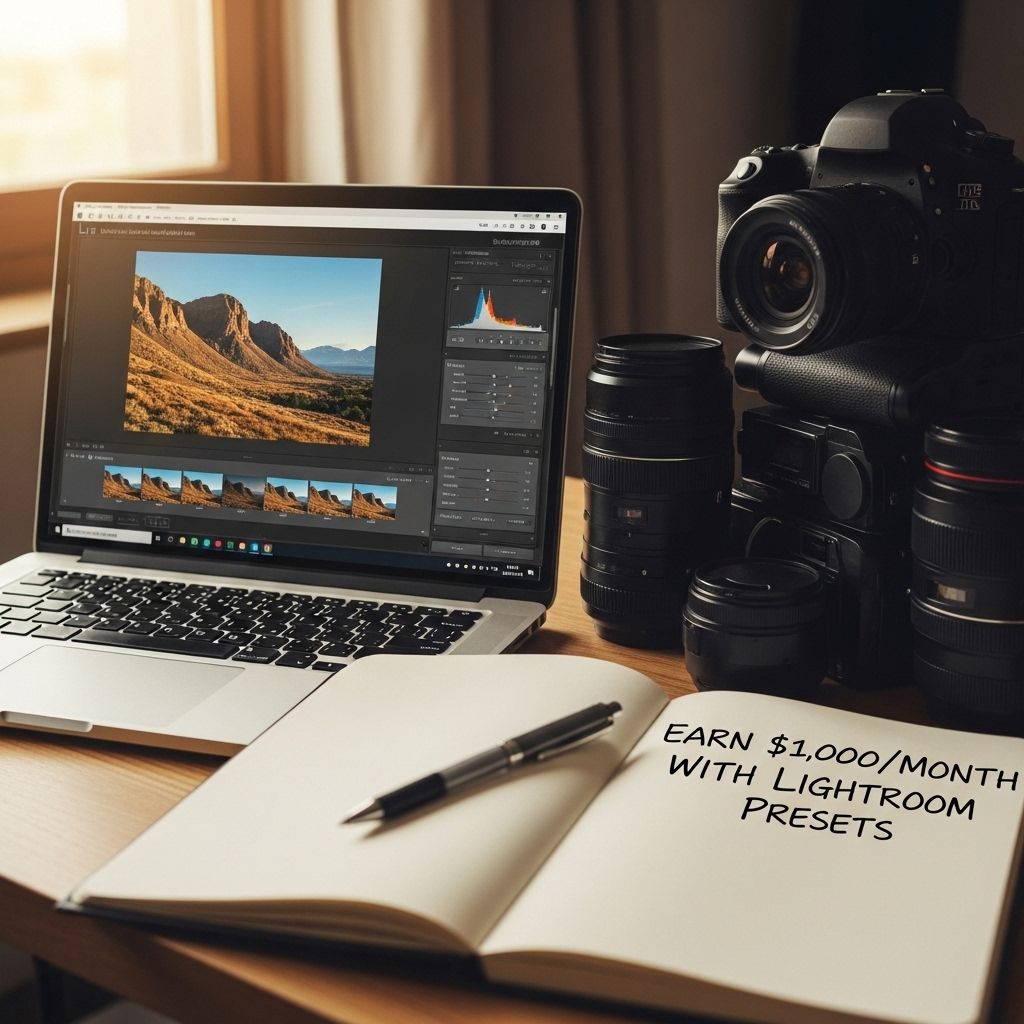
In the fast-paced world of digital photography, the demand for stunning visuals is higher than ever. Photographers and content creators are constantly on the lookout for ways to enhance their images quickly and effectively. This is where Lightroom presets come into play. By creating and selling your own Lightroom presets, you can tap into a lucrative market and potentially earn $1,000 or more a month. In this article, we will explore how to get started with Lightroom presets, the benefits they offer, and strategies for marketing your products successfully.
If you’re passionate about photography and editing, you might consider a lucrative side hustle: selling Lightroom presets. With the right marketing strategy and a strong portfolio, you can earn $1,000 a month by offering unique edits that appeal to fellow photographers. To package your presets effectively, explore creative tube packaging options to make your product stand out in the market, such as creative tube packaging.
Table of Contents
Understanding Lightroom Presets
Lightroom presets are pre-defined settings that allow photographers to apply a consistent look to their images with just a few clicks. These presets are incredibly popular due to their ease of use, allowing both amateurs and professionals to achieve high-quality results. Here are some key features of Lightroom presets:
- Time-Saving: Applying a preset can significantly reduce editing time.
- Consistency: Presets help maintain a uniform style across a series of images.
- Customization: Users can tweak presets for individual images, allowing for flexibility.
Creating Your Own Lightroom Presets
If you’re interested in developing your own presets, follow these steps:
1. Master Lightroom Editing
Before creating presets, ensure you have a solid understanding of Lightroom’s editing tools. This includes:
- Exposure settings
- Color grading
- Contrast adjustments
- Sharpening and noise reduction
2. Develop a Unique Style
Your presets should offer something unique. Experiment with different editing techniques to establish a signature style that resonates with your target audience.
3. Save Your Presets
Once you’ve perfected your edits, save your settings as a preset. Here’s how:
- Open the Develop module in Lightroom.
- Make your desired adjustments.
- Click on the ‘+’ icon in the Presets panel.
- Name your preset and adjust any settings you’d like to include.
- Click ‘Create’ to save your preset.
Types of Lightroom Presets to Consider
There are various types of presets you can create to cater to different photography niches. Here are some popular categories:
| Preset Type | Description | Target Audience |
|---|---|---|
| Portrait Presets | Enhances skin tones, smoothes textures. | Portrait Photographers |
| Landscape Presets | Boosts colors, adds depth to scenery. | Landscape Photographers |
| Film Emulation Presets | Imitates classic film looks. | Film Enthusiasts |
| Black & White Presets | Converts images to monochrome, enhances contrast. | Fine Art Photographers |
Setting Up Your Online Store
Once you have created your presets, it’s time to set up an online store to sell them. Here are some platforms to consider:
- Etsy: Great for reaching a creative audience.
- Gumroad: Simple platform for selling digital downloads.
- Your Own Website: Gives you complete control and branding opportunities.
Choosing a Platform
When selecting a platform, consider the following:
- Fees and transaction costs
- User experience and ease of setup
- Integration with payment processors
Marketing Your Lightroom Presets
Creating high-quality presets is just the first step. To generate sales, you need an effective marketing strategy. Here are some techniques to promote your presets:
1. Leverage Social Media
Utilize platforms like Instagram, Facebook, and Pinterest to showcase your presets:
- Post before-and-after shots using your presets.
- Engage with your followers through stories and posts.
- Consider running paid ad campaigns to reach a larger audience.
2. Collaborate with Influencers
Partner with photographers and influencers to gain exposure:
- Offer free presets in exchange for reviews or features.
- Collaborate on joint tutorials or webinars.
3. Create Engaging Content
Content marketing can drive traffic to your store:
- Start a blog focused on photography tips.
- Produce YouTube tutorials demonstrating your presets.
- Share tips on using Lightroom effectively.
Building a Community
Engaging with your customers can foster loyalty and increase sales:
- Start a Facebook group for users of your presets.
- Encourage feedback and suggestions for new presets.
- Offer exclusive discounts to repeat customers.
Calculating Your Earnings
To reach your goal of $1,000 a month, you need to establish a pricing structure. Consider the following:
1. Pricing Your Presets
Typical pricing for Lightroom presets ranges from $15 to $50 per set. Here’s a simple calculation to estimate earnings:
- Price per preset: $30
- Sales needed for $1,000: $1,000 / $30 = approx. 34 sales per month.
2. Strategies to Increase Sales
To boost your sales, consider:
- Offering bundle deals for multiple presets.
- Running seasonal promotions.
- Creating limited edition presets to create urgency.
Conclusion
Creating and selling Lightroom presets can be a profitable venture if approached strategically. By mastering the tools, developing unique styles, and employing effective marketing strategies, you can build a successful online business. With dedication and creativity, earning $1,000 or more a month is an achievable goal in the ever-growing digital photography market.
FAQ
How can I make money selling Lightroom presets?
You can create your own unique Lightroom presets and sell them on platforms like Etsy, Gumroad, or your own website. Promote your presets through social media and photography communities to reach potential buyers.
What do I need to get started with creating Lightroom presets?
To start creating Lightroom presets, you’ll need Adobe Lightroom, a good understanding of photo editing, and creativity to develop unique looks that appeal to your target audience.
How much can I charge for Lightroom presets?
The price for Lightroom presets can vary widely, but many creators charge between $10 to $50 per preset pack, depending on the quality and uniqueness of the presets.
Is it possible to earn a consistent income from selling Lightroom presets?
Yes, many photographers and digital creators earn a steady income from selling Lightroom presets, especially when they build a strong brand and engage with their audience regularly.
How can I promote my Lightroom presets effectively?
Promote your Lightroom presets through social media marketing, collaborations with influencers, engaging content, tutorials, and email marketing to reach a wider audience.
What are some tips for creating high-quality Lightroom presets?
To create high-quality Lightroom presets, experiment with different editing styles, focus on consistency, test your presets on various images, and seek feedback from users to refine your products.