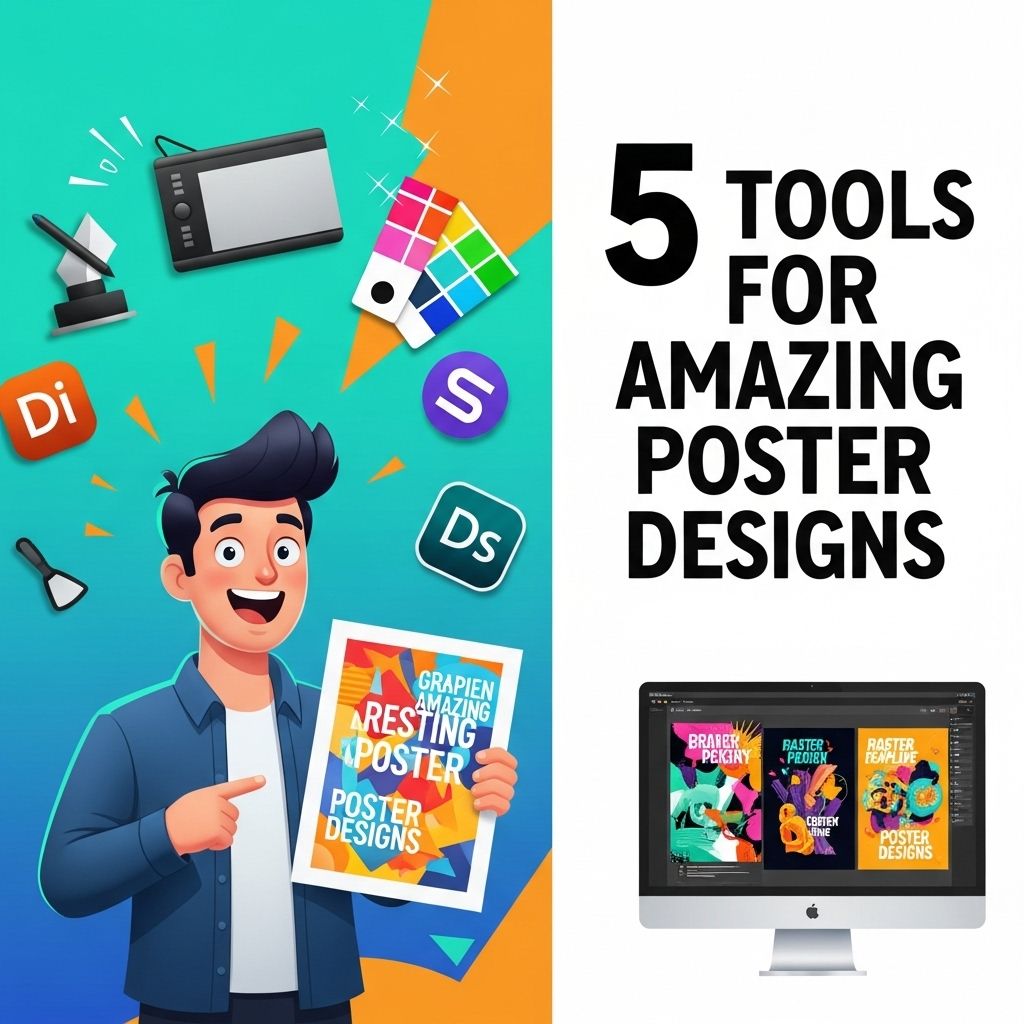
Creating visually stunning posters requires a blend of creativity and the right tools. Whether you’re a professional graphic designer or a hobbyist, having the right software at your disposal can make a significant difference in the quality of your work. In this article, we will explore five powerful tools that can elevate your poster design game.
Creating stunning posters requires the right set of tools to bring your vision to life. From graphic design software to easy-to-use templates, the essential tools can make all the difference in your design process. To get started, explore free poster templates that can simplify your creative journey.
Table of Contents
1. Adobe Photoshop
Adobe Photoshop is considered the gold standard in graphic design software. With its extensive range of features, it provides designers with the flexibility to create intricate poster designs that capture attention. Here are some key features:
- Layer Management: Allows you to work with multiple design elements without affecting the others.
- Advanced Text Tools: Offers a wide variety of fonts and text manipulation options.
- Image Editing: Capable of photo retouching and manipulation to complement your poster graphics.
- Filters and Effects: Provides numerous filters to apply creative effects to your posters.
Suitable For:
Professionals and those who require complete control over images and elements.
2. Canva
Canva is an easy-to-use online design tool that caters to both novices and experienced designers. Its drag-and-drop interface allows users to create beautiful posters quickly. Here are some features that make Canva appealing:
- Template Library: Access to thousands of ready-made templates for various poster styles.
- Collaboration Features: Easy to share designs with team members for collaborative editing.
- Stock Photos and Graphics: Integrated library of images and graphics to enhance designs.
Pros:
- User-friendly interface suitable for beginners.
- Cost-effective with a free version available.
- Access to a large community for inspiration.
3. Adobe Illustrator
For those who prefer vector graphics, Adobe Illustrator is the go-to software. Ideal for creating scalable graphics, it is particularly useful for poster designs that require high-quality prints. Key features include:
- Vector Graphics: Designs can be resized without loss of quality.
- Color Management: Extensive color palettes and gradient tools.
- Pen Tool: Precision drawing tool for intricate designs.
Best For:
Graphic designers aiming to create high-quality, scalable artwork.
4. PosterMyWall
PosterMyWall is an online platform specifically designed for poster making. It is perfect for users who want quick results without compromising quality. Features include:
- Easy Customization: Edit templates effortlessly and create your own designs.
- Social Media Integration: Easily create posters optimized for social media sharing.
- Print-Ready Formats: Download designs in various formats suitable for printing.
Key Advantages:
- No design skills are necessary due to intuitive design tools.
- Access to a variety of themed templates.
- Ideal for small businesses and events.
5. GIMP
GIMP (GNU Image Manipulation Program) is a free and open-source alternative to Photoshop. It provides a robust set of tools for image editing and graphic design, making it an excellent choice for budget-conscious designers. Features include:
- Customizable Interface: Users can personalize the layout and tools they need.
- Extensive Plugin Support: Enhance functionality with a variety of plugins.
- Advanced Image Manipulation: Perform complex image edits and compositions.
Ideal For:
Users looking for a free option without sacrificing powerful tools.
Conclusion
Choosing the right tool for creating amazing poster designs depends on your specific needs and skill level. Whether you opt for the powerful features of Adobe Photoshop and Illustrator, the user-friendliness of Canva and PosterMyWall, or the cost-effectiveness of GIMP, each tool has its unique advantages. By leveraging these platforms, you can ensure that your posters not only convey information but also captivate your audience’s attention. Happy designing!
FAQ
What are the best tools for creating stunning poster designs?
Some of the best tools for creating stunning poster designs include Adobe Photoshop, Canva, Adobe Illustrator, PosterMyWall, and Crello.
Is Canva suitable for beginners in poster design?
Yes, Canva is user-friendly and provides a wide range of templates and design elements, making it ideal for beginners.
Can I use Adobe Illustrator for poster design?
Absolutely! Adobe Illustrator is a powerful vector graphic design tool that offers advanced features for creating detailed and professional-looking posters.
What features should I look for in a poster design tool?
Look for features like customizable templates, high-resolution output, a variety of fonts, graphic elements, and user-friendly interfaces.
Are there any free tools available for poster design?
Yes, tools like Canva, PosterMyWall, and Crello offer free versions with essential features for creating attractive posters.
How can I ensure my poster stands out?
To ensure your poster stands out, use bold colors, clear typography, engaging images, and a clean layout while conveying a concise message.