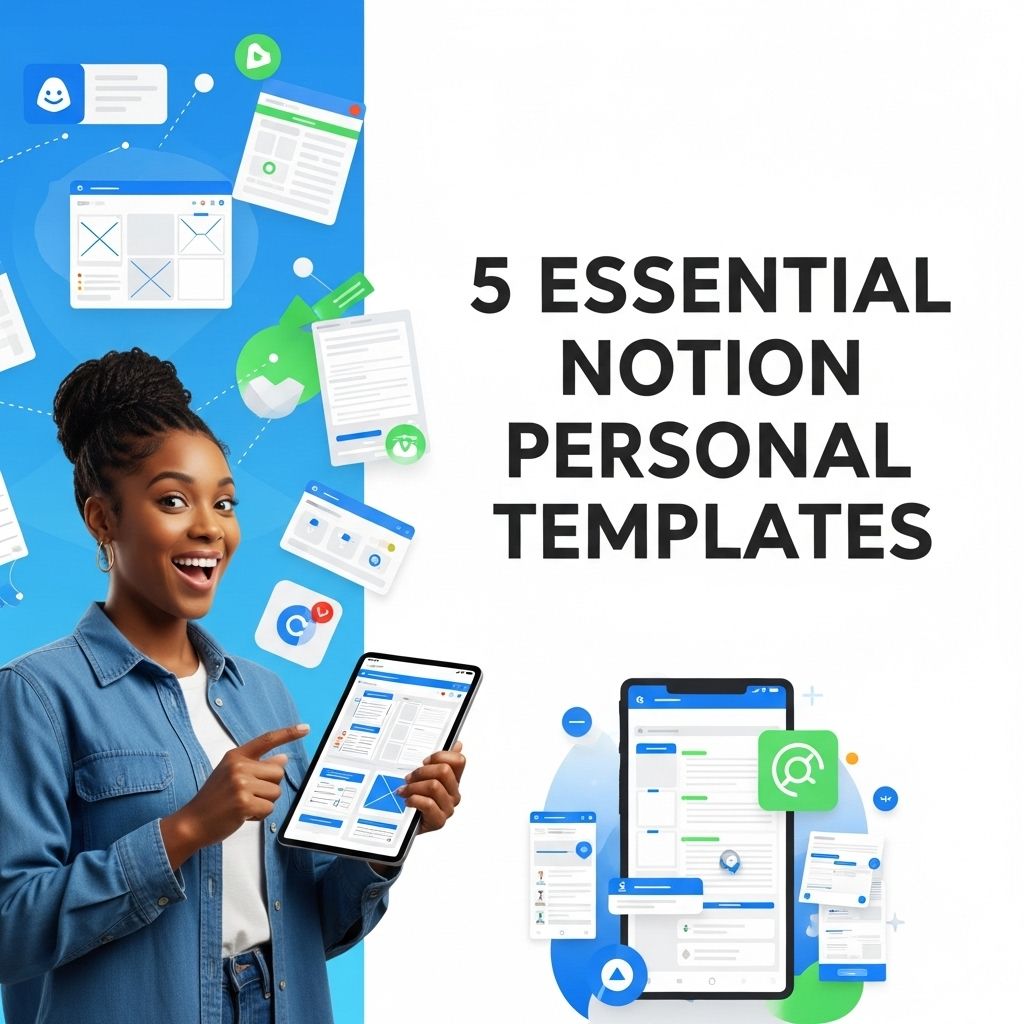
In the ever-evolving landscape of productivity tools, Notion stands out as a versatile platform that caters to a broad range of needs, from personal organization to project management. With its customizable features, users can create tailored workspaces that reflect their unique workflows. Whether you’re a student, a freelancer, or simply looking to improve your personal organization, leveraging the right templates can significantly enhance your Notion experience. Here are five essential personal templates that can help you optimize your Notion workspace.
Table of Contents
1. Personal Dashboard Template
A personal dashboard acts as a central hub for all your life’s activities. This template is designed to keep your tasks, goals, and notes in one accessible place.
Key Features:
- Quick Access to Todos
- Calendar Integration
- Goal Tracking Widget
- Notes Section
A personal dashboard template allows you to visualize your day at a glance, enabling better prioritization.
How to Create Your Personal Dashboard:
- Create a new page in Notion.
- Add a header for your dashboard.
- Insert databases for tasks, goals, and notes.
- Use linked databases to show relevant information at a glance.
- Incorporate widgets for weather, calendar, or inspiration.
2. Habit Tracker Template
Building and maintaining habits is crucial for personal development. A habit tracker template in Notion can help you monitor progress and stay motivated.
Benefits of Using a Habit Tracker:
- Visual representation of progress over time.
- Increase accountability.
- Identify patterns and triggers.
With a habit tracker, you can easily set daily, weekly, or monthly goals, and mark your achievements.
Creating Your Habit Tracker:
- Set up a table with columns for habit name, frequency, and tracking.
- Use checkboxes to indicate completion.
- Incorporate color coding for visual impact.
- Add a summary section to review your overall progress.
3. Reading List Template
Lovers of literature often find themselves juggling multiple books. A reading list template helps you manage your reading goals, books read, and books to explore.
Essential Components:
- Book Title
- Author
- Genre
- Status (To Read, Currently Reading, Completed)
- Rating and Notes
This template not only organizes your reading list but encourages consistent reading habits.
Steps to Create a Reading List:
- Create a new table for your reading list.
- Define the columns mentioned above.
- Add a filter option to view books by status.
- Incorporate a gallery view for an aesthetic representation of your books.
4. Project Management Template
For those juggling multiple projects, a project management template can streamline tasks, timelines, and resources.
What to Include:
- Project Name
- Due Dates
- Team Members or Stakeholders
- Status Updates
- Relevant Documents or Links
This structured approach minimizes chaos and enhances productivity.
Creating Your Project Management Template:
- Start a new page dedicated to project management.
- Add a comprehensive table with project details.
- Utilize kanban boards to visualize project phases.
- Incorporate reminders for upcoming deadlines.
5. Budget Tracker Template
Managing personal finances can often feel overwhelming. A budget tracker template in Notion is an invaluable resource for tracking income, expenses, and savings goals.
Essential Elements:
- Income Sources
- Expense Categories
- Monthly Budget
- Actual vs. Budgeted
- Savings Goals
By organizing your financial activities, you can make informed decisions and plan for the future.
Steps to Set Up Your Budget Tracker:
- Create a new page for your budget tracker.
- Set up tables for income and expenses.
- Add formulas to track total income, expenses, and savings.
- Incorporate visual charts to easily see your financial status.
Conclusion
Utilizing Notion’s personal templates can drastically improve your organizational skills and productivity. By customizing these templates to fit your lifestyle, you can create a space that enhances your workflow and keeps you on track. Start experimenting with these essential templates and watch as your efficiency skyrockets!
FAQ
What are Notion personal templates?
Notion personal templates are pre-designed layouts that help users organize their thoughts, tasks, and projects within the Notion app. They can be customized to suit individual needs.
Why should I use templates in Notion?
Using templates in Notion saves time and effort by providing a structured format for your projects or notes. They can help improve productivity and ensure you don’t miss important details.
What are the 5 essential Notion personal templates?
The 5 essential Notion personal templates include a Daily Planner, Project Management Tracker, Personal Journal, Habit Tracker, and a Budget Tracker.
Can I customize Notion templates?
Yes, Notion templates are highly customizable. You can modify layouts, add new sections, and change styles to fit your personal preferences.
Where can I find Notion personal templates?
You can find Notion personal templates in the Notion Template Gallery, community forums, or websites dedicated to Notion resources.
Are Notion templates free to use?
Many Notion templates are free, while some premium templates may require a purchase. Always check the source for pricing information.