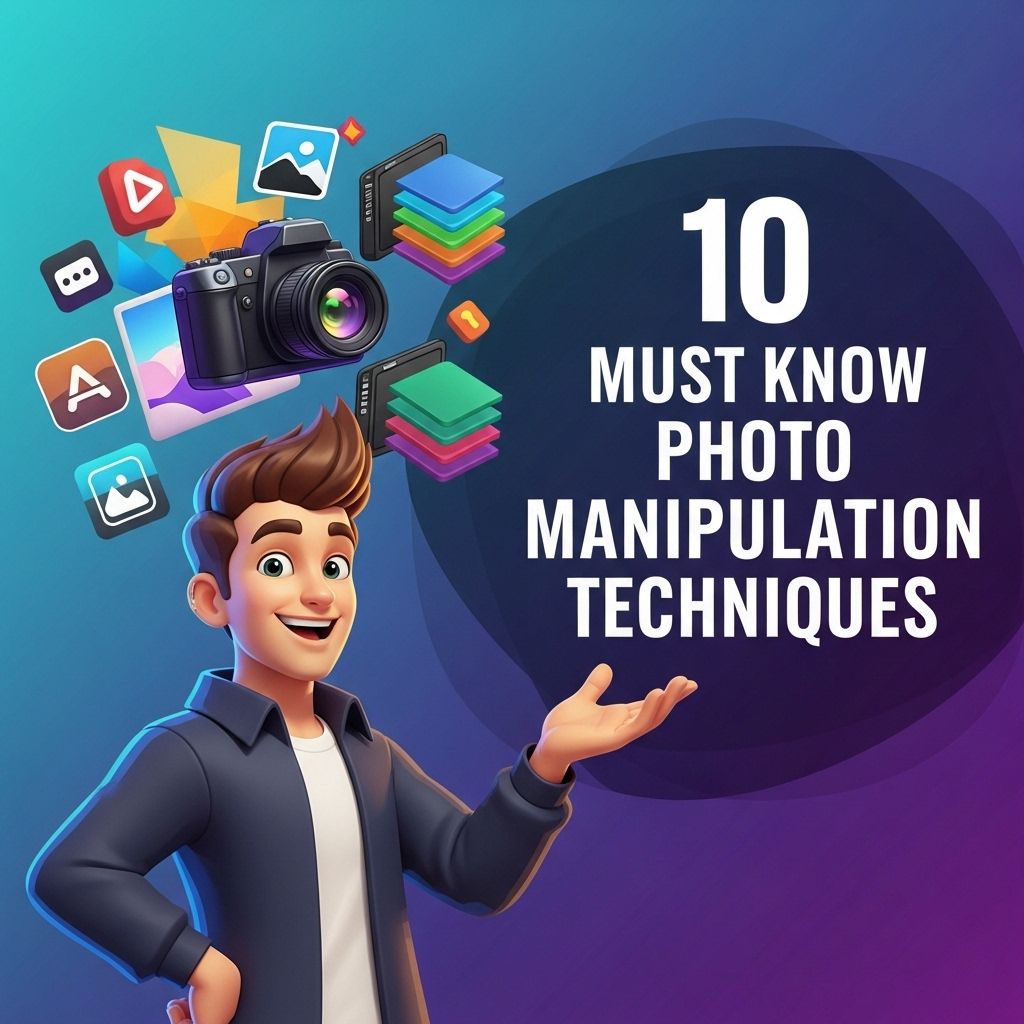
In the fast-paced world of digital photography and graphic design, photo manipulation has emerged as an essential skill for professionals and enthusiasts alike. With the advent of sophisticated software and tools, the capability to alter and enhance images is no longer reserved for the few. Today, anyone can transform their photographs into stunning visual narratives with a bit of knowledge and creativity. This article explores ten must-know photo manipulation techniques that can elevate your work to new heights, whether you’re a seasoned designer or just starting your journey.
Table of Contents
Understanding the Basics of Photo Manipulation
Before diving into specific techniques, it’s crucial to understand the fundamental concepts behind photo manipulation. This includes familiarity with software like Adobe Photoshop, Corel PaintShop Pro, or GIMP, as these tools offer extensive functionalities tailored for image editing.
What is Photo Manipulation?
Photo manipulation refers to the process of altering an image to create a desired effect, whether for artistic expression, marketing, or design purposes. This can involve simple edits or complex compositions made from multiple images.
Essential Software Tools
- Adobe Photoshop: The industry standard for photo editing.
- Adobe Lightroom: Excellent for batch processing and enhancing RAW images.
- GIMP: A powerful, free alternative to Photoshop.
- Corel PaintShop Pro: A user-friendly option with extensive features.
1. Layering Techniques
Layers are the backbone of any photo manipulation project. They allow you to separate different elements of your composition, making it easier to edit and adjust without affecting the entire image.
How to Use Layers Effectively
- Create New Layers: Always work on new layers for edits to maintain flexibility.
- Layer Masks: Use masks to hide or reveal parts of layers without permanently deleting content.
- Adjustment Layers: Apply effects like brightness, contrast, and color correction without altering the original image.
2. Color Correction Techniques
Color correction is crucial for achieving realism and enhancing the overall aesthetic of your images. Here are a few methods that can help:
Tools for Color Correction
| Tool | Function |
|---|---|
| Curves | Adjust the tonal range and color balance. |
| Hue/Saturation | Modify the intensity of specific colors. |
| Color Balance | Shift the overall color tone of the image. |
3. Compositing Images
Compositing involves combining multiple images into a single cohesive piece. This technique is often used in advertising and surreal art.
Steps to Create a Compelling Composite
- Choose Your Images: Select high-quality images that convey your message.
- Blend Seamlessly: Use layer masks and blending modes to merge images smoothly.
- Color Match: Ensure all elements share a consistent color palette to create harmony.
4. Adding Textures
Textures can add depth and interest to your images. They can be applied to backgrounds or directly onto subjects.
Applying Textures
- Overlay Textures: Use blending modes to merge textures with your images.
- Use High-Resolution Textures: Ensure textures are high quality for best results.
- Experiment with Opacity: Adjust the opacity to find the right balance between texture and original image.
5. Retouching Techniques
Retouching is essential for cleaning up imperfections in images, especially in portrait photography.
Common Retouching Practices
- Clone Stamp Tool: Remove blemishes and distractions.
- Healing Brush Tool: Blend imperfections seamlessly with surrounding areas.
- Frequency Separation: A technique used for advanced skin retouching.
6. Creative Use of Filters
Filters can dramatically change the mood and style of an image. From blurring effects to color grading, filters are versatile tools in photo manipulation.
Types of Filters
- Blur Filters: Used to create depth of field or soften images.
- Artistic Filters: Transform images into paintings or sketches.
- Noise Filters: Add grain for a vintage feel.
7. Background Replacement
Changing or enhancing backgrounds is a common technique that can significantly alter the perception of a photo.
Steps for Background Replacement
- Select the Subject: Use selection tools to isolate the subject from its original background.
- Choose the New Background: Ensure it complements the subject in terms of lighting and perspective.
- Blend Edges: Use feathering and masks for smooth transitions.
8. Creating Dramatic Lighting Effects
Lighting can dramatically affect the mood of your image. Manipulating light sources can create dynamic visuals.
Methods to Enhance Lighting
- Gradient Maps: Use gradients to simulate light fall-off.
- Lens Flare: Add flares for a dramatic effect.
- Dodge and Burn: Lighten or darken areas to add depth.
9. Utilizing 3D Elements
With advancements in software, incorporating 3D elements into your 2D images has become more accessible and can add a new layer of creativity.
How to Integrate 3D
- Create 3D Models: Use software like Blender or Cinema 4D.
- Render in High Quality: Ensure the output matches the quality of your photo.
- Lighting and Shadows: Match the lighting of 3D elements with your photo for realism.
10. Final Touches and Exporting
Once your creation is complete, final touches can make all the difference before exporting your image.
Important Final Steps
- Sharpening: Apply sharpening to enhance details.
- Color Profile: Use the correct color profile for your intended medium.
- File Formats: Choose suitable file formats (e.g., JPEG, PNG, TIFF) based on usage.
Mastering these ten photo manipulation techniques can significantly enhance your creative projects. Whether you’re looking to improve your personal portfolio, create compelling marketing materials, or explore artistic expressions, these strategies will provide you with the foundational skills needed to succeed in the world of digital imagery. Remember, practice is essential, and experimenting with different techniques will help you discover your unique style and voice as a photo manipulator.
FAQ
What are the basic photo manipulation techniques every beginner should learn?
Beginner photo manipulation techniques include cropping, color correction, layering, blending modes, and using adjustment layers.
How can I enhance the colors in my photos?
You can enhance colors using tools like saturation adjustments, hue shifts, and color balance in photo editing software.
What is the importance of layers in photo manipulation?
Layers allow you to separate different elements of your image, making it easier to edit, adjust, and apply effects without affecting the entire photo.
Which software is best for photo manipulation?
Adobe Photoshop is widely regarded as the best software for photo manipulation, but alternatives like GIMP and Affinity Photo also offer powerful tools.
How do I create realistic shadows in photo manipulation?
To create realistic shadows, consider the light source, use a soft brush to paint shadows, and adjust the opacity and blur to match the scene.
Can I use stock images in my photo manipulations?
Yes, you can use stock images, but ensure you have the appropriate licenses and permissions to avoid copyright issues.