Branding used to take weeks of emails and revisions. Nowadays, faster tools handle most of that work in one place. These tools now play a major role in how new brands are built. This breakdown looks at the best tools right now, focusing on what these apps actually do instead of just flashy sales talk.
Every tool listed here handles the daily tasks, from creating the first logo to keeping the style in flow across all pages. Most owners start small by hunting for a free AI logo maker because they soon realize they need a complete branding system as the business grows.
Table of Contents
How AI Branding Tools Are Being Used Today
Creators and small channels also use these tools to maintain a consistent visual presence, which explains the interest in tools positioned as a YouTube logo maker early in the branding process.
Most AI branding platforms no longer focus on single outputs. A logo alone rarely solves branding problems. In practice, businesses need repeatable systems that hold up across menus, posters, packaging, and digital content.
Video has also entered the picture. Short-form promotional clips, animated brand visuals, and social media videos are now part of daily marketing. Tools that support motion and video design sit at an advantage, especially for store owners managing everything on their own.
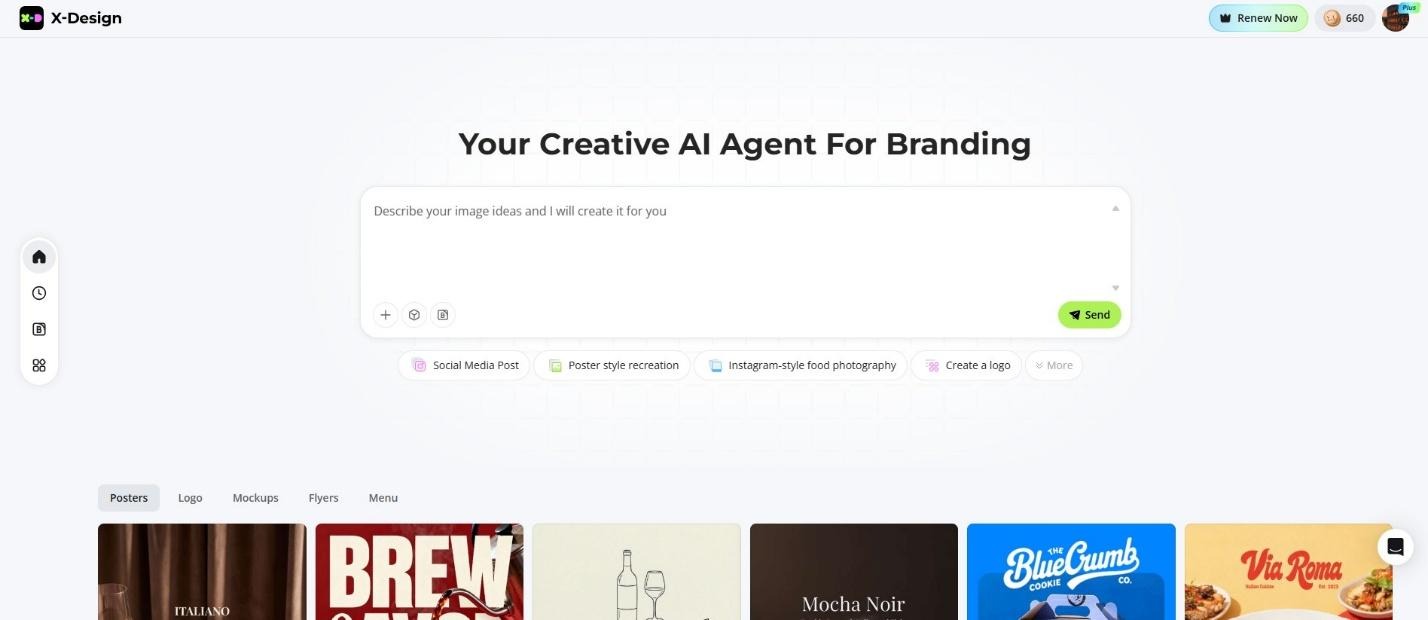
1. X-Design AI Agent
X-Design acts as a total brand engine instead of a basic one-hit app because it guides businesses from fresh ideas to a defined visual identity that works across all kinds of platforms.
Key features
- Logo design generated from brand story inputs, not templates
- Full visual identity systems including colors, fonts, and layout rules
- Store design mockups using uploaded photos
- Menu, poster, and packaging design tied to brand guidelines
- Built-in brand archive to maintain consistency
- Video generation and editing tools for promotional content
Pros
- Strong emphasis on storytelling and visual coherence
- Designed for practical retail and in-store use, not just online branding
- Supports ongoing marketing, not only initial setup
- Video capabilities reduce reliance on separate editing software
Cons
- Less suited for one-off logo needs
- Best value appears when used as a long-term branding system
2. Looka
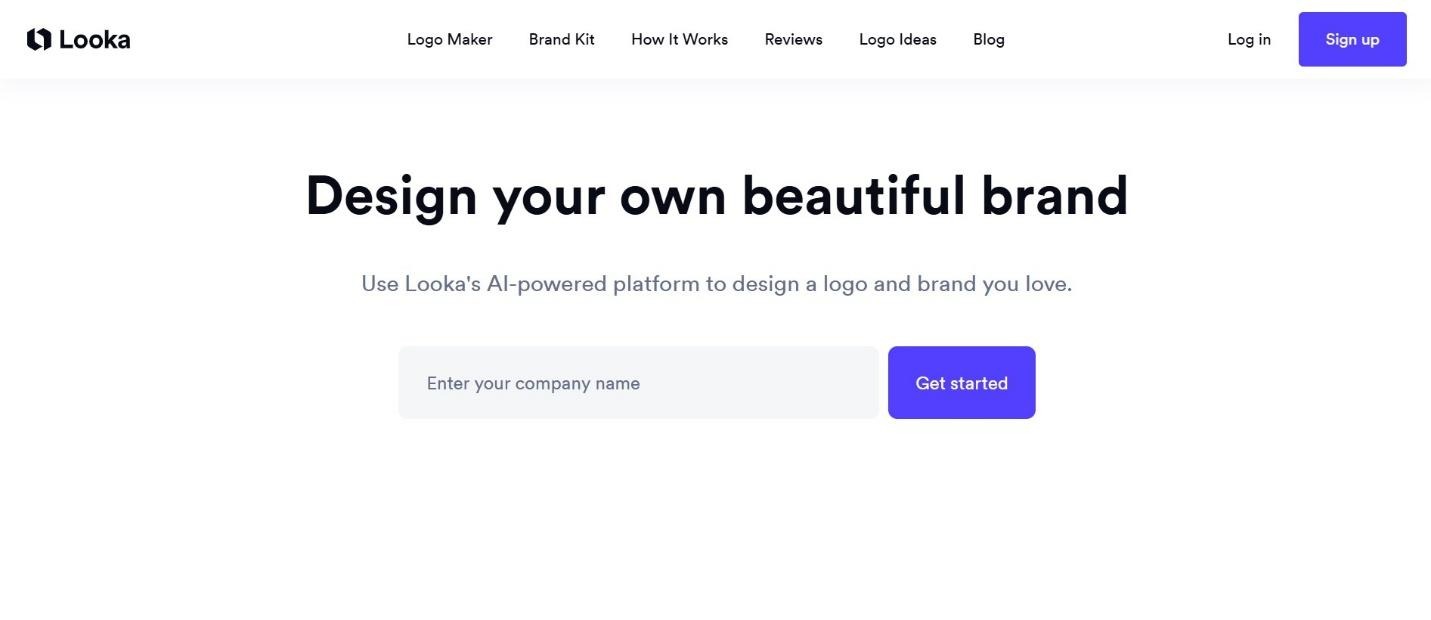
Looka remains popular for logo-first branding. It offers fast logo creation followed by basic brand kits.
Features
- AI logo generator
- Color and font suggestions
- Simple brand guidelines
Pros
- Fast setup
- Clean interface
Cons
- Limited depth beyond logos
- Minimal support for real-world branding applications
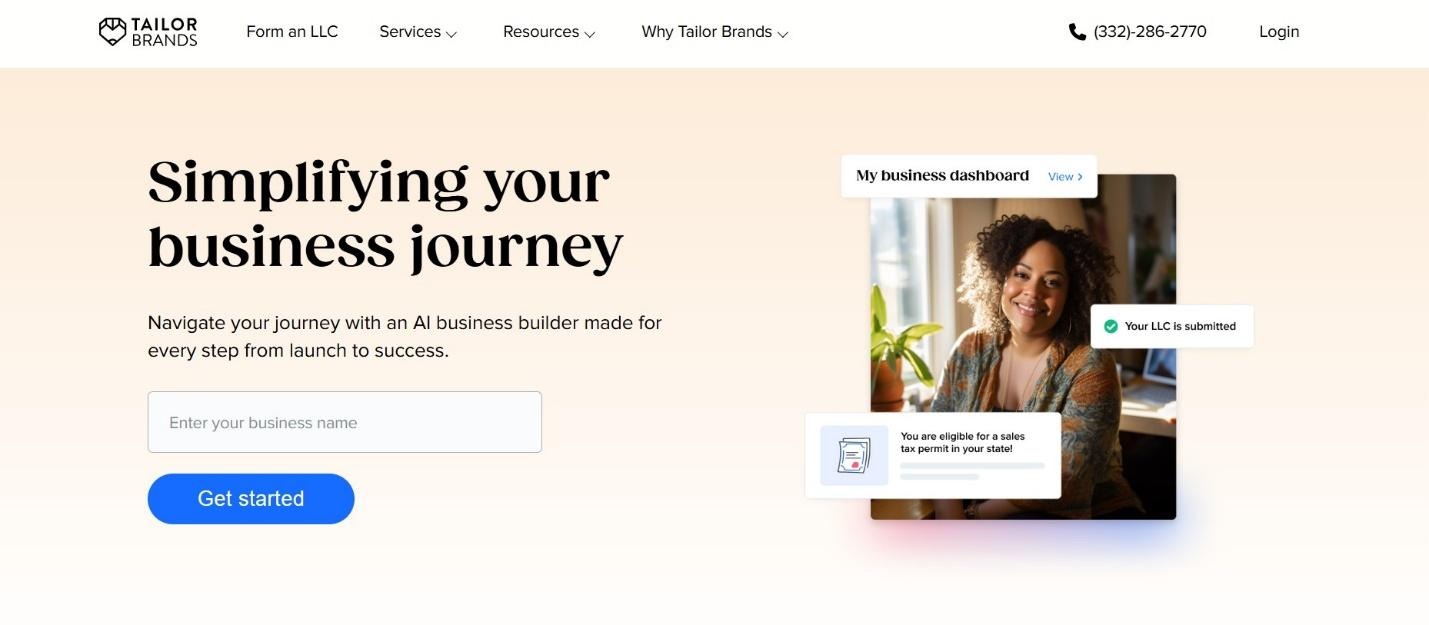
3. Tailor Brands
Tailor Brands ties style to shop software like web builds and social media clips.
Features
- Logo creation
- Brand kits
- Website builder integration
Pros
- Good all-in-one starting point
- Accessible pricing
Cons
- Design flexibility feels restricted
- Less control over detailed visual rules
4. Canva Brand Hub
Canva remains widely used for marketing visuals and lightweight branding tasks.
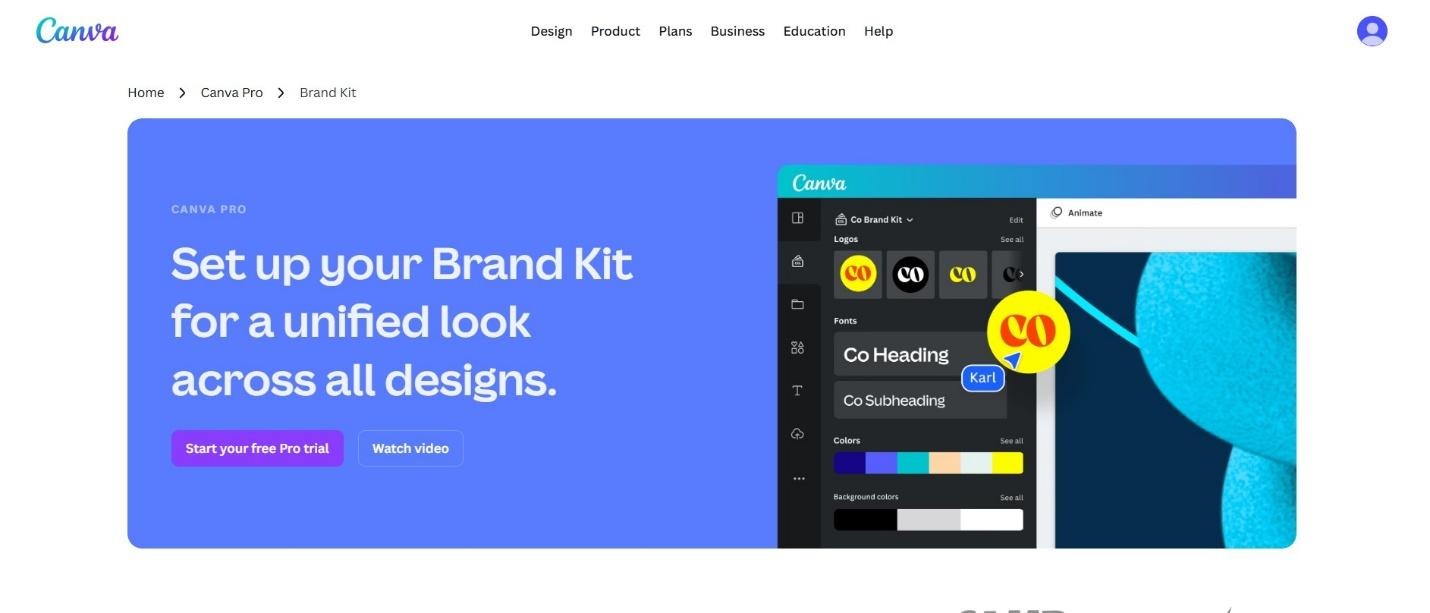
Features
- Brand kits for colors and fonts
- Template-based design
- Collaboration tools
Pros
- Easy to learn
- Large template library
Cons
- Templates often feel generic
- Not ideal for original brand identity creation
5. Adobe Express with Firefly
Adobe Express blends AI features with Adobe’s design ecosystem.
Features
- AI-assisted image and text generation
- Brand kits
- Integration with Adobe tools
Pros
- High-quality outputs
- Familiar environment for Adobe users
Cons
- Subscription costs add up
- Overkill for small teams
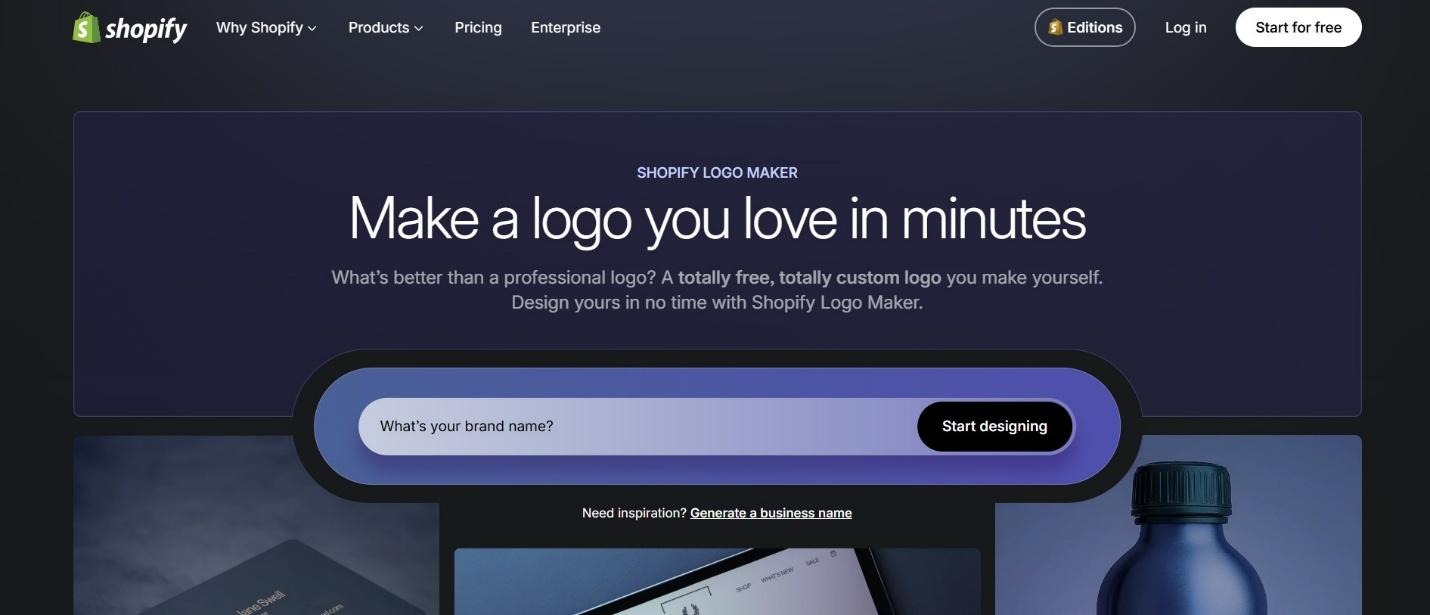
6. Hatchful by Shopify
Hatchful focuses on quick logo generation for e-commerce brands.
Features
- Logo creation based on the industry
- Export for store use
Pros
- Free to use
- Simple workflow
Cons
- Limited customization
- No extended branding system
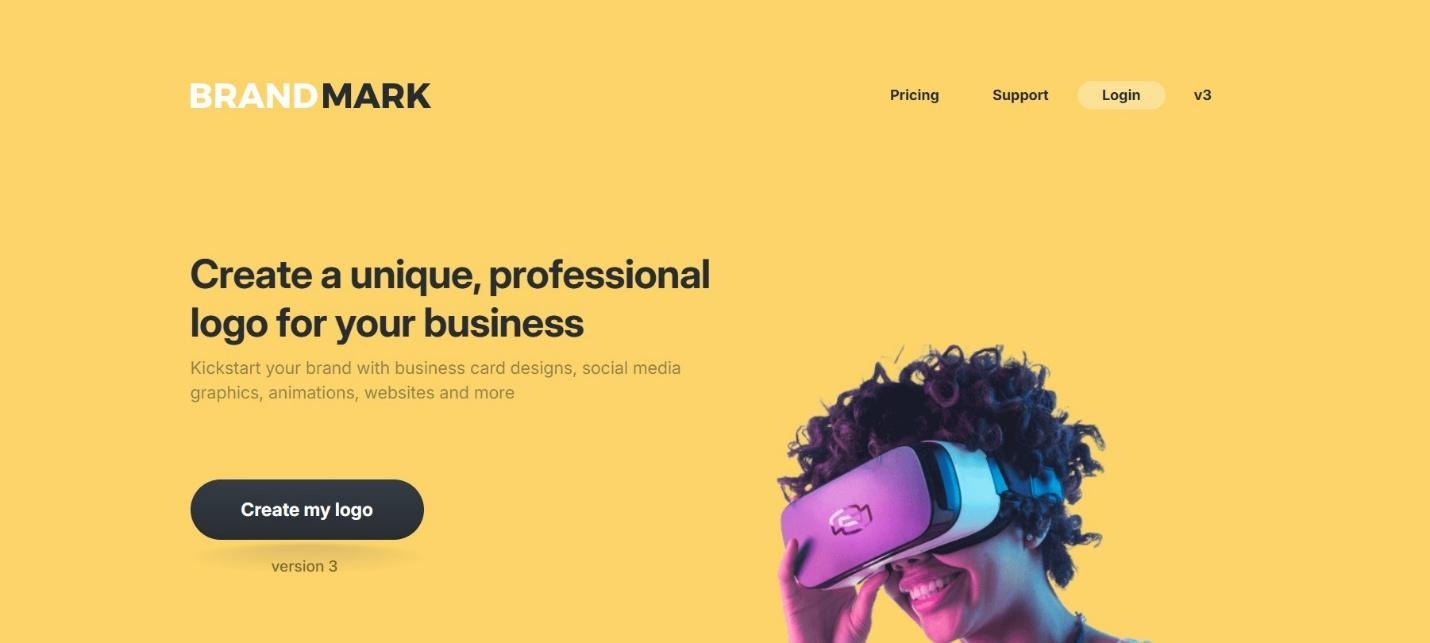
7. Brandmark
Brandmark emphasizes logo design using AI-driven visual logic.
Features
- Logo generation
- Font and color pairing
Pros
- Polished logo outputs
- Straightforward interface
Cons
- Narrow scope
- No store or marketing extensions
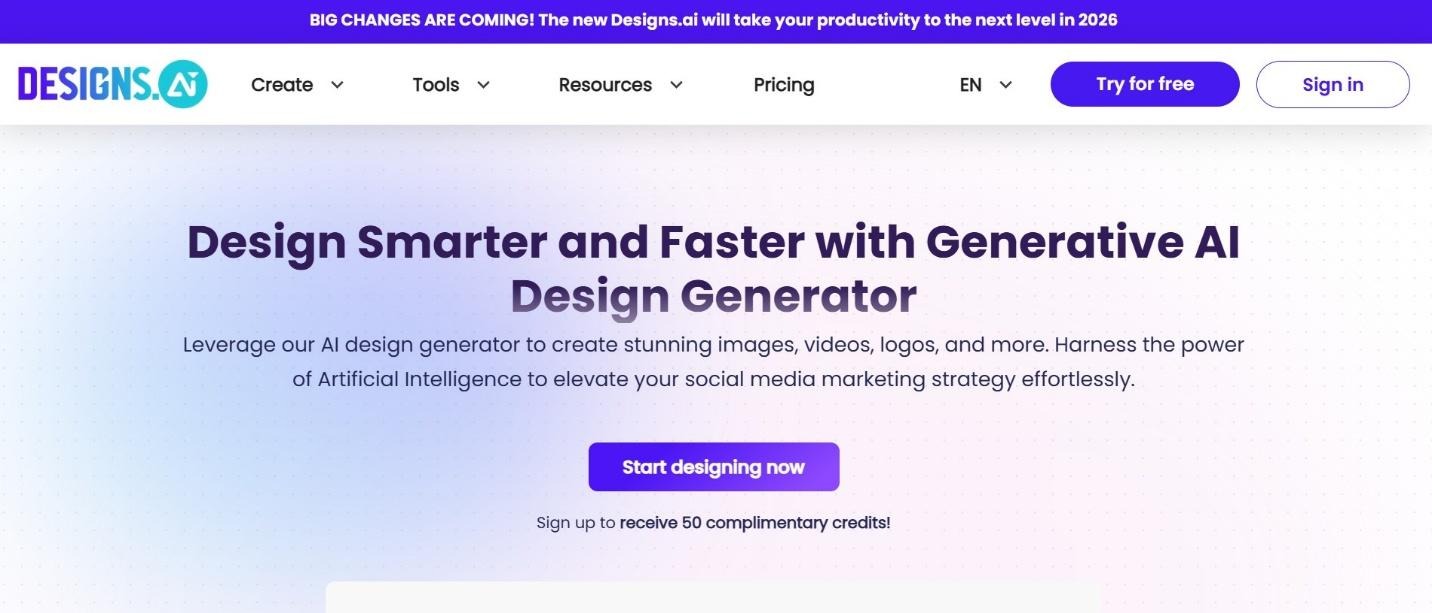
8. Designs.ai
Designs.ai offers multiple creative tools under one roof.
Features
- Logo maker
- Video maker
- Graphic design tools
Pros
- Broad feature set
- Useful for content-heavy brands
Cons
- Branding cohesion requires manual effort
- The interface can feel crowded
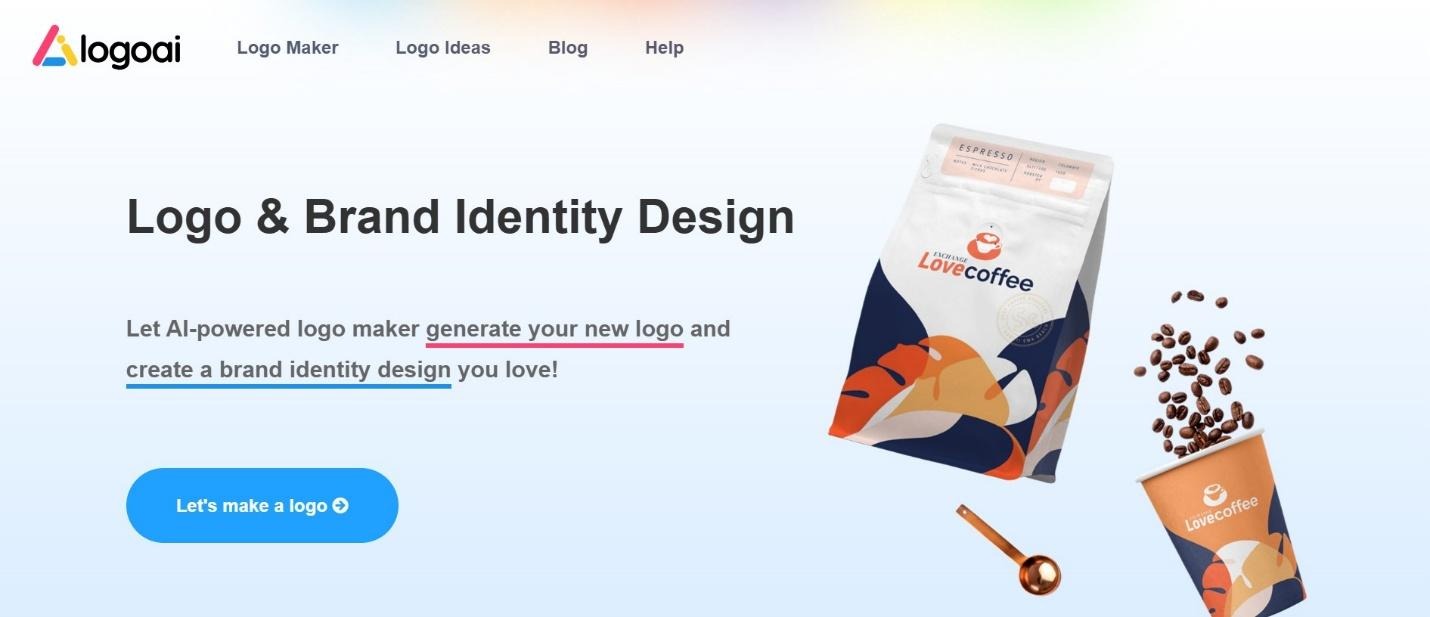
9. LogoAI
LogoAI focuses on automated logo creation with minimal input.
Features
- Logo generation
- Brand mockups
Pros
- Fast results
- Clean exports
Cons
- Designs may lack personality
- Limited adaptability across assets
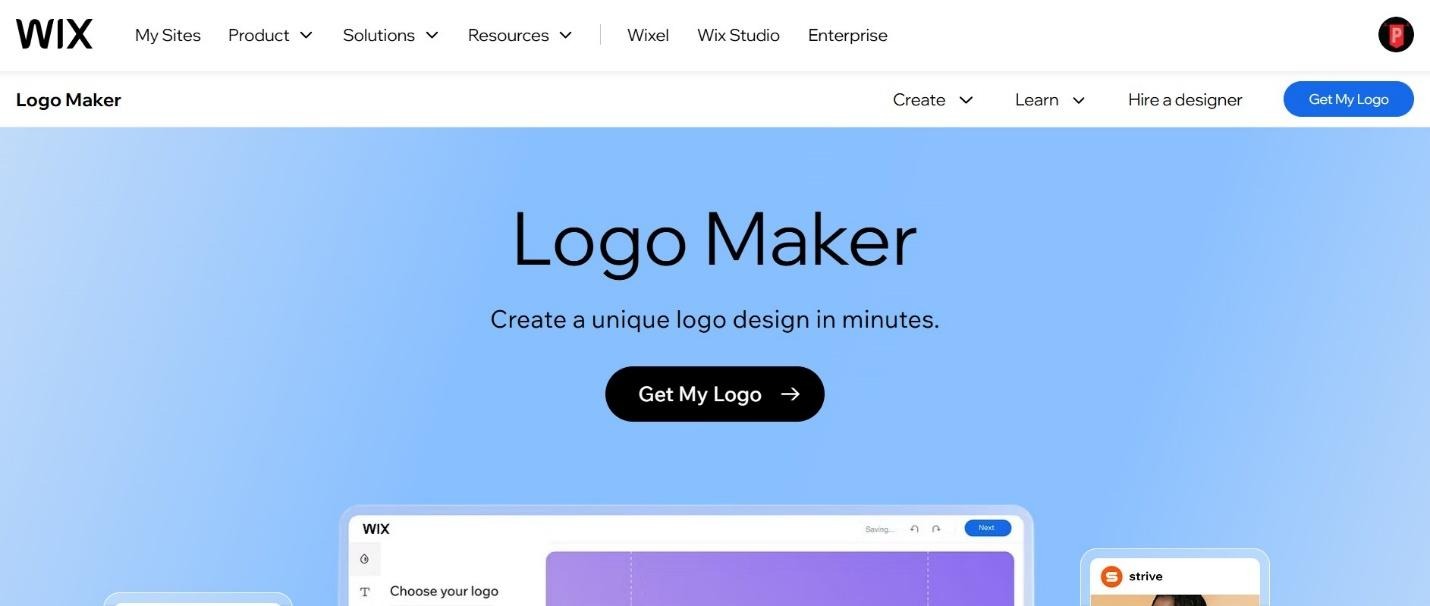
10. Wix Logo Maker
Wix Logo Maker integrates with the Wix website platform.
Features
- Logo creation
- Website-ready assets
Pros
- Smooth connection to Wix sites
- Beginner-friendly
Cons
- Best used inside the Wix ecosystem
- Less flexibility outside websites
Why X-Design Leads in 2026
Most tools address only a part of the branding process since X-Design treats your look as a long-term job rather than a quick fix. Focusing on actual shop spaces, daily ads, and video clips shows a real grasp of how a business really runs in this era.
Keeping everything on point gets simple when logos, signs, menus, boxes, and clips all follow the same design rules. That style helps build the shop’s name without depending on large teams or high budgets.
By 2026, the best tools win by reducing the hassle instead of just adding buttons for show. The way X-Design works fits right into how shops now present their brand across websites and in connections.
Logo and Brand Identity Creation in X-Design
The logo process in X-Design begins with brand context. Business name, concept, industry, and cultural references shape the output. The result feels closer to a design draft than an auto-generated icon.
Style rules fall into place since logos, tints, and fonts land as one tight kit to keep the look locked without starting over.
Store and Product Design Extensions
X-Design places unusual emphasis on physical spaces. Uploaded store photos become the foundation for branded mockups. Signs, menus, and shop posters follow the same look as web pics. Every box, tag, and ad uses these same rules to remove inconsistency between a brand and daily work.
Video and Motion Design Features
Video support separates X-Design from most branding tools. Short promotional videos, animated posters, and branded visual clips can be created and edited inside the same system.
These videos are used for:
- Social media campaigns
- Store launch announcements
- Product promotions
- Seasonal marketing visuals
The video tool focuses on maintaining brand consistency rather than cinematic effects, since that fits the effort of shop ads.
Choosing the Right Tool
Choosing the right branding tool depends on how often branding work needs to be done because basic logo sites only fix a quick problem for right now. Quick template apps help you move fast while full branding setups take care of your growth for the long haul. If a shop needs one hub that tackles the look, every ad, and even moving video clips without starting over, X-Design is the top choice for that job in 2026. This tech keeps the style sharp and the files ready, so small owners focus on sales instead of managing details.